Beacon resume template
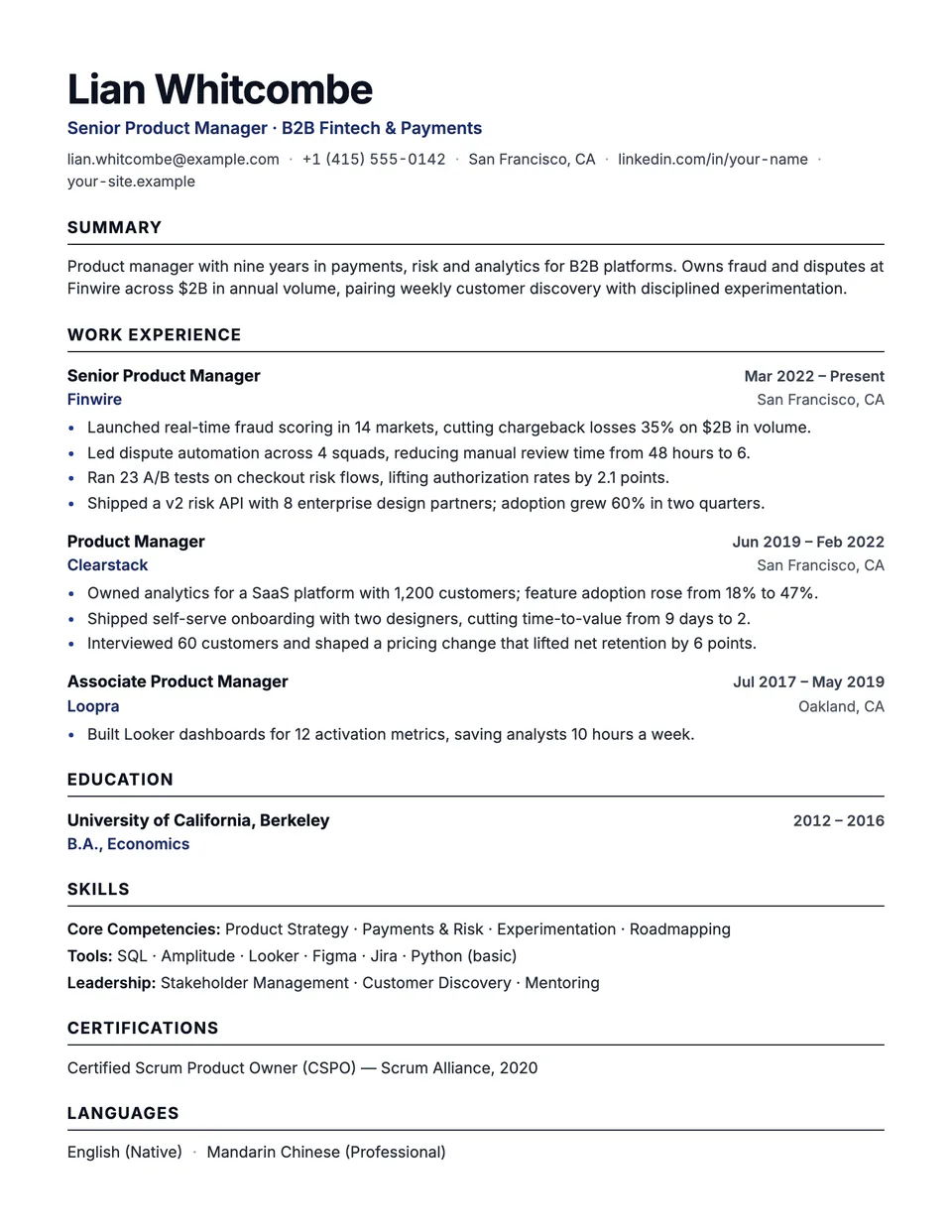
Beacon is our default layout. Your name is set large and bold in Inter, the headline sits in your accent color, and every section starts with a dark uppercase heading over a full-width rule. Each role puts the job title and dates on one line and the employer and place on the next, so a recruiter can scan titles down the left and dates down the right.
Free to edit and download. Have a resume already? Check it first, then open it in Beacon without retyping.
Who it's for
- Most professional roles
- Tech, product and operations
- Applications through job portals
- Anyone who wants a safe, modern default
Is the Beacon template ATS-friendly?
One column of real text with standard section headings. Rules and bullet markers are drawn by the stylesheet, so a parser reads only your words, in order.
Accent colors
Starts in Navy. Pick any of these in the editor's Design panel, or enter your own color.
Template details
- Layout
- Single column
- ATS
- ATS-safe: standard headings, real text
- Style group
- Modern
- Default accent
- Navy (changeable)
- Page size
- US Letter or A4
- Download
- PDF or DOCX
Resume examples written in Beacon
Each one is a full sample resume set in this layout. Open one to read it, then start from it in the editor.
- Account Executive resume example
- Business Development Manager resume example
- Correctional Officer resume example
- Customer Service Manager resume example
- Delivery Driver resume example
- Electrical Engineer resume example
- Emergency Room Nurse resume example
- Finance Manager resume example
- Help Desk Technician resume example
- High School Teacher resume example
- Java Developer resume example
- Logistics Coordinator resume example
- Logistics Manager resume example
- Maintenance Technician resume example
- Nurse Practitioner resume example
- Office Assistant resume example
- Paramedic resume example
- Pharmacy Technician resume example
- Procurement Specialist resume example
- Production Worker resume example
- Program Manager resume example
- Solutions Architect resume example
Similar templates
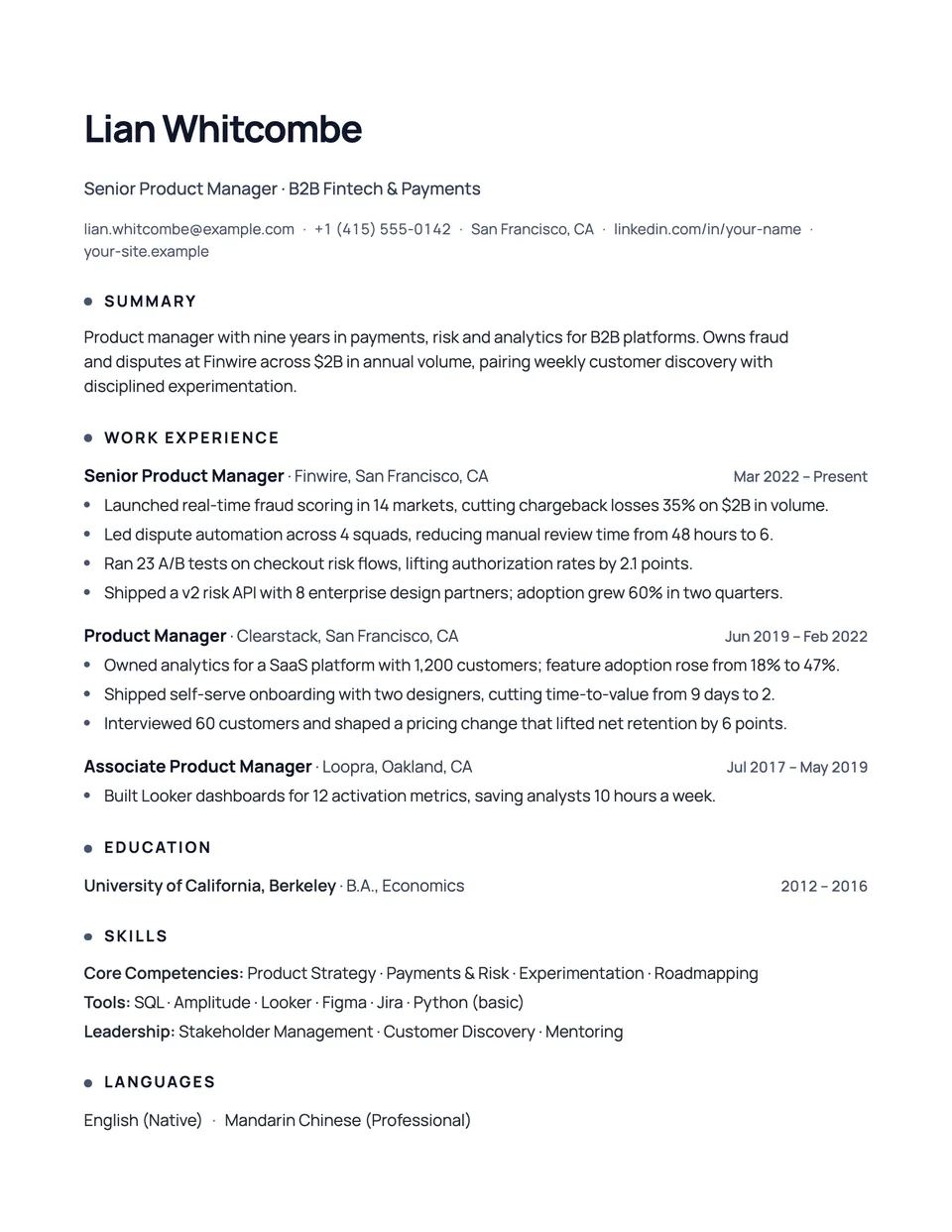
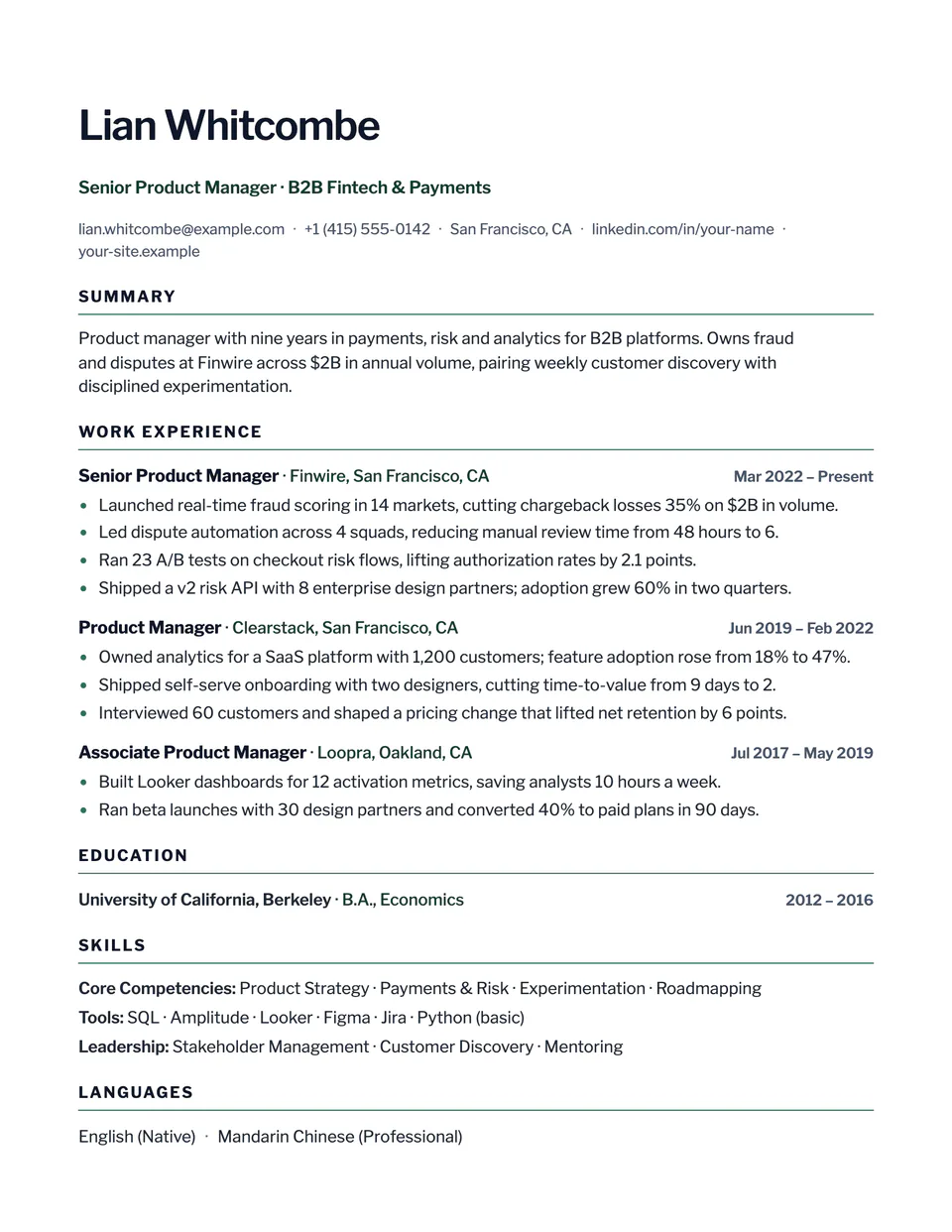
All resume templates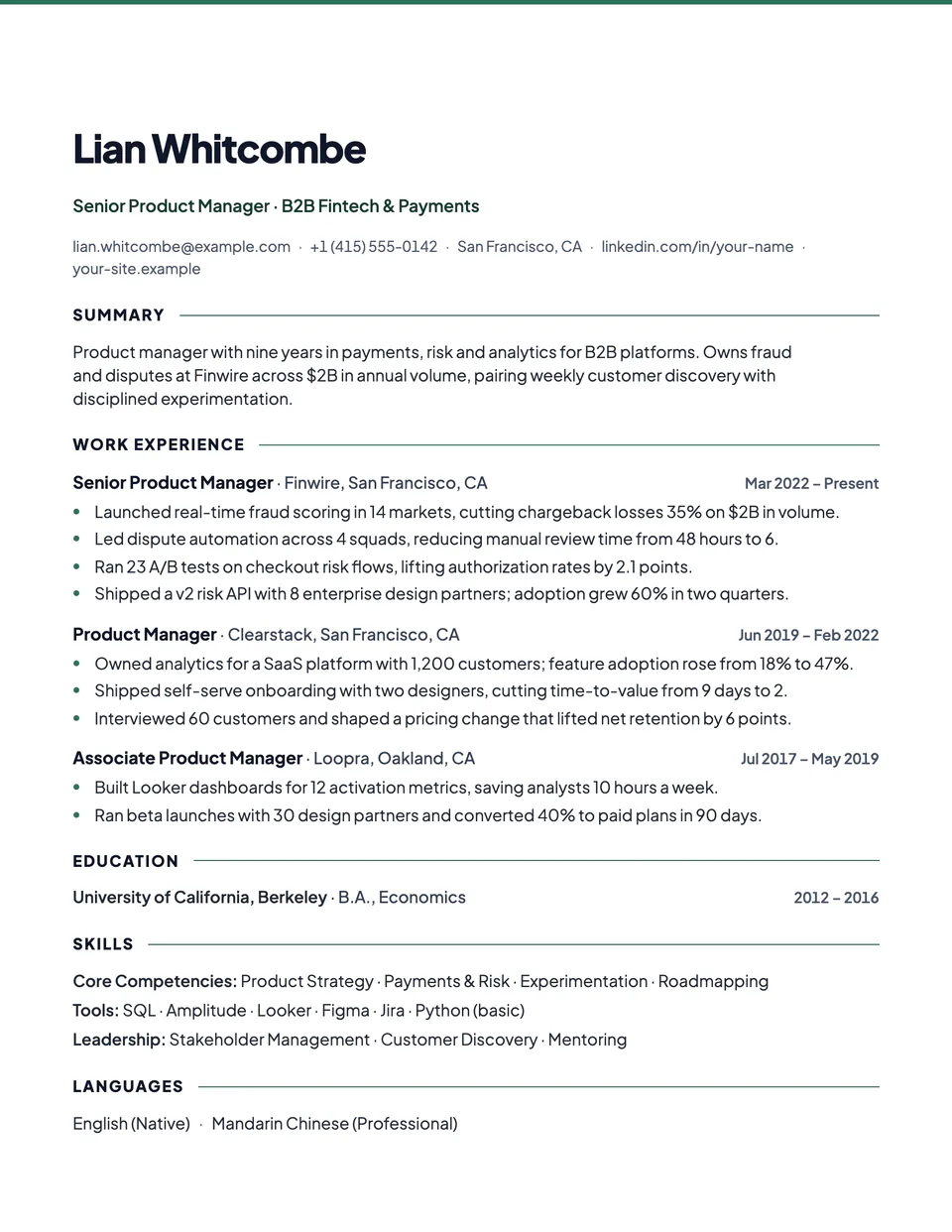
Beacon template questions
Why is Beacon the default for new resumes?
It is single column, uses standard headings and a 10pt body, and fits a full career on one page without looking crowded. It suits almost any role and any job portal.
Where does the accent color appear?
In the headline, the employer names and the bullet markers. Headings and body text stay dark for contrast and black-and-white printing.
Related pages
Give your resume the Beacon look
Open it in the editor with your details, or check the resume you already have first.