Compact resume template
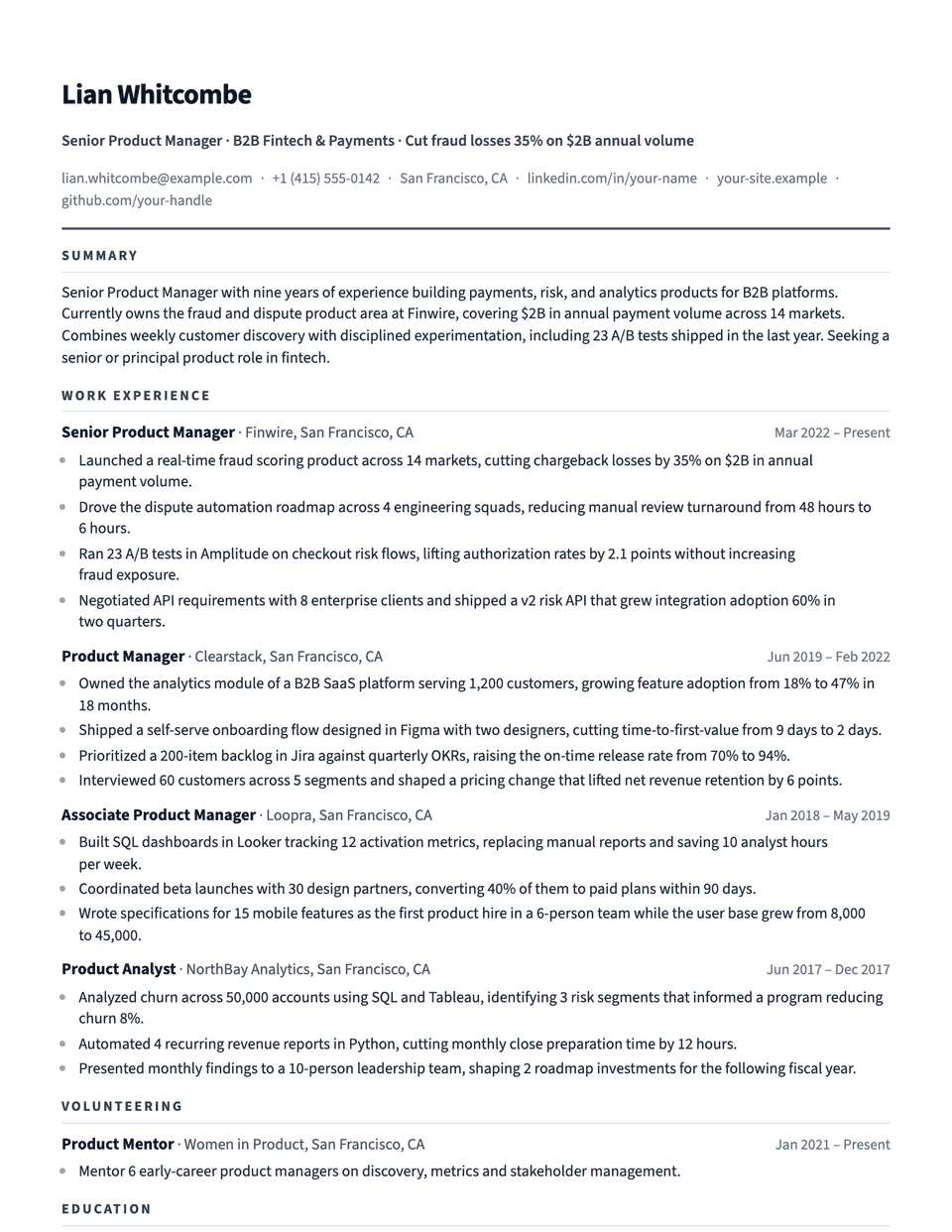
Compact is a dense but orderly layout. Source Sans 3 is narrow enough to fit more words per line, margins are 0.55 inch, and spacing between entries is tight. Section titles in accent capitals sit on a light rule, so the page still scans quickly despite holding more.
Free to edit and download. Have a resume already? Check it first, then open it in Compact without retyping.
Who it's for
- Ten or more years of experience
- Career changers with many roles
- Applications that ask for one page
- Technical roles with long skill lists
Is the Compact template ATS-friendly?
Single column, standard headings, and body text that stays at a readable size. Compact saves space through margins and spacing rather than shrinking the type.
Accent colors
Starts in Slate. Pick any of these in the editor's Design panel, or enter your own color.
Template details
- Layout
- Single column
- ATS
- ATS-safe: standard headings, real text
- Style group
- Modern
- Default accent
- Slate (changeable)
- Page size
- US Letter or A4
- Download
- PDF or DOCX
Resume examples written in Compact
Each one is a full sample resume set in this layout. Open one to read it, then start from it in the editor.
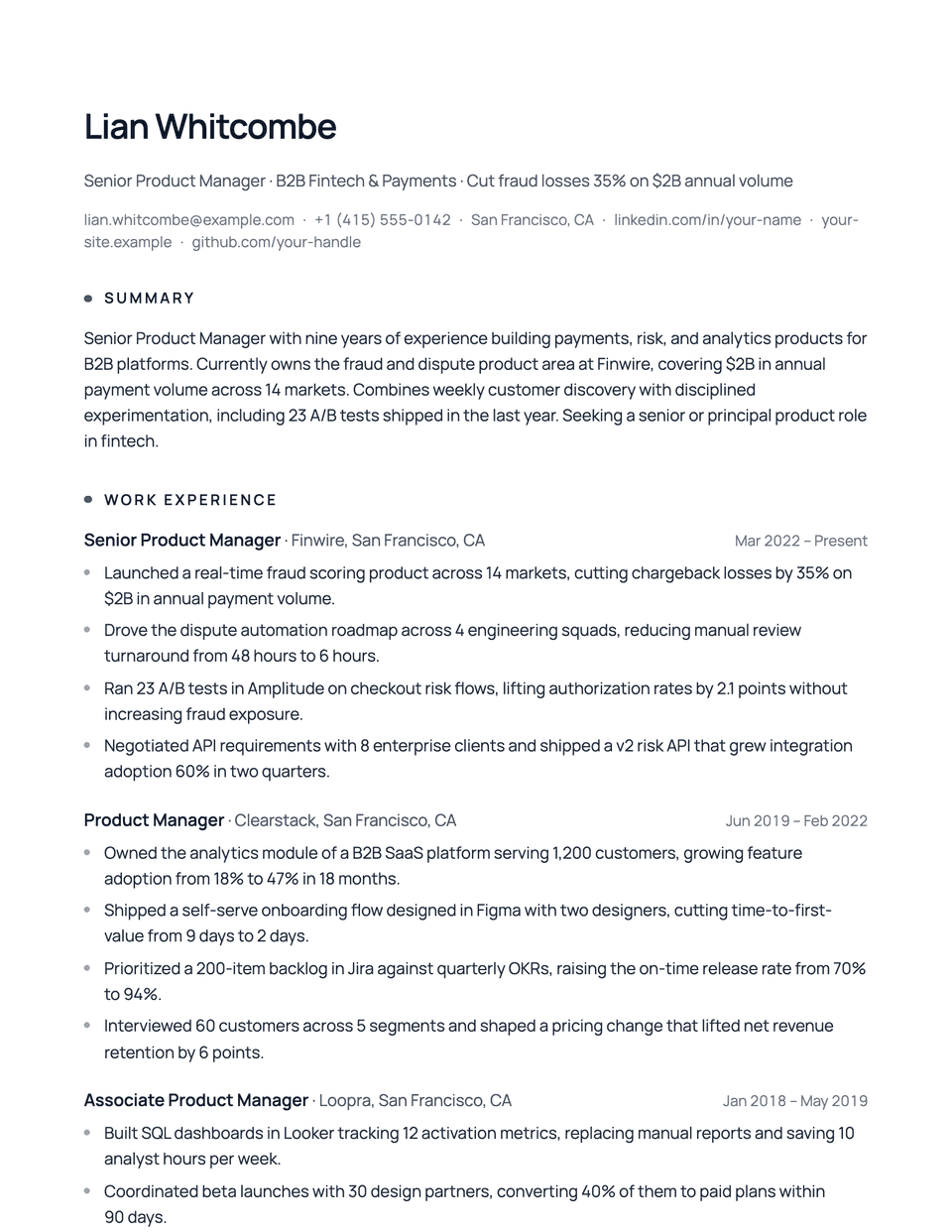
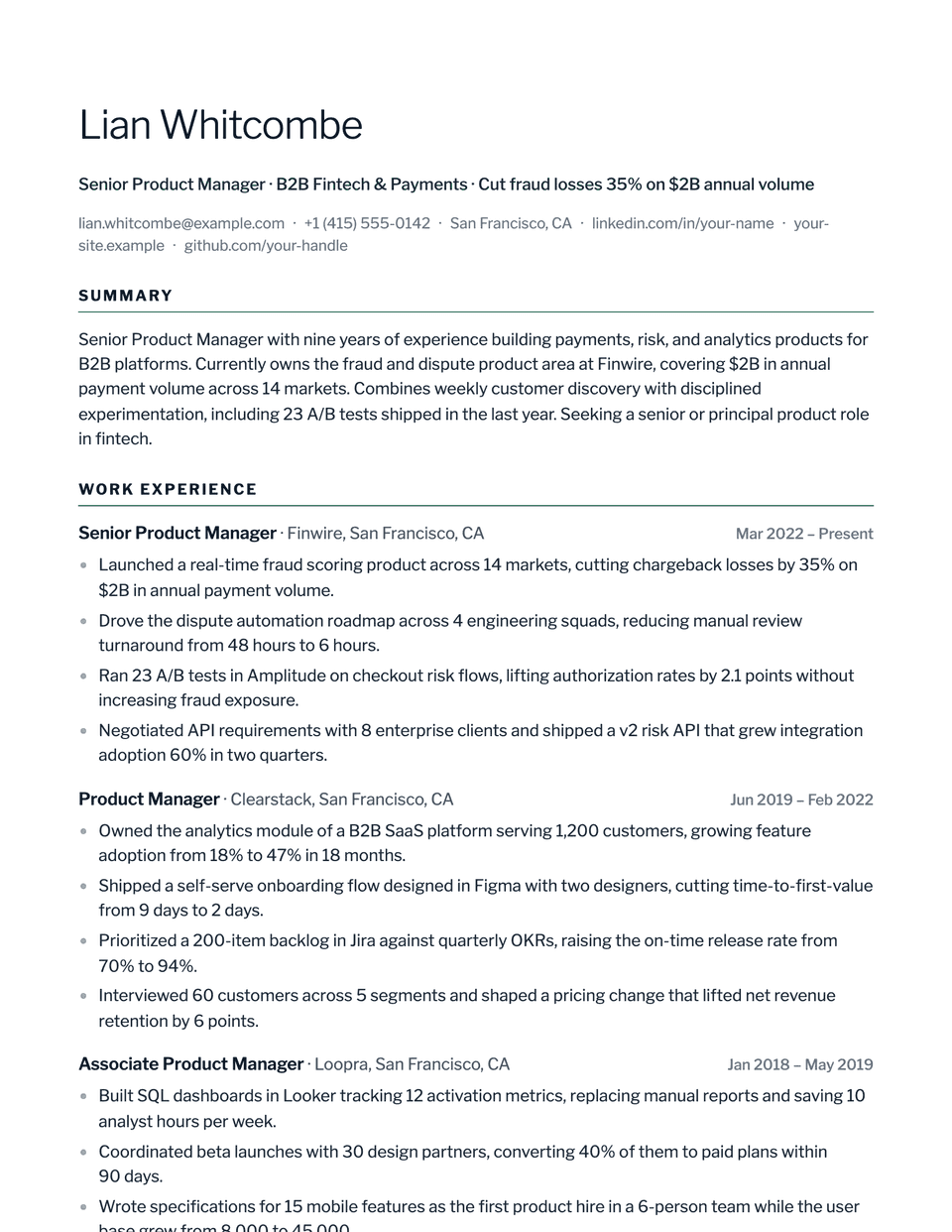
Similar templates
All resume templates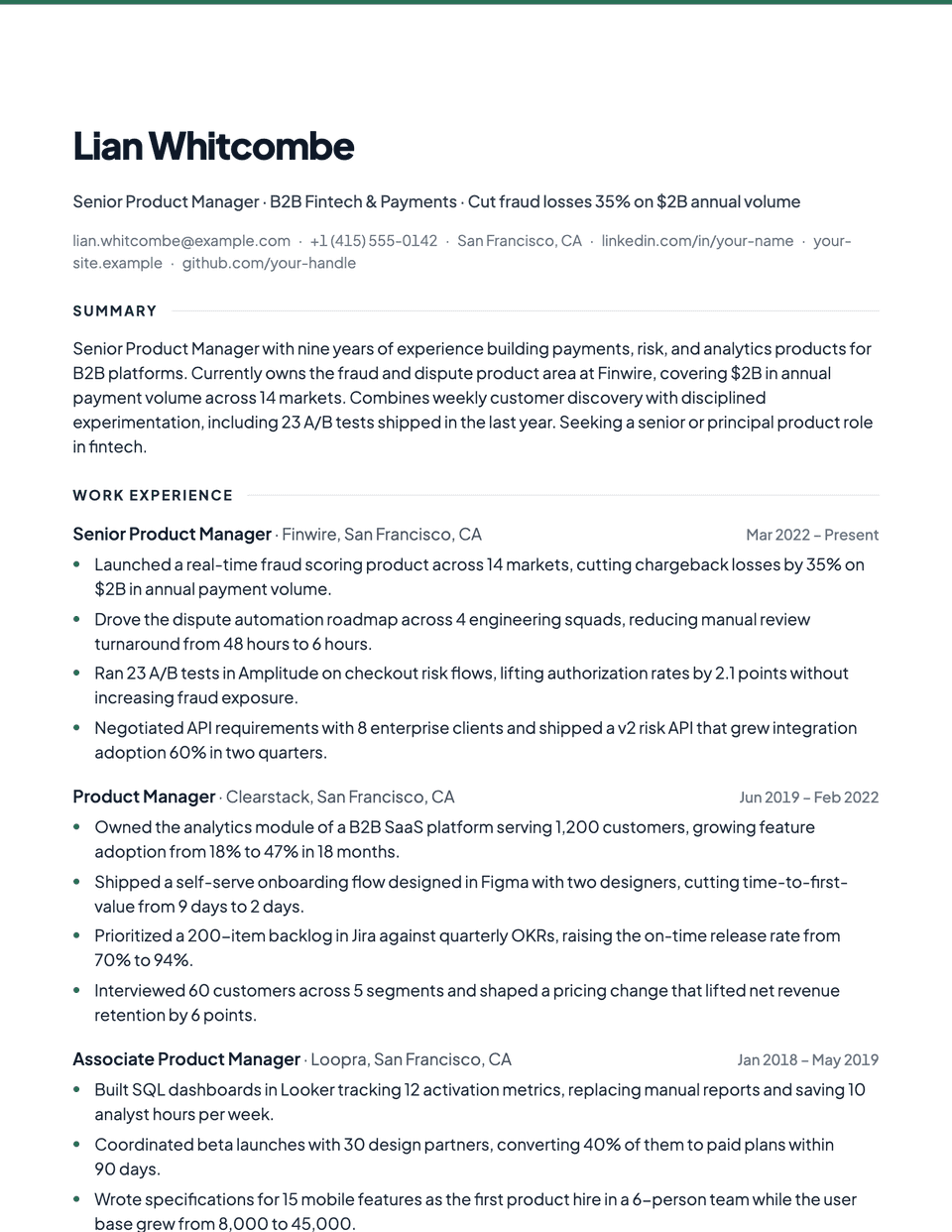
Compact template questions
How is Compact different from Brief?
Both are dense. Brief goes further, with 0.5 inch margins and even tighter spacing, and suits very long careers. Compact keeps slightly more air.
Should I shrink the font to fit one page?
Try cutting older or weaker bullets first. In the editor, very small text triggers a note because type below about 10 pt is harder to read and parse.
Related pages
Give your resume the Compact look
Open it in the editor with your details, or check the resume you already have first.