Summit resume template
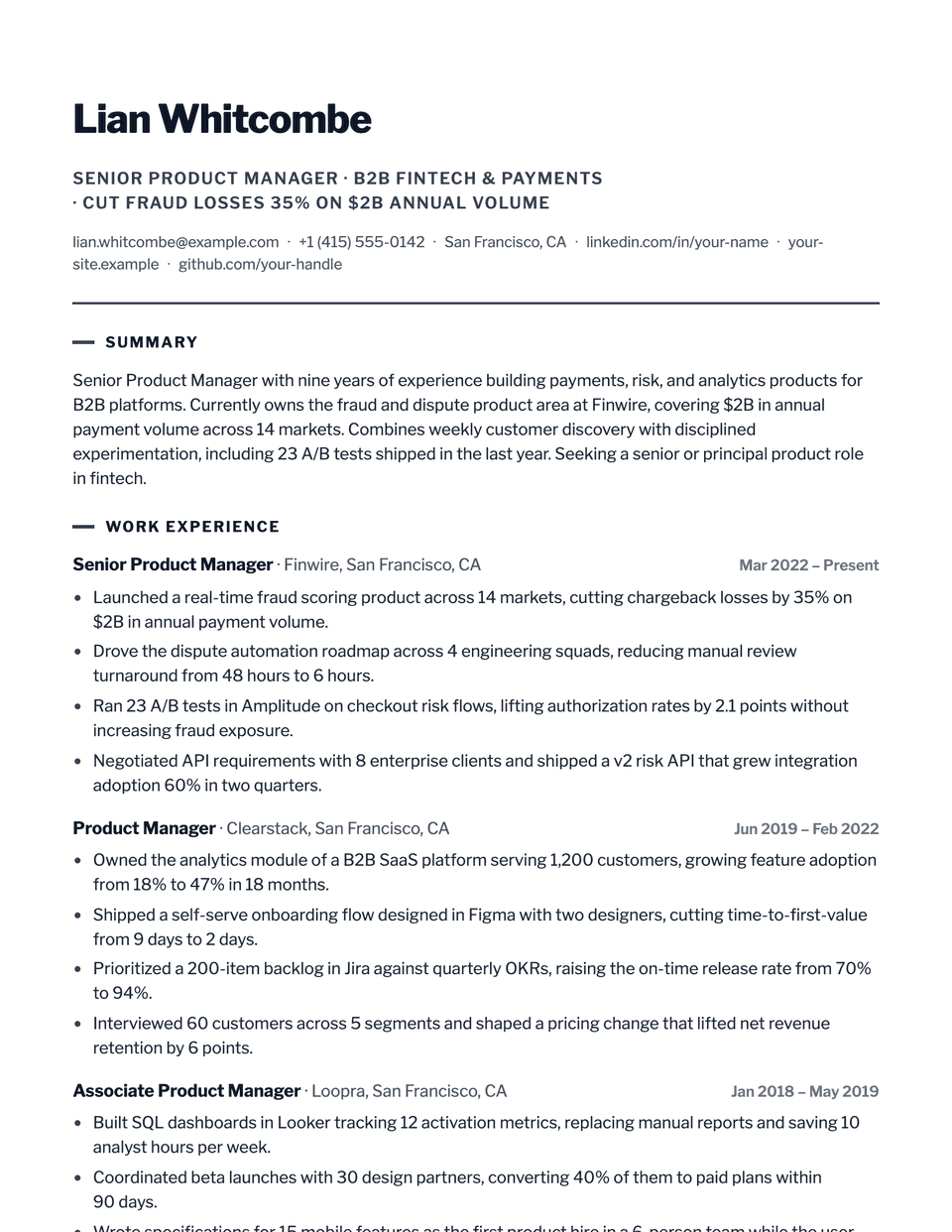
Summit is a confident, modern executive layout. Your name is set bold and left-aligned in Libre Franklin, a single accent keyline runs under the header, and each section title starts with a short accent tick. It feels less formal than a serif letterhead while keeping a clear hierarchy.
Free to edit and download. Have a resume already? Check it first, then open it in Summit without retyping.
Who it's for
- Senior managers and directors
- Heads of department
- General management
- Leadership in operations or sales
Is the Summit template ATS-friendly?
Single column with standard headings. The keyline and the short tick before each heading are drawn by the stylesheet and do not appear as text.
Accent colors
Starts in Graphite. Pick any of these in the editor's Design panel, or enter your own color.
Template details
- Layout
- Single column
- ATS
- ATS-safe: standard headings, real text
- Style group
- Modern
- Default accent
- Graphite (changeable)
- Page size
- US Letter or A4
- Download
- PDF or DOCX
See it with real content
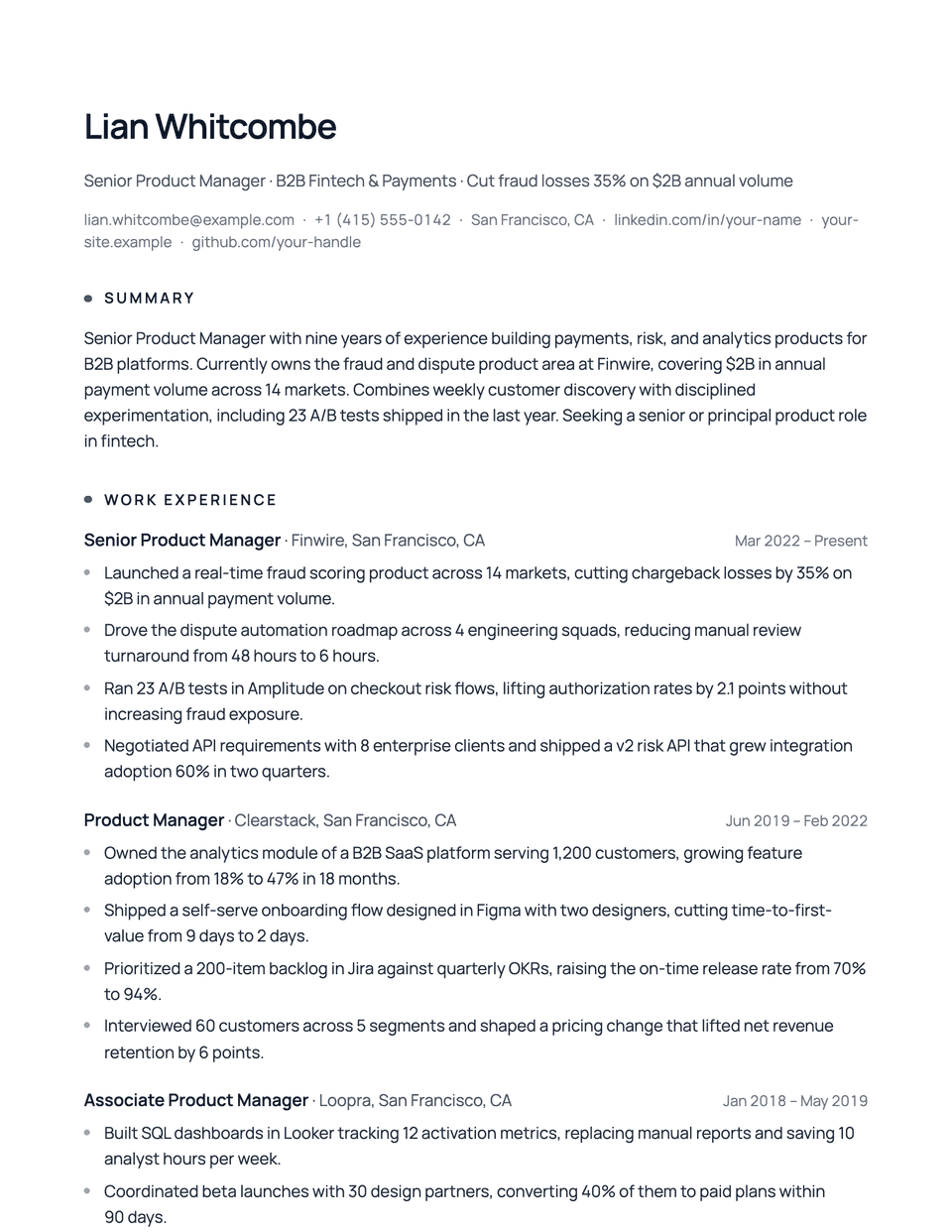
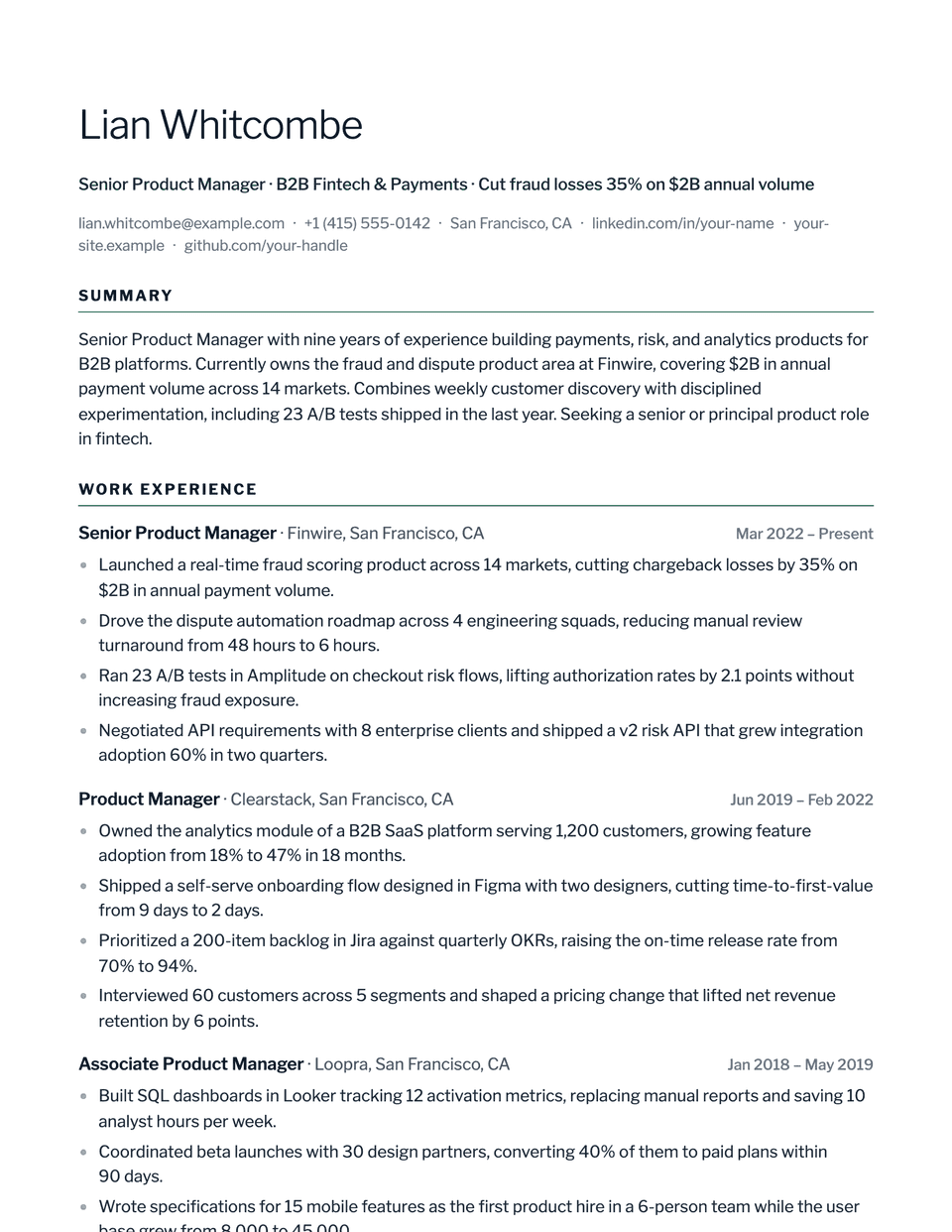
No sample resume is set in Summit yet. These examples use a layout from the same style group, and any of them opens in Summit with one click in the editor.
Similar templates
All resume templates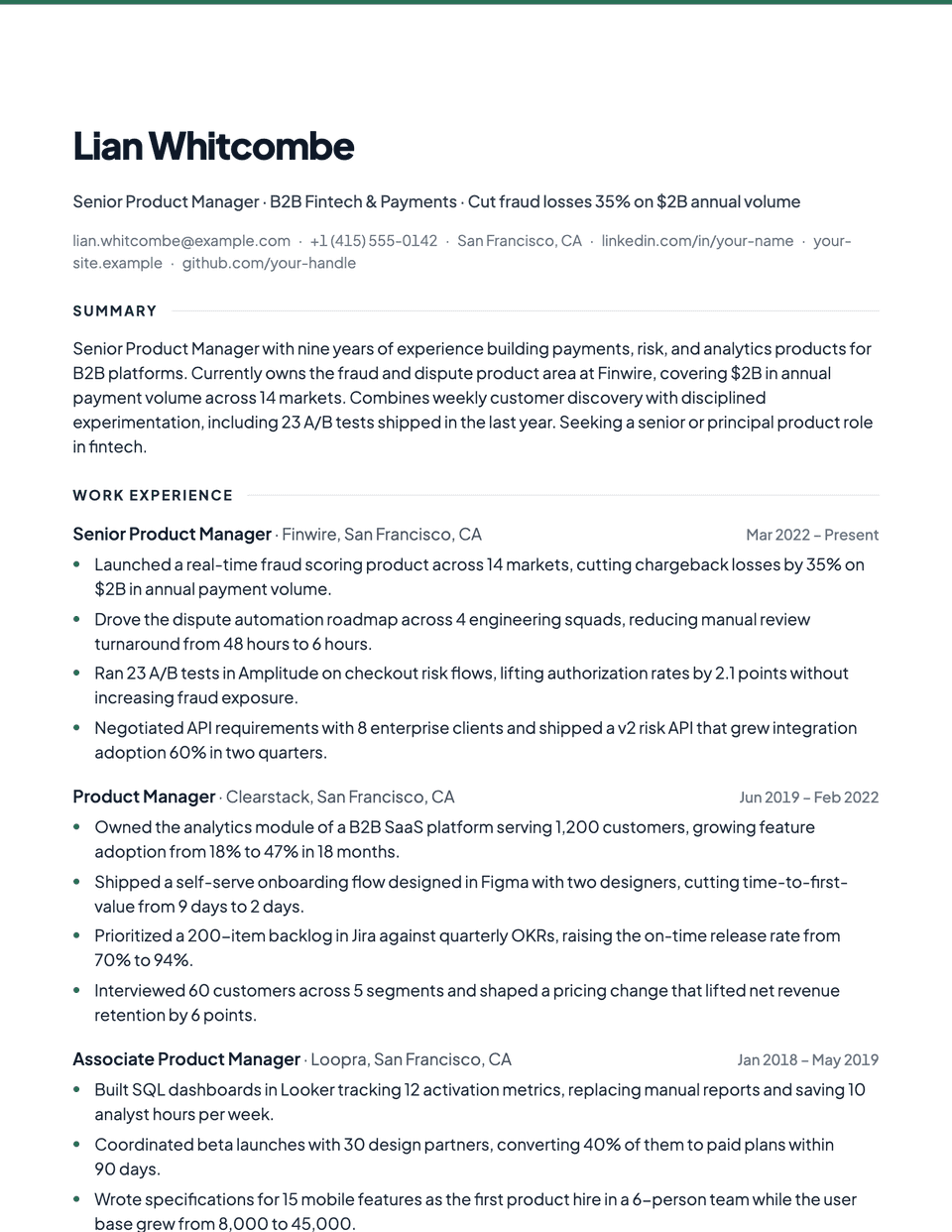
Summit template questions
Is Summit formal enough for executive roles?
Yes for most industries. If you are applying to law, banking or a board role, a serif layout such as Executive or Regent reads as more traditional.
Can I change the graphite accent?
Yes. Any accent color or custom hex value can be set in the editor's Design panel.
Related pages
Give your resume the Summit look
Open it in the editor with your details, or check the resume you already have first.