Strata resume template
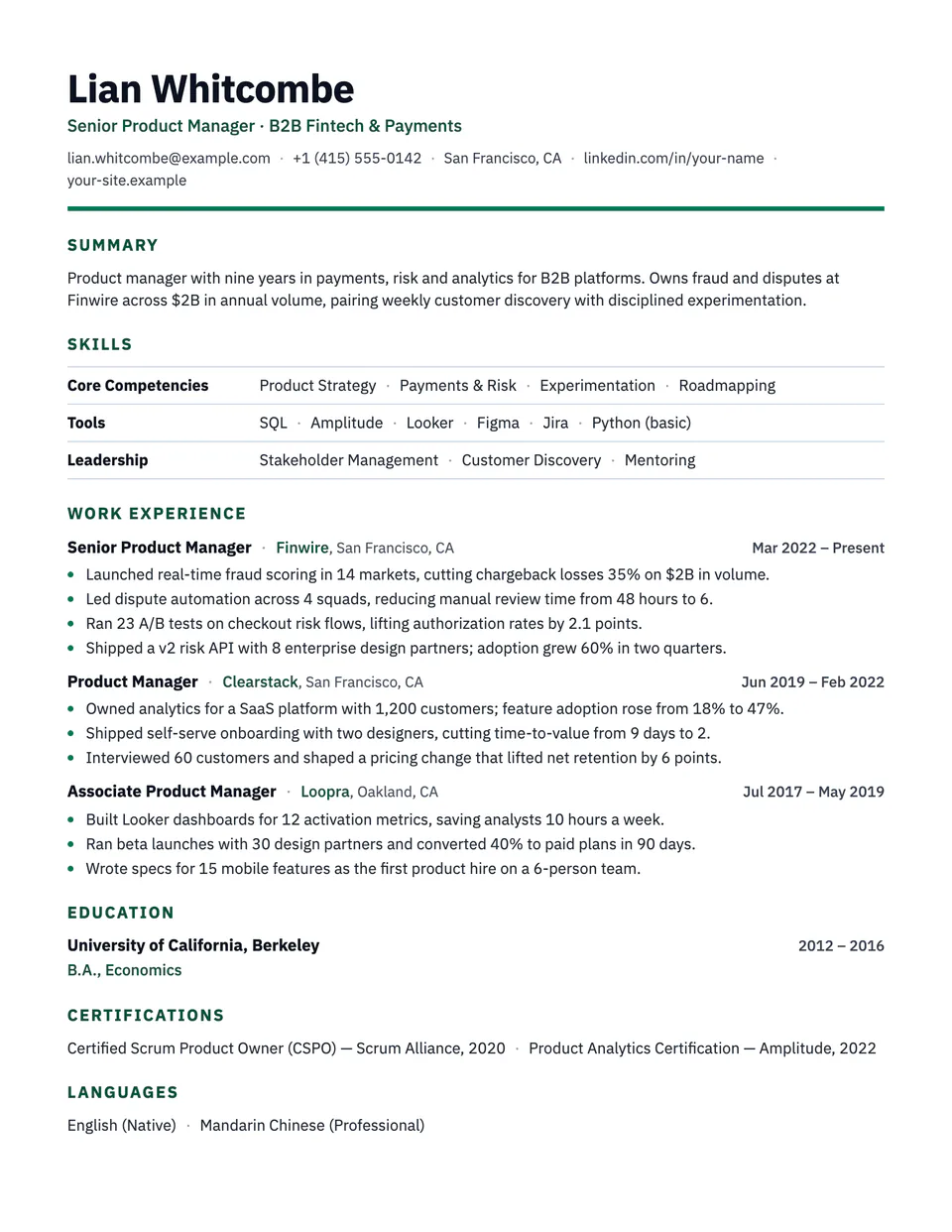
Strata leads with what you can do. Your skill groups sit in a ruled table, with the area on the left and the skills on the right, one row each. Roles follow with one-line heads and tight bullets, so the history is there without taking over the page.
Free to edit and download. Have a resume already? Check it first, then open it in Strata without retyping.
Who it's for
- Career changers
- Returning to work after a gap
- Freelancers and consultants
- Roles that hire on specific skills
Is the Strata template ATS-friendly?
One column of real text. Each skill row is read as its area name followed by the skills, in order. Your work history stays in the file with dates, which many recruiters still look for.
Accent colors
Starts in Emerald. Pick any of these in the editor's Design panel, or enter your own color.
Template details
- Layout
- Single column
- ATS
- ATS-safe: standard headings, real text
- Style group
- Specialized
- Default accent
- Emerald (changeable)
- Page size
- US Letter or A4
- Download
- PDF or DOCX
Resume examples written in Strata
Each one is a full sample resume set in this layout. Open one to read it, then start from it in the editor.
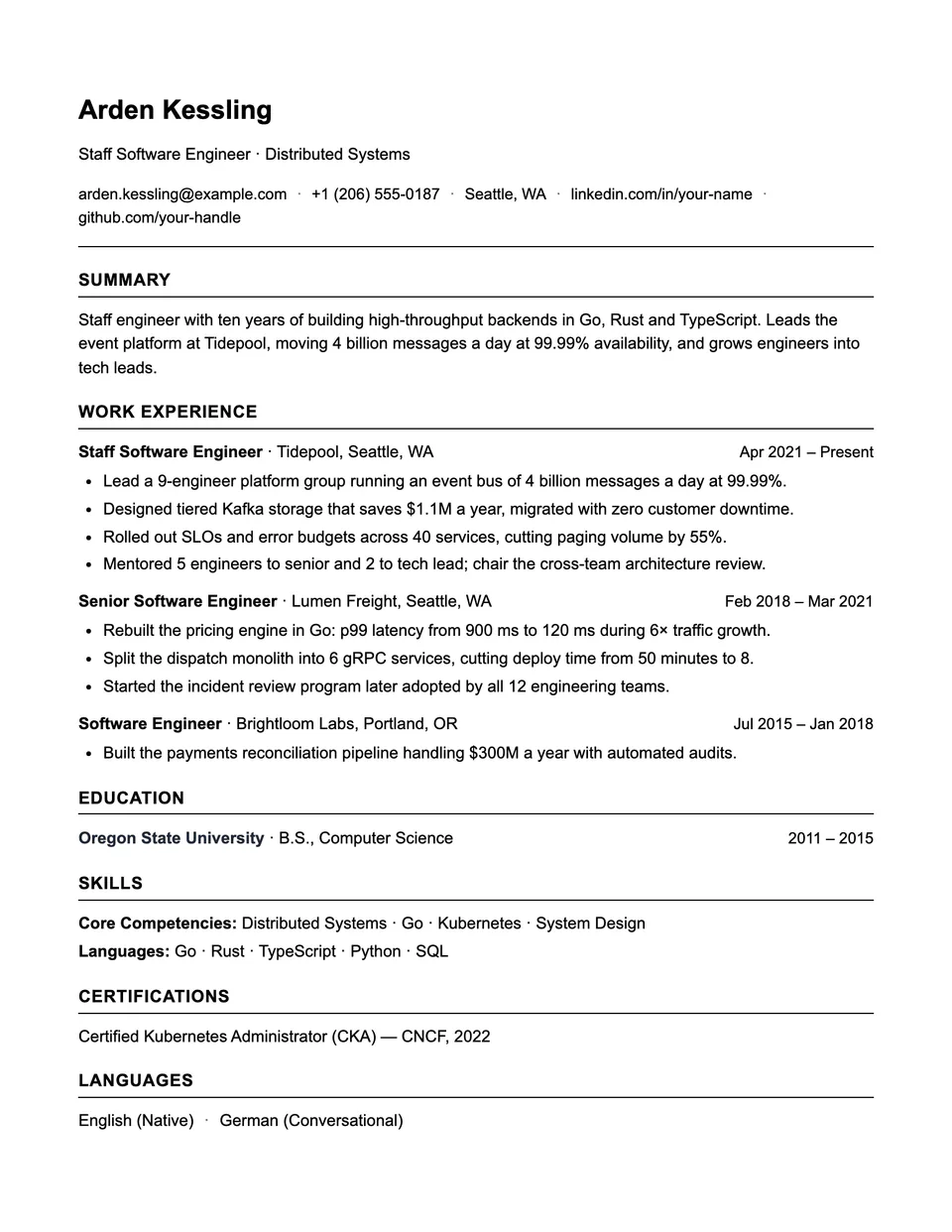
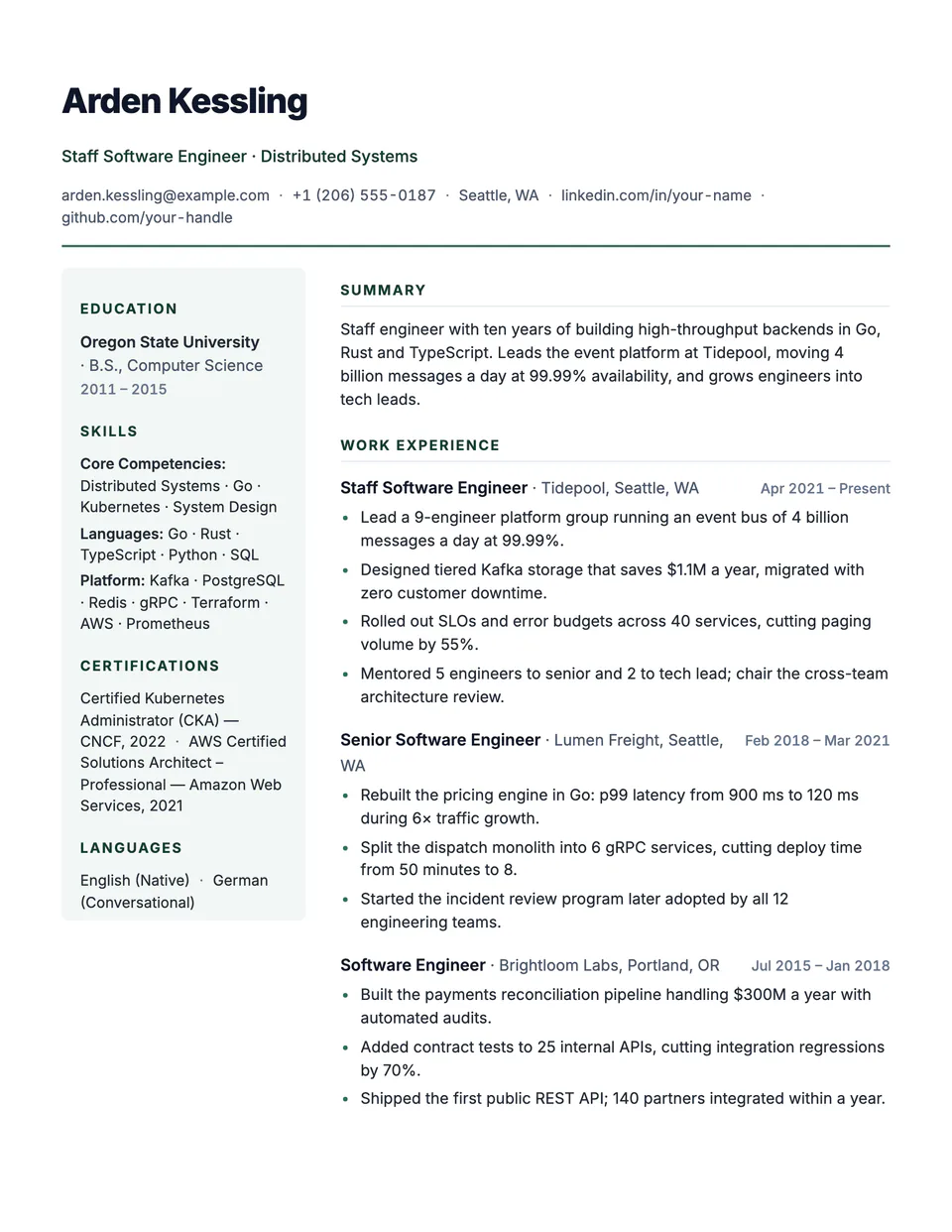
Similar templates
All resume templates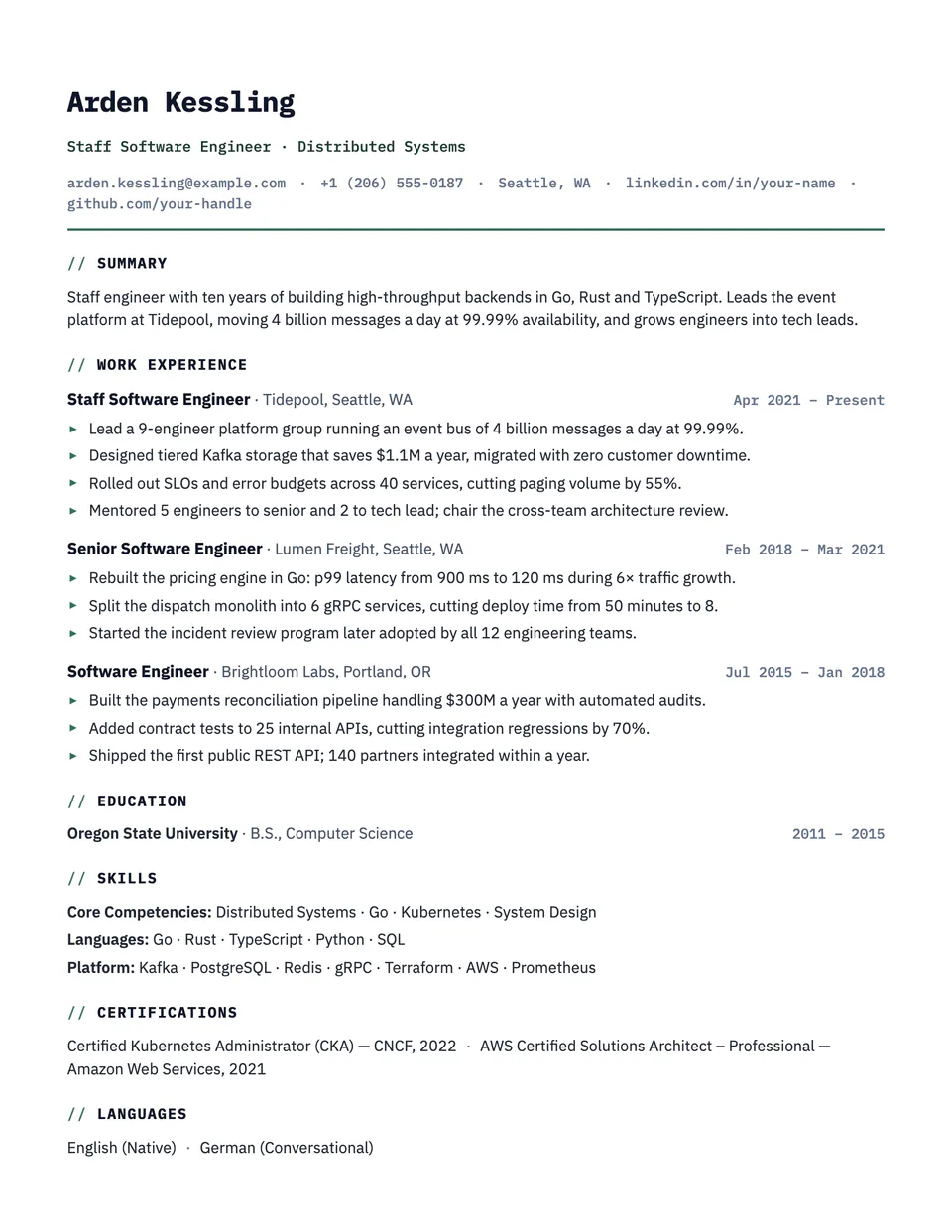
Strata template questions
Do I have to move Skills to the top?
Strata works in any order, but a skills-based resume reads best with Skills right after the summary. Change it in the section order.
Is a functional resume a problem for recruiters?
Leaving out dates can be. Strata keeps your roles and dates, which makes it a hybrid format most recruiters accept.
Related pages
Give your resume the Strata look
Open it in the editor with your details, or check the resume you already have first.