Matrix resume template
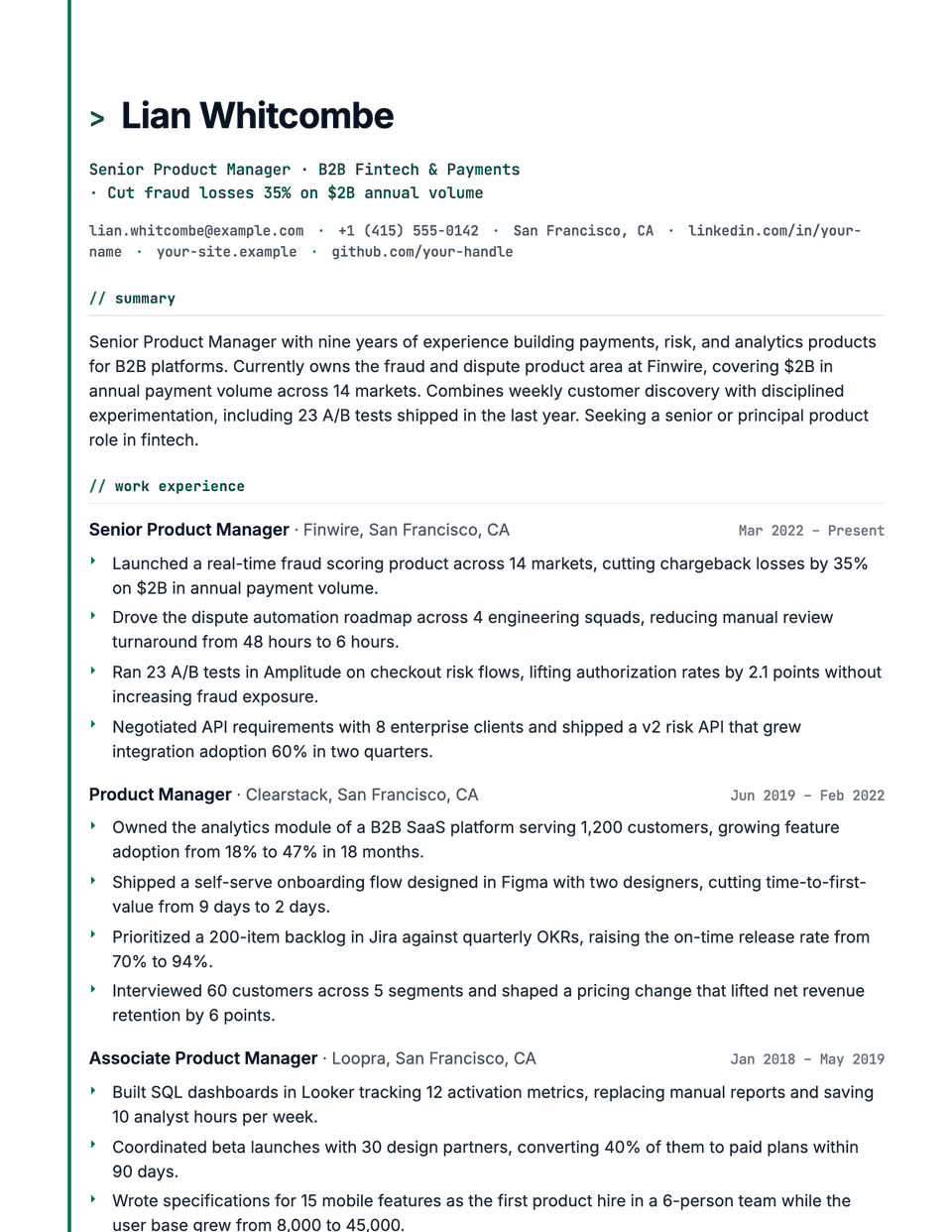
Matrix is styled like a clean terminal. A > prompt sits before your name, the headline, contact line, dates and section titles use JetBrains Mono, headings are lowercase with a // comment marker, and a thin accent rail runs down the left side of the page. Bullets and the summary stay in Inter so they remain easy to read.
Free to edit and download. Have a resume already? Check it first, then open it in Matrix without retyping.
Who it's for
- Backend and full-stack developers
- DevOps and platform engineers
- Security engineers
- Developers who want a terminal look
Is the Matrix template ATS-friendly?
Single column. The > before your name and the // before headings are decorative prefixes, and headings are lowercased by styling only; the underlying words stay standard for parsers.
Accent colors
Starts in Emerald. Pick any of these in the editor's Design panel, or enter your own color.
Template details
- Layout
- Single column
- ATS
- ATS-safe: standard headings, real text
- Style group
- Specialized
- Default accent
- Emerald (changeable)
- Page size
- US Letter or A4
- Download
- PDF or DOCX
See it with real content
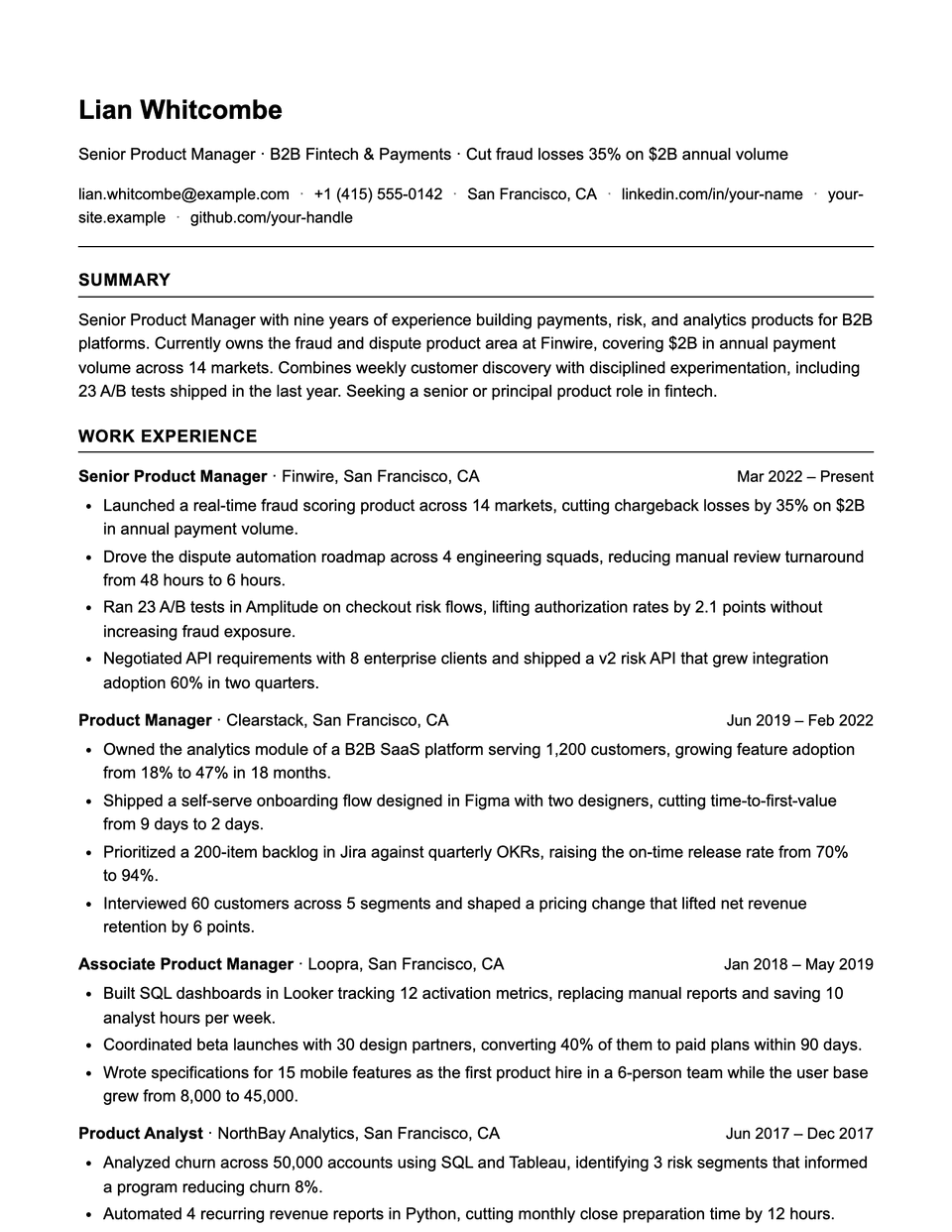
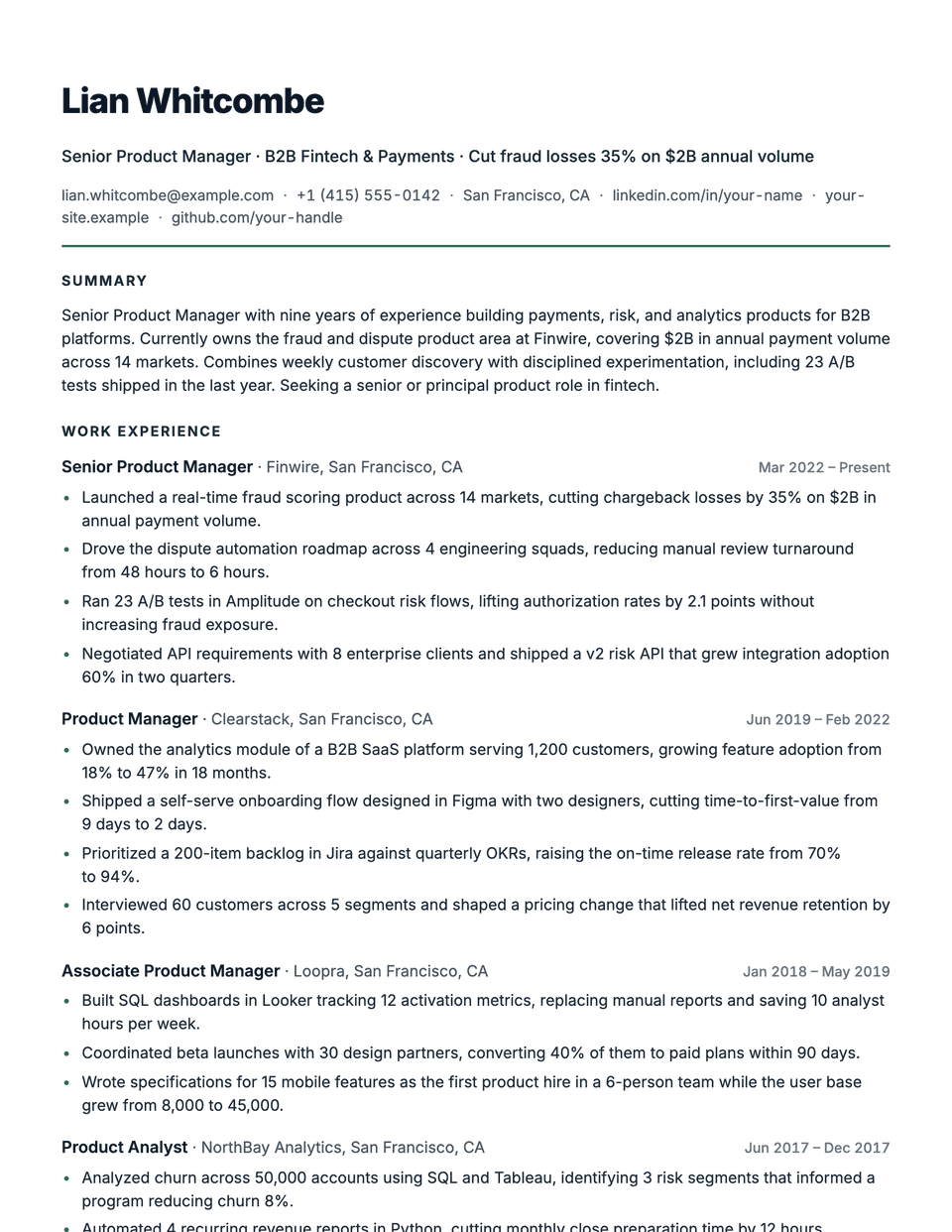
No sample resume is set in Matrix yet. These examples use a layout from the same style group, and any of them opens in Matrix with one click in the editor.
Similar templates
All resume templates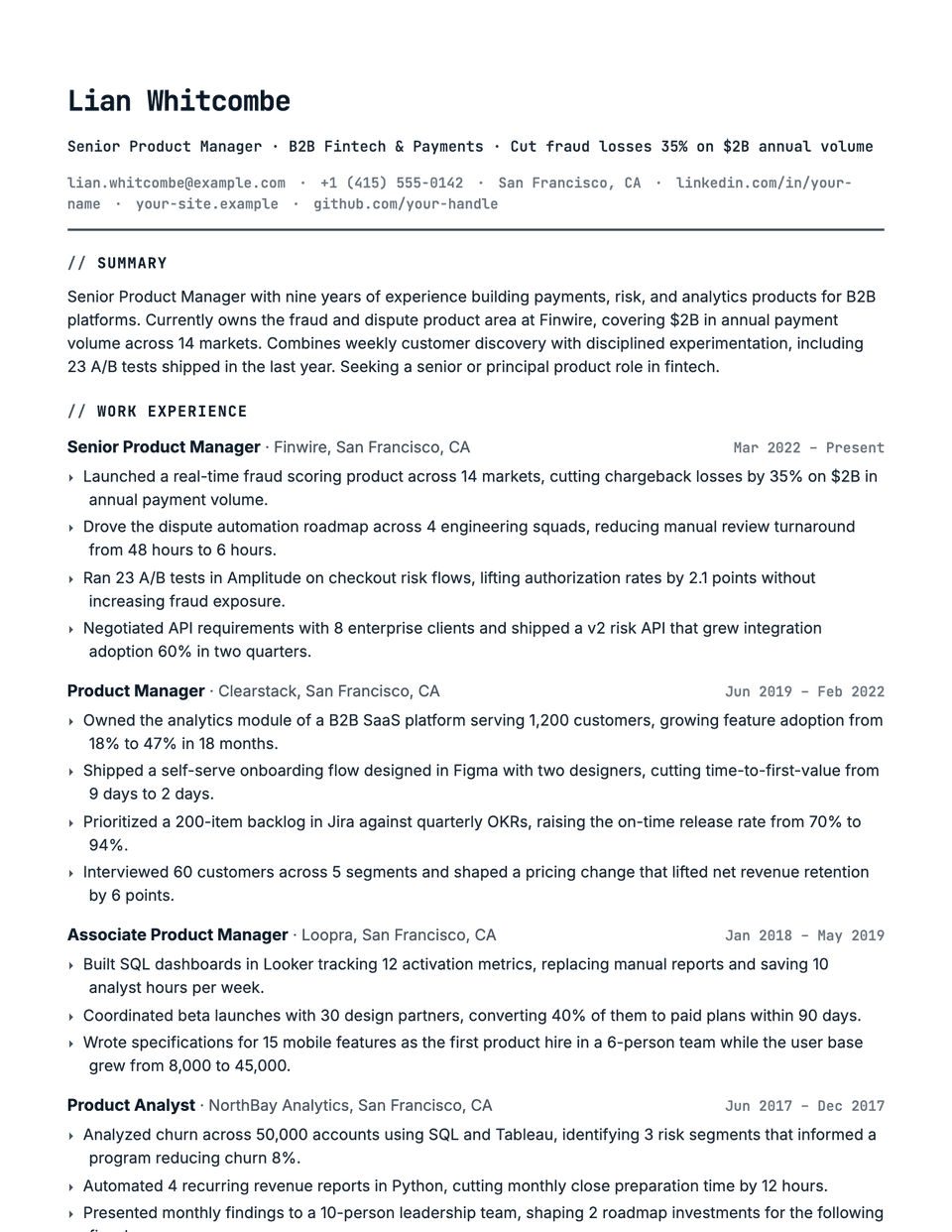
Matrix template questions
Will recruiters outside tech understand this style?
It is aimed at engineering teams. For roles where a non-technical recruiter screens first, Technical or Contemporary is a safer bet.
Does the > before my name end up in the parsed name?
The prompt is added by the stylesheet, not typed into your name, so your name field stays clean. Run a check if you want to confirm how a parser reads it.
Related pages
Give your resume the Matrix look
Open it in the editor with your details, or check the resume you already have first.