Executive resume template
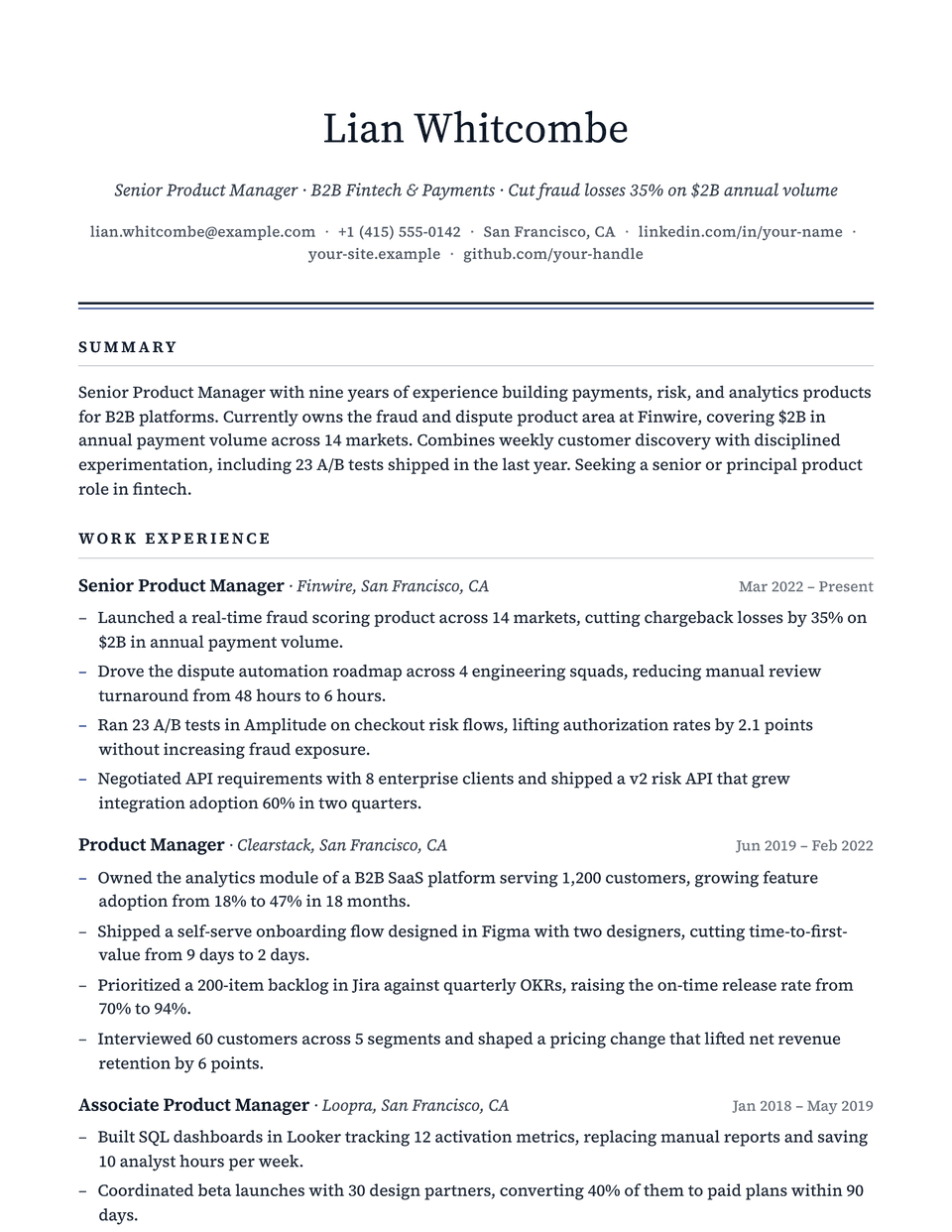
Executive sets your name in Source Serif 4 above a centered contact line, then closes the header with a heavy ink rule and a thin accent line beneath it. Section titles are small, widely spaced capitals and bullets use a quiet en dash in the accent color. The page stays restrained, which suits roles where judgment and seniority matter more than flair.
Free to edit and download. Have a resume already? Check it first, then open it in Executive without retyping.
Who it's for
- Finance and banking
- Law and compliance
- Directors and senior managers
- Executive search applications
Is the Executive template ATS-friendly?
One column, standard section headings and selectable text, so an applicant tracking system reads it top to bottom. The serif face and the thin accent rule are visual only.
Accent colors
Starts in Navy. Pick any of these in the editor's Design panel, or enter your own color.
Template details
- Layout
- Single column
- ATS
- ATS-safe: standard headings, real text
- Style group
- Classic
- Default accent
- Navy (changeable)
- Page size
- US Letter or A4
- Download
- PDF or DOCX
Resume examples written in Executive
Each one is a full sample resume set in this layout. Open one to read it, then start from it in the editor.
Similar templates
All resume templates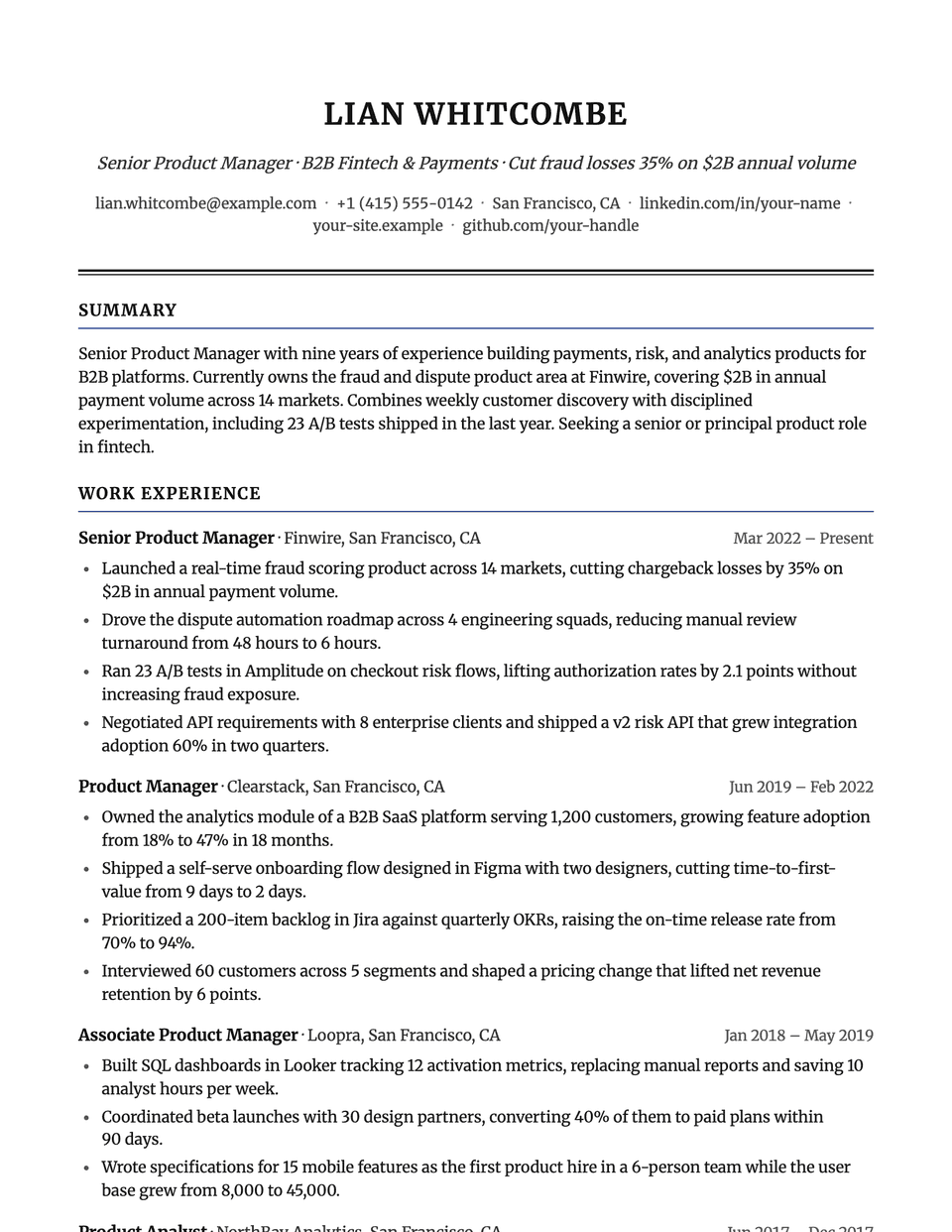
Executive template questions
Is a serif font a problem for an ATS?
No. Parsers read the text, not the typeface. Executive uses Source Serif 4 with Georgia as a fallback, and every heading is real text in a single column.
Executive or Corporate: which is more formal?
Corporate is the more traditional of the two, with an all-caps name and a double black rule. Executive is lighter, with a regular-weight name, an italic headline and a two-tone rule. Both are single column.
Related pages
Give your resume the Executive look
Open it in the editor with your details, or check the resume you already have first.