Oxford resume template
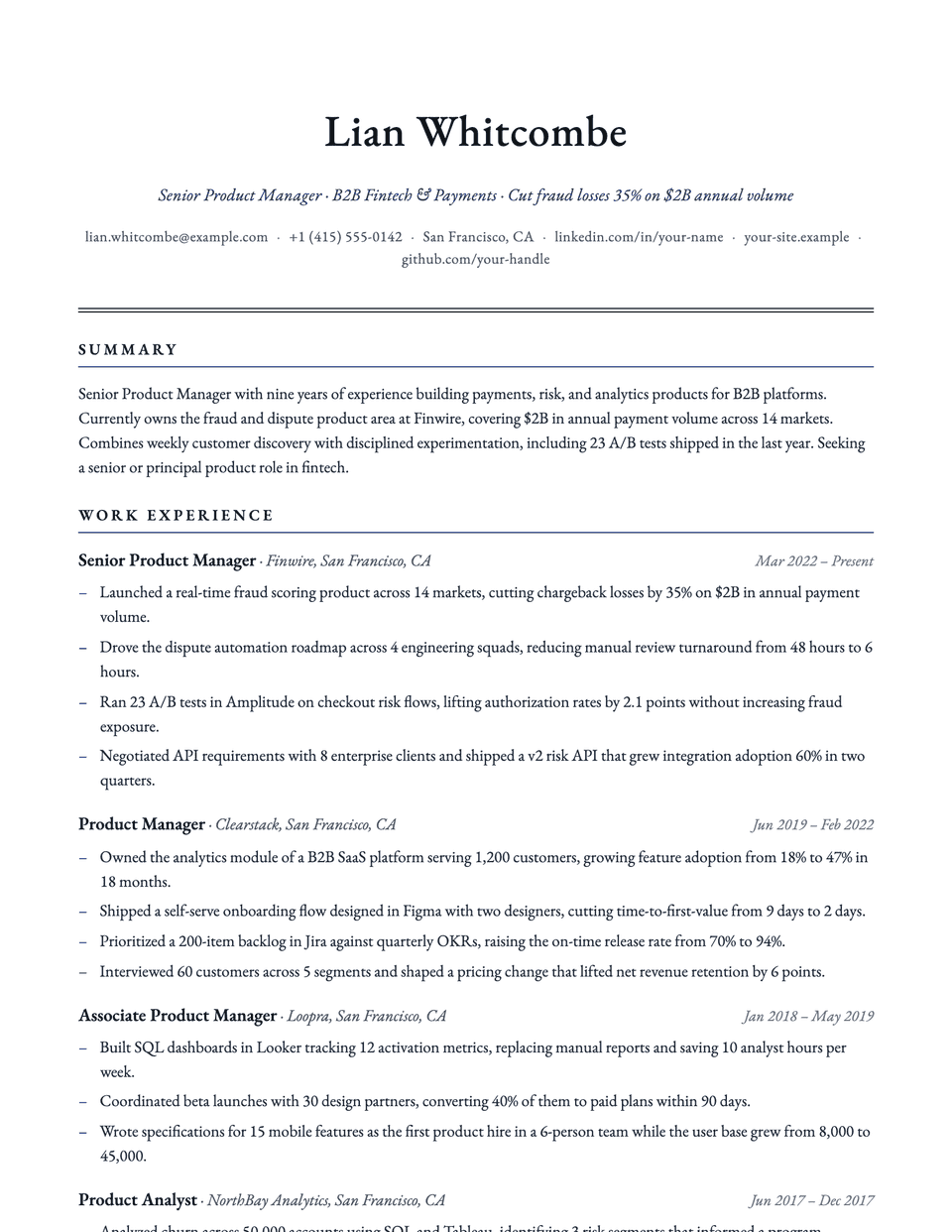
Oxford is a quiet, letterhead-style layout. Your name is centered in EB Garamond, a double rule closes the header, and section titles are capitals with wide letter spacing over a fine accent line. Bullets use an en dash. It carries authority without any color beyond the accent.
Free to edit and download. Have a resume already? Check it first, then open it in Oxford without retyping.
Who it's for
- Academics and researchers
- Law and policy
- Graduate school applications
- Traditional professional roles
Is the Oxford template ATS-friendly?
Single column with standard, uppercase headings in real text. The double rule under the header is two borders.
Accent colors
Starts in Navy. Pick any of these in the editor's Design panel, or enter your own color.
Template details
- Layout
- Single column
- ATS
- ATS-safe: standard headings, real text
- Style group
- Classic
- Default accent
- Navy (changeable)
- Page size
- US Letter or A4
- Download
- PDF or DOCX
See it with real content
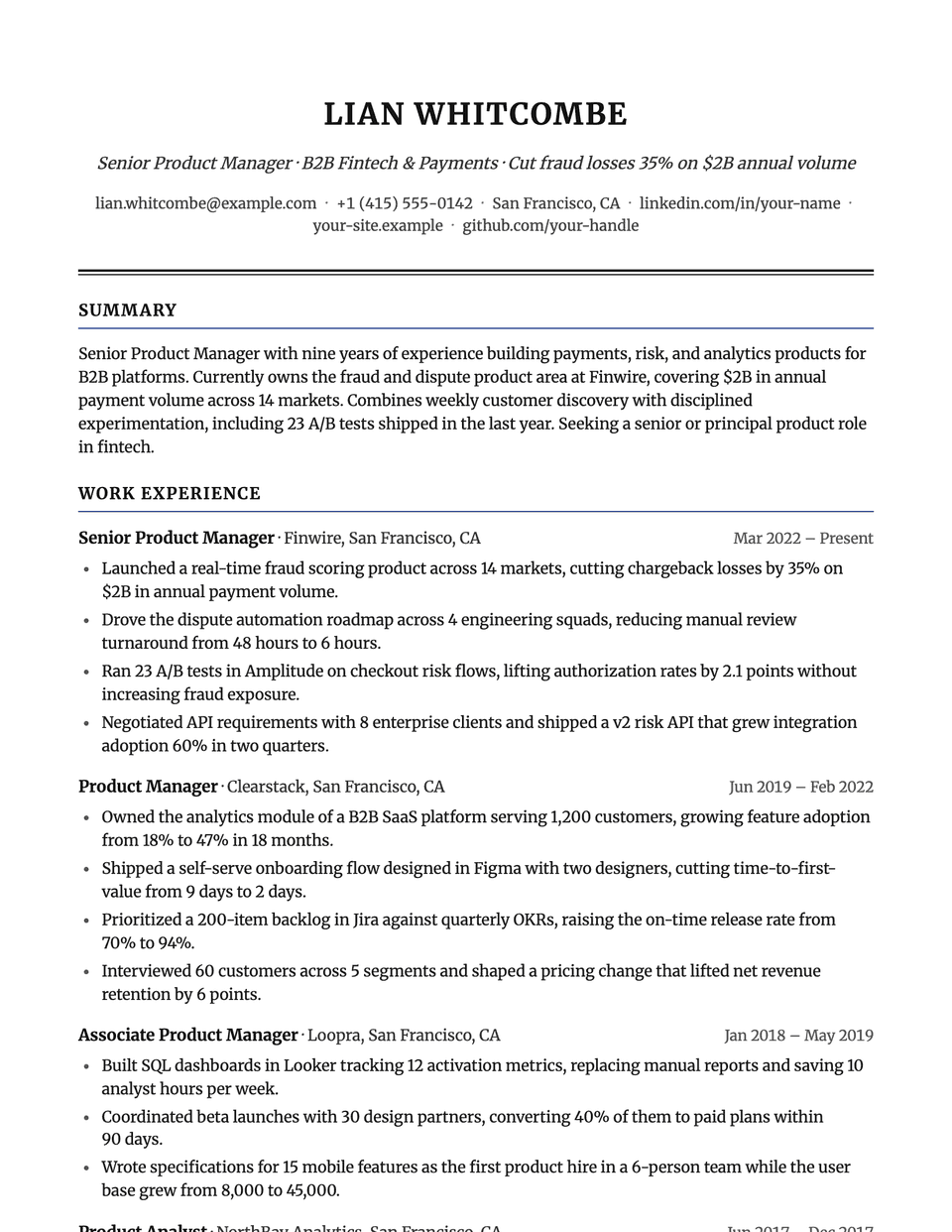
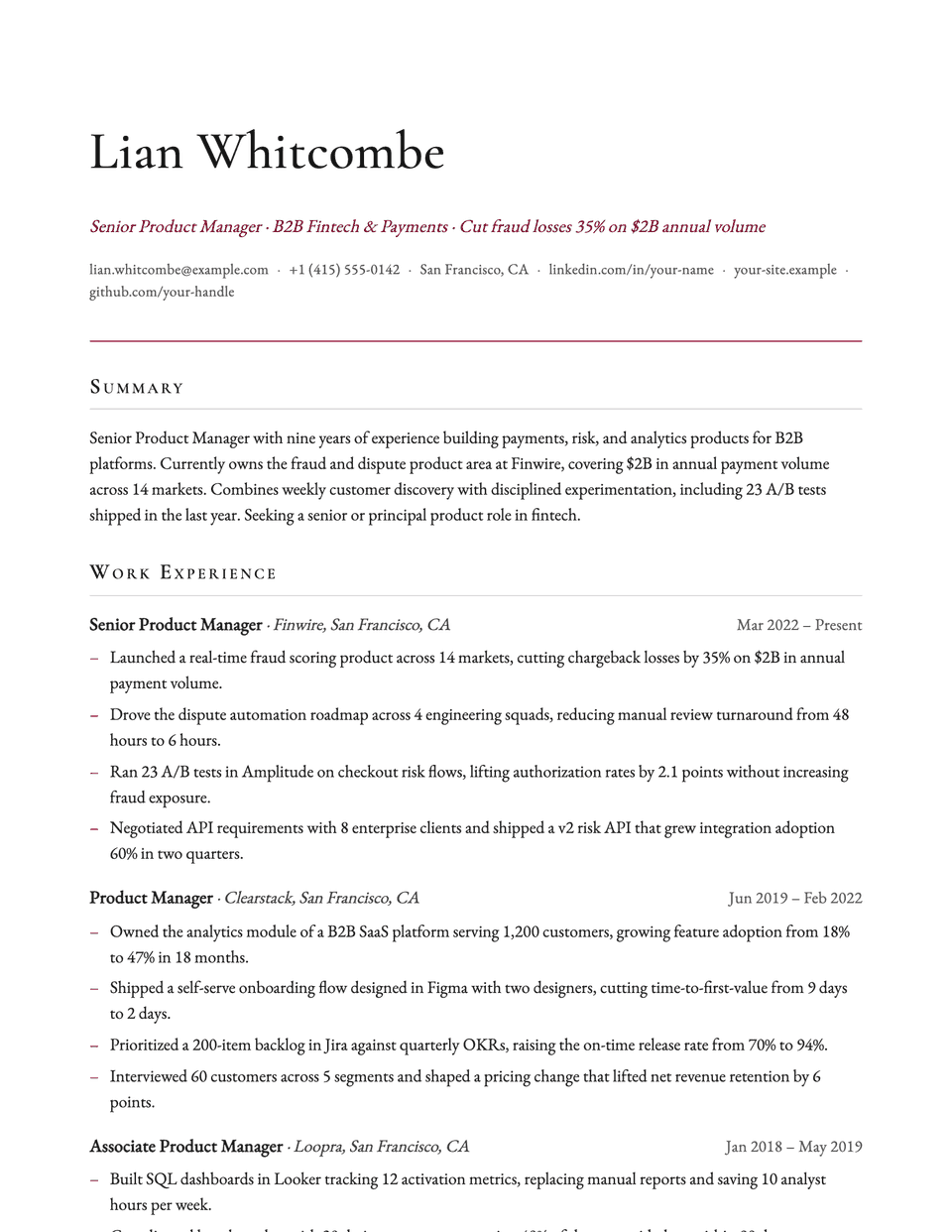
No sample resume is set in Oxford yet. These examples use a layout from the same style group, and any of them opens in Oxford with one click in the editor.
Similar templates
All resume templates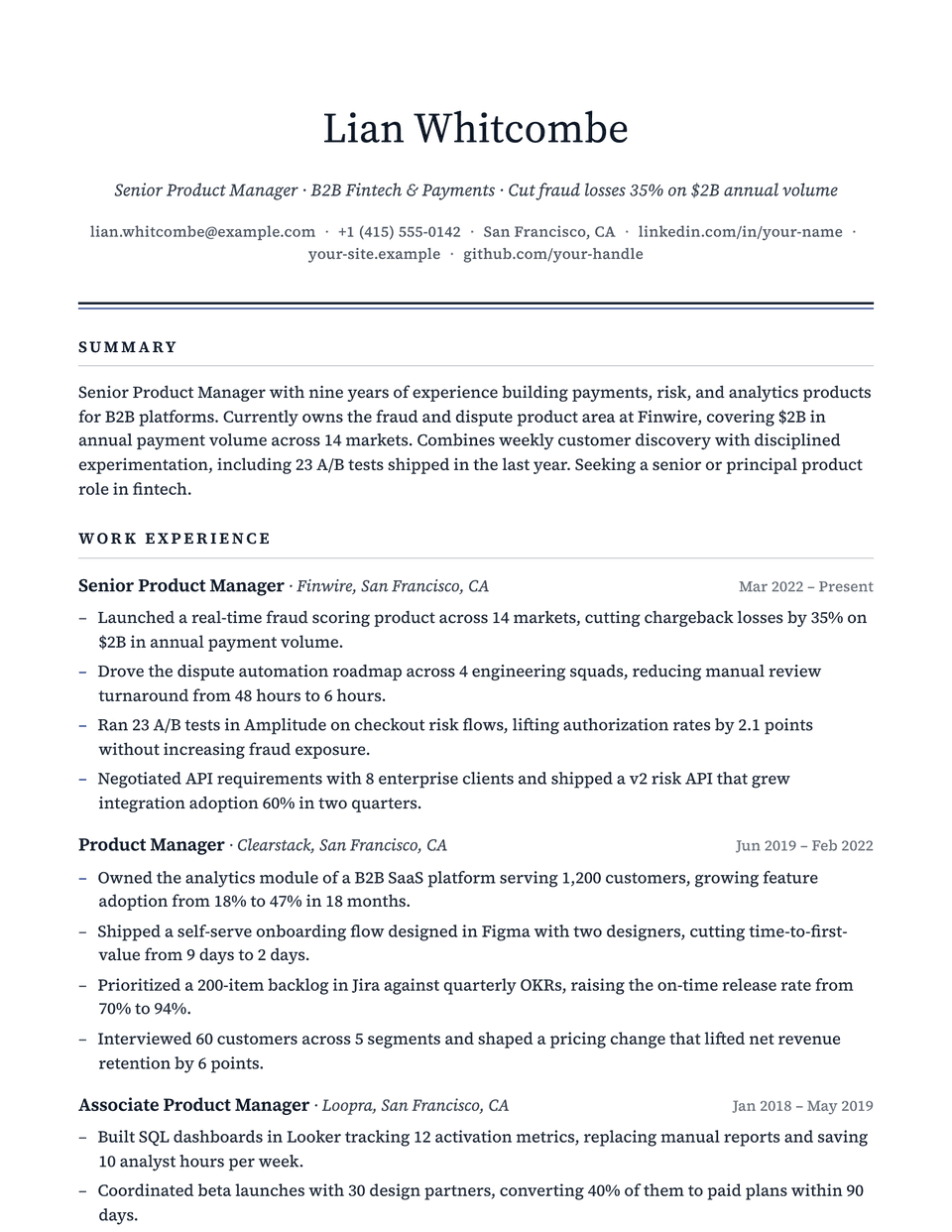
Oxford template questions
Is Oxford suitable for a non-academic job?
Yes. It works for any role where a traditional tone fits, such as law, policy or consulting. For an academic CV with publications, Academic is built for longer lists.
Does Oxford work on A4?
Yes. Set the page size to A4 in the editor and the layout adjusts.
Related pages
Give your resume the Oxford look
Open it in the editor with your details, or check the resume you already have first.