Corporate resume template
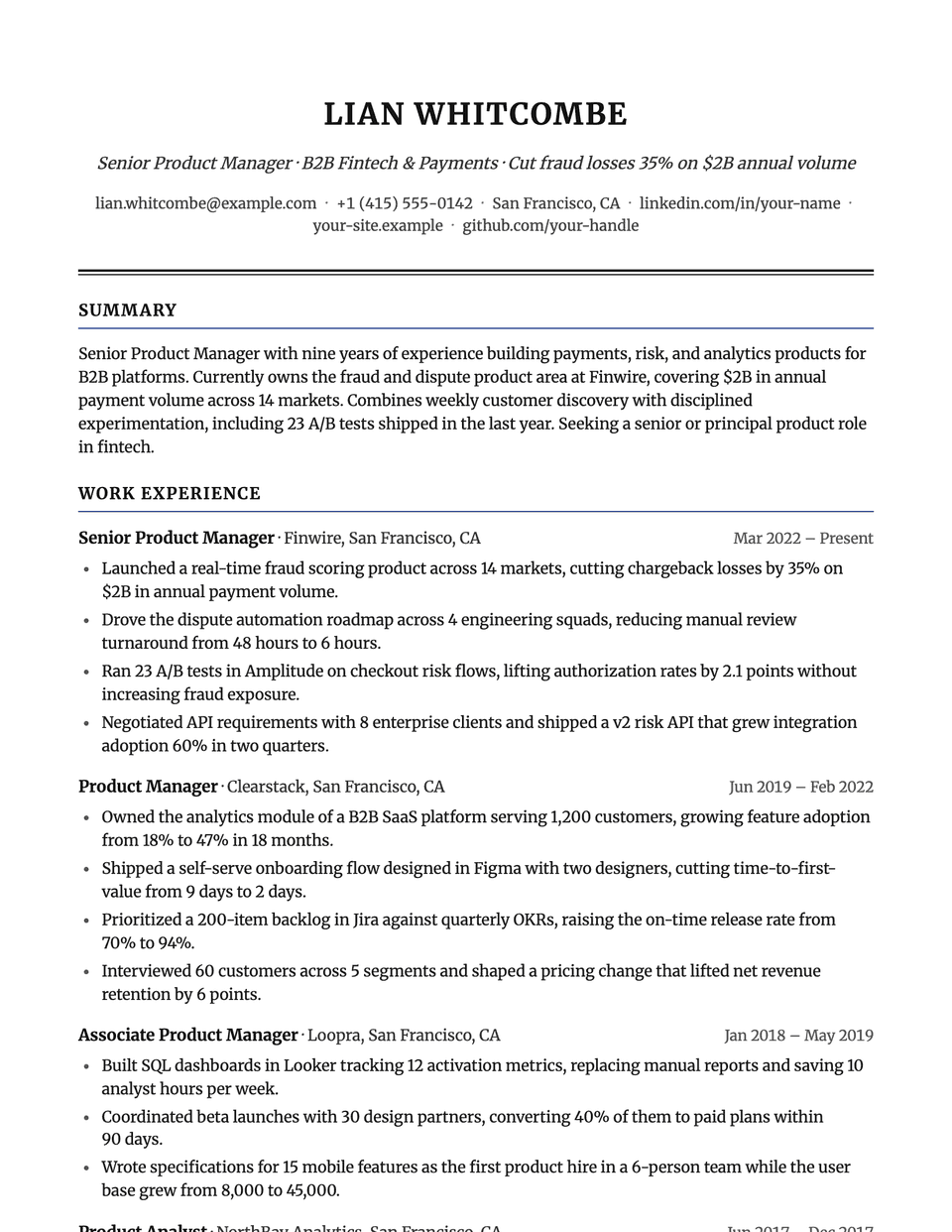
Corporate is the most conventional layout in the library: a centered letterhead with your name in spaced capitals, a solid rule under the header, and bold uppercase section titles underlined in the accent color. Merriweather, a sturdy serif, keeps long pages easy to read on screen and on paper.
Free to edit and download. Have a resume already? Check it first, then open it in Corporate without retyping.
Who it's for
- Banking, insurance and accounting
- Government and public sector
- Large-company operations and administration
- Conservative industries
Is the Corporate template ATS-friendly?
Single column with bold, standard headings. The rules under the header and each section title are plain borders, not tables or images, so parsers skip them.
Accent colors
Starts in Navy. Pick any of these in the editor's Design panel, or enter your own color.
Template details
- Layout
- Single column
- ATS
- ATS-safe: standard headings, real text
- Style group
- Classic
- Default accent
- Navy (changeable)
- Page size
- US Letter or A4
- Download
- PDF or DOCX
Resume examples written in Corporate
Each one is a full sample resume set in this layout. Open one to read it, then start from it in the editor.
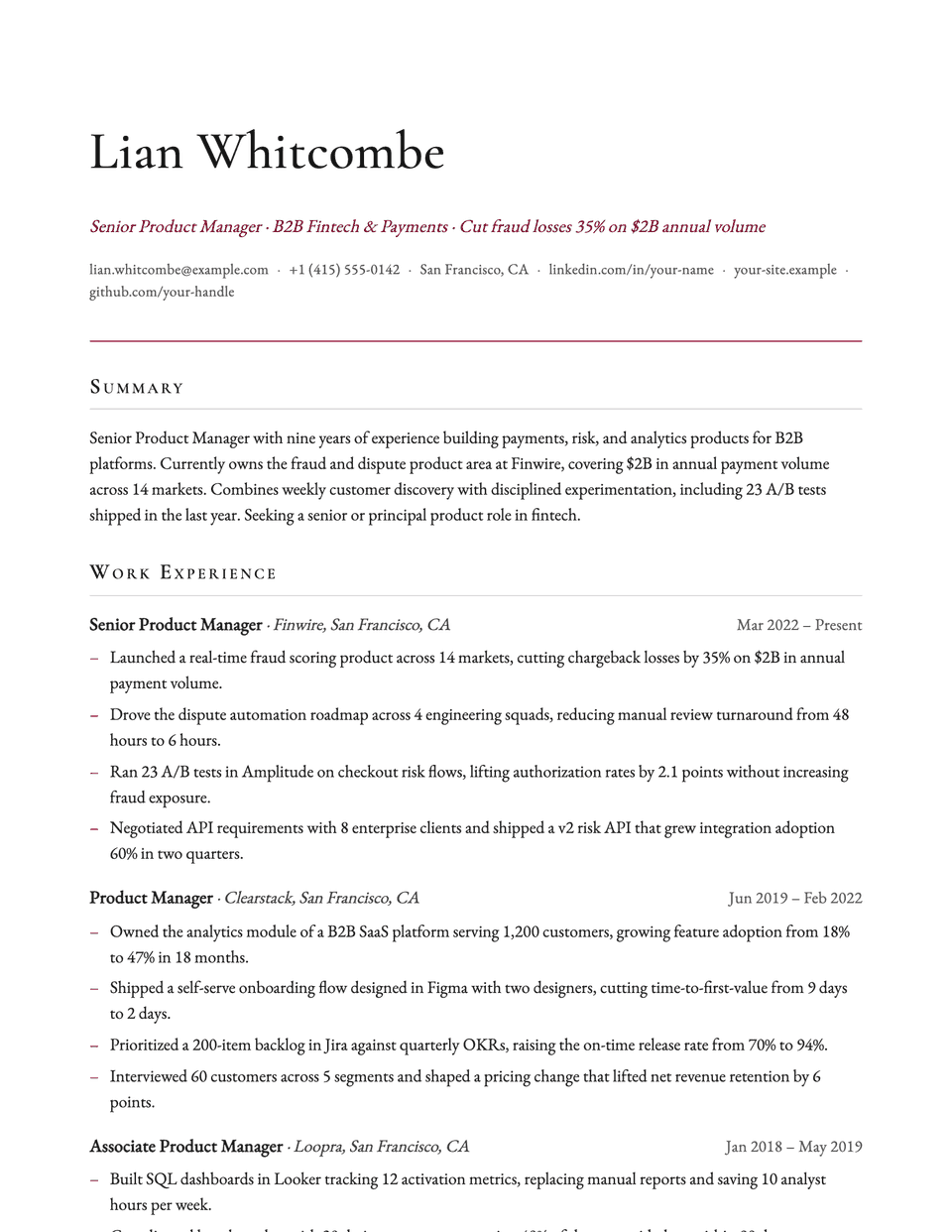
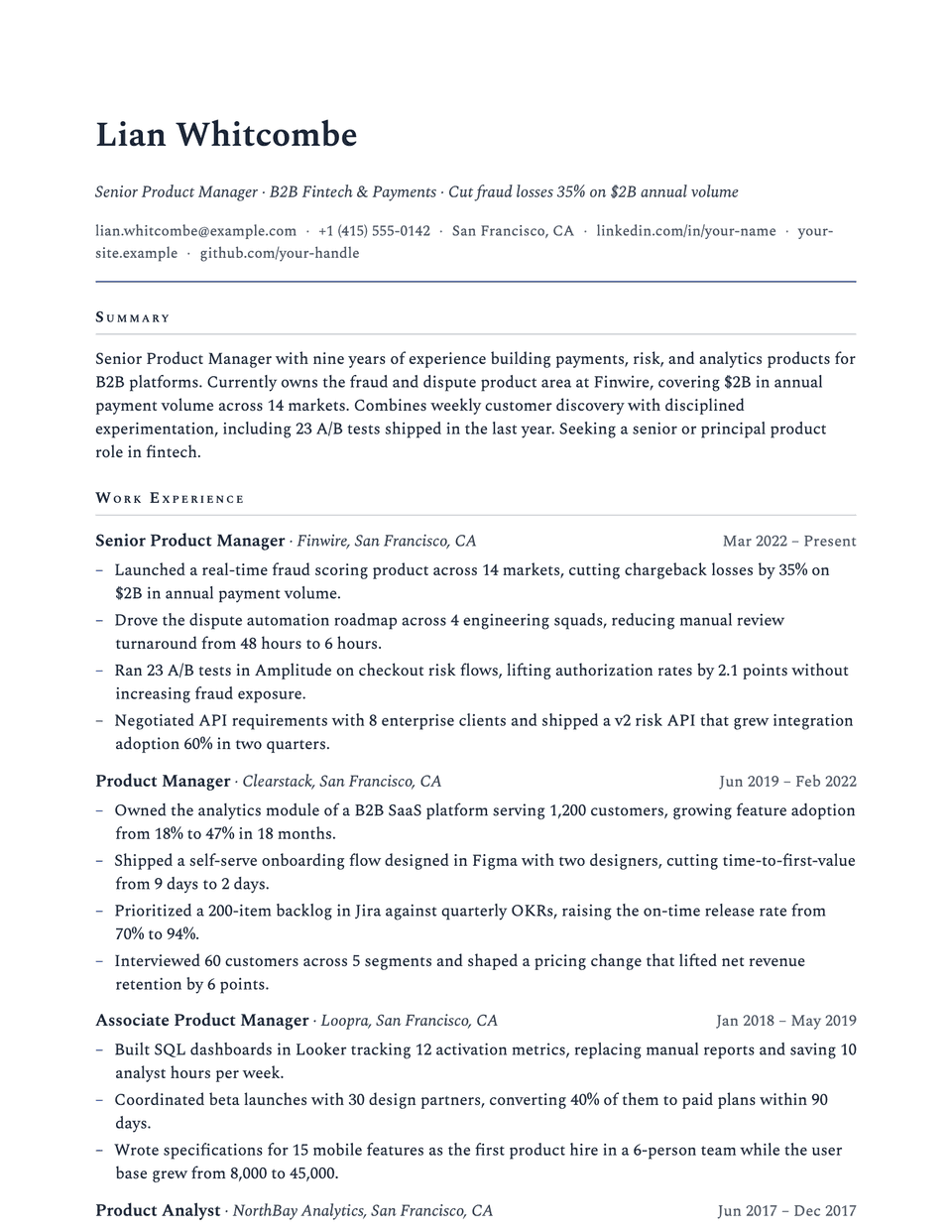
Similar templates
All resume templates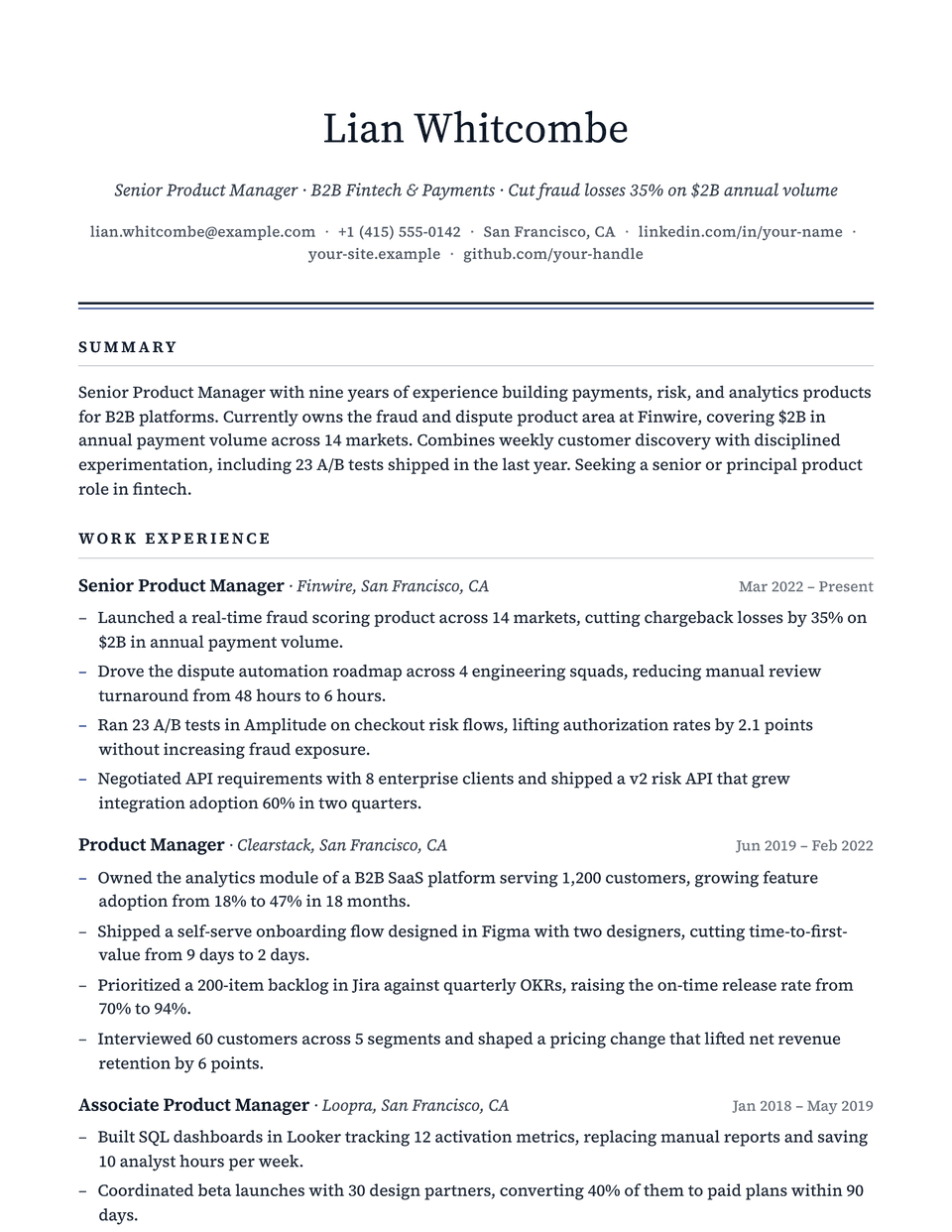
Corporate template questions
Will Corporate look dated?
It looks traditional on purpose. If you want the same centered header with lighter detailing, compare Executive or Consul.
Can I change the navy accent?
Yes. The editor's Design panel lets you pick another accent color or enter your own hex value. The layout and headings stay the same.
Related pages
Give your resume the Corporate look
Open it in the editor with your details, or check the resume you already have first.