Regent resume template
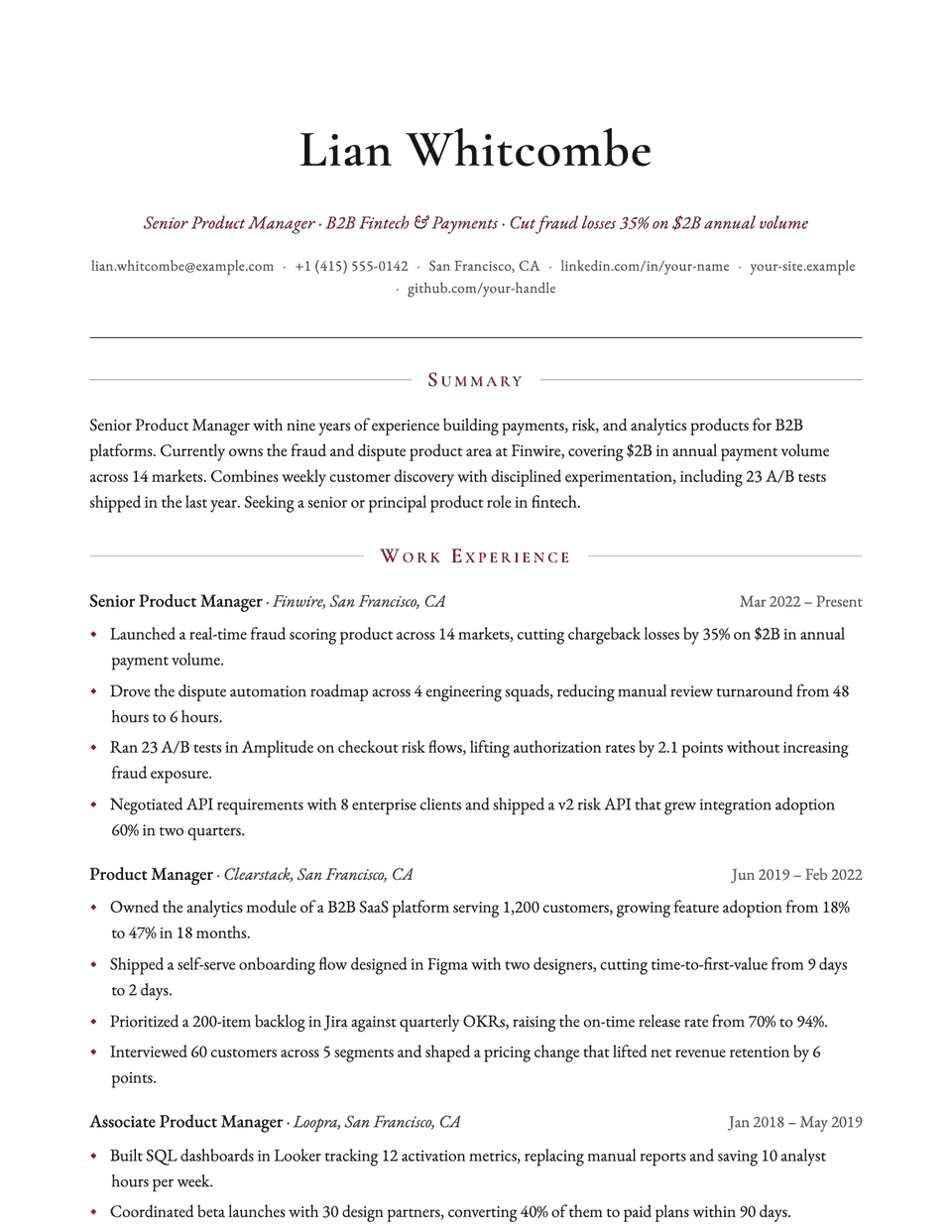
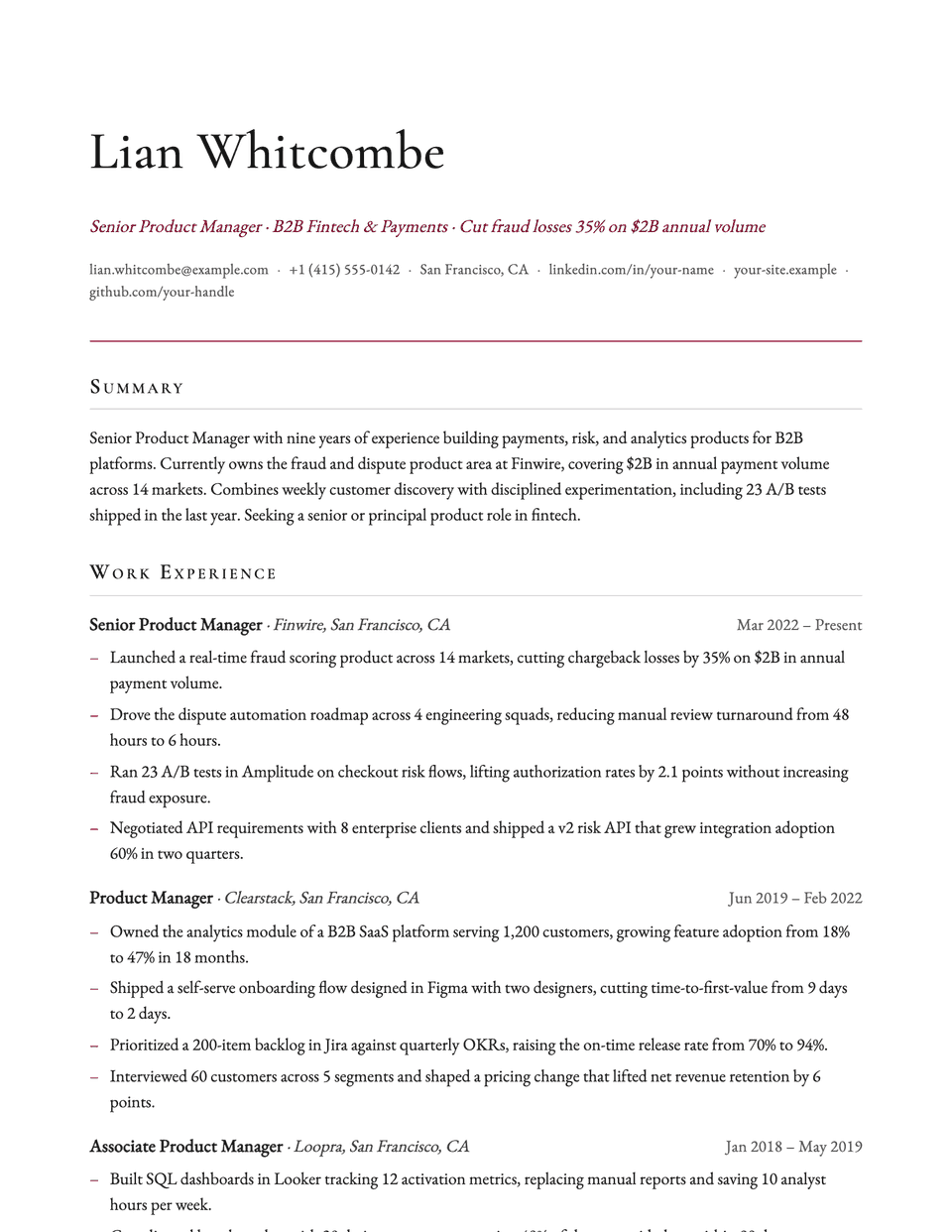
Regent is the most ornamented of the serif layouts. Your name is centered in a large Cormorant Garamond, section titles sit between two fine rules in small caps, and bullets use a small accent diamond. Wide 0.8 inch margins give it the feel of formal stationery.
Free to edit and download. Have a resume already? Check it first, then open it in Regent without retyping.
Who it's for
- Law firms and legal counsel
- Private banking and wealth management
- Board and trustee roles
- Senior roles in traditional industries
Is the Regent template ATS-friendly?
Single column. The rules on either side of each heading and the diamond bullets are decoration; the heading words and bullet text stay standard.
Accent colors
Starts in Burgundy. Pick any of these in the editor's Design panel, or enter your own color.
Template details
- Layout
- Single column
- ATS
- ATS-safe: standard headings, real text
- Style group
- Classic
- Default accent
- Burgundy (changeable)
- Page size
- US Letter or A4
- Download
- PDF or DOCX
See it with real content
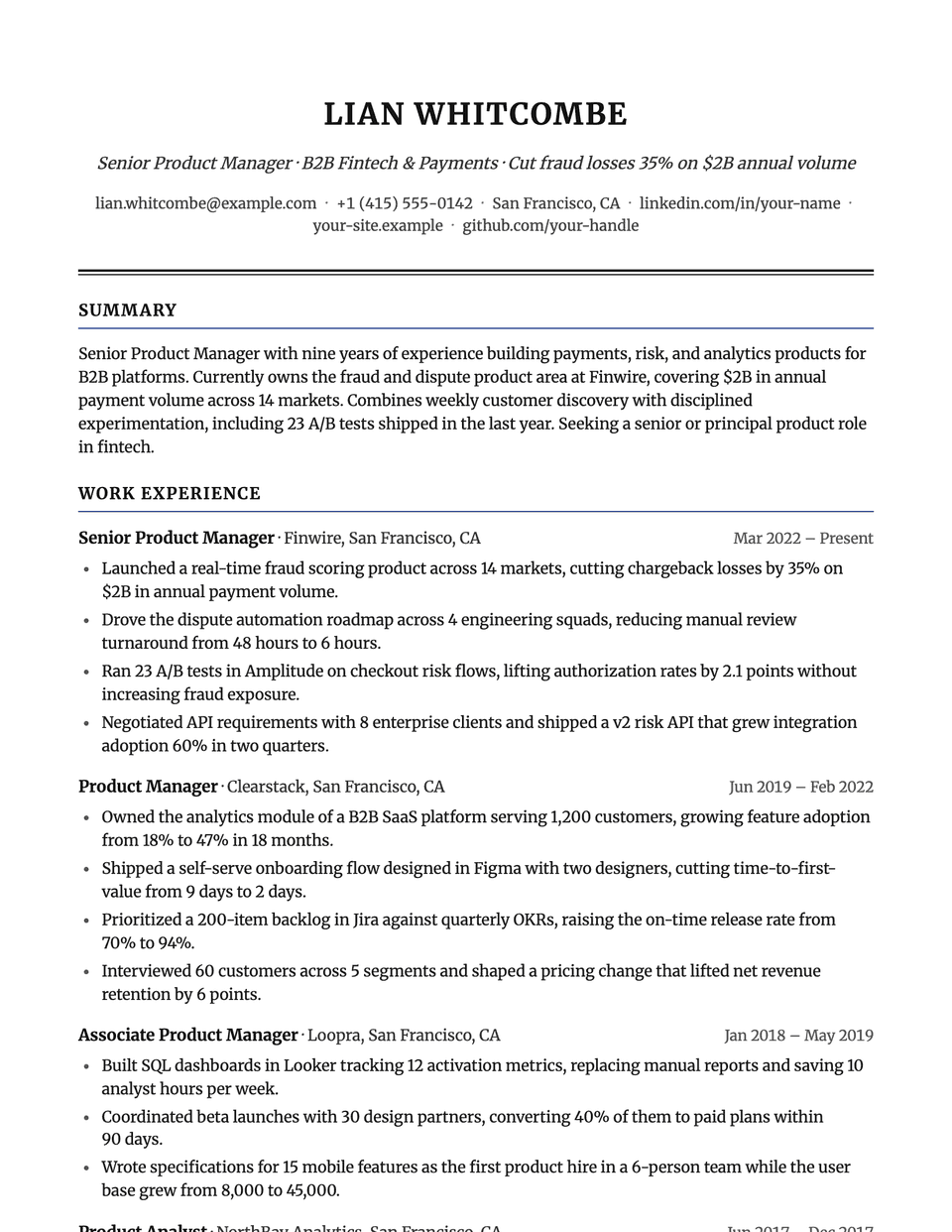
No sample resume is set in Regent yet. These examples use a layout from the same style group, and any of them opens in Regent with one click in the editor.
Similar templates
All resume templates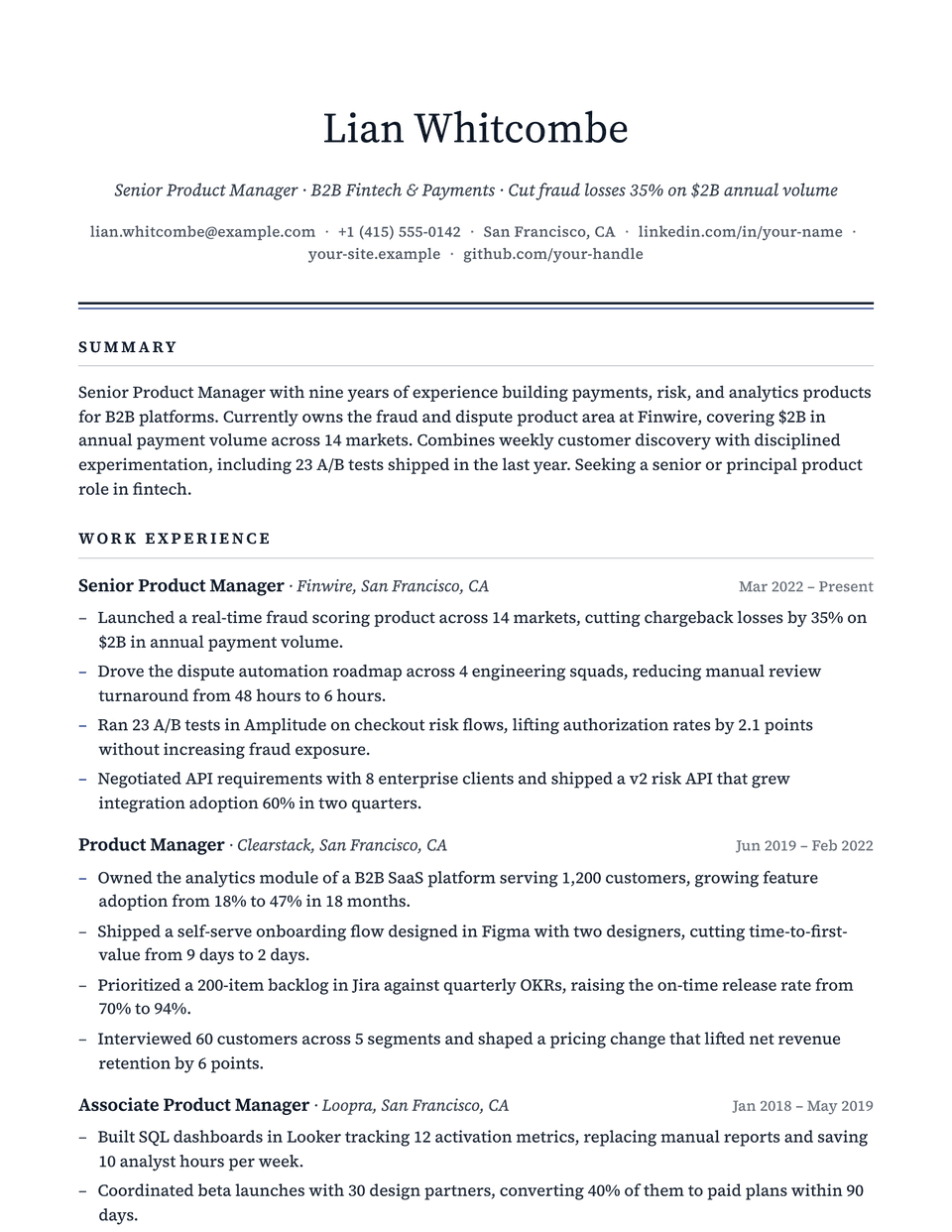
Regent template questions
Do the diamond bullets confuse parsers?
The diamond is added by the stylesheet in front of each bullet. The bullet text itself is unchanged, and the page is one column in reading order.
How does Regent differ from Elegant?
Both use Garamond. Regent centers everything and frames headings with rules, which feels more formal; Elegant is left-aligned and a little lighter.
Related pages
Give your resume the Regent look
Open it in the editor with your details, or check the resume you already have first.