Brief resume template
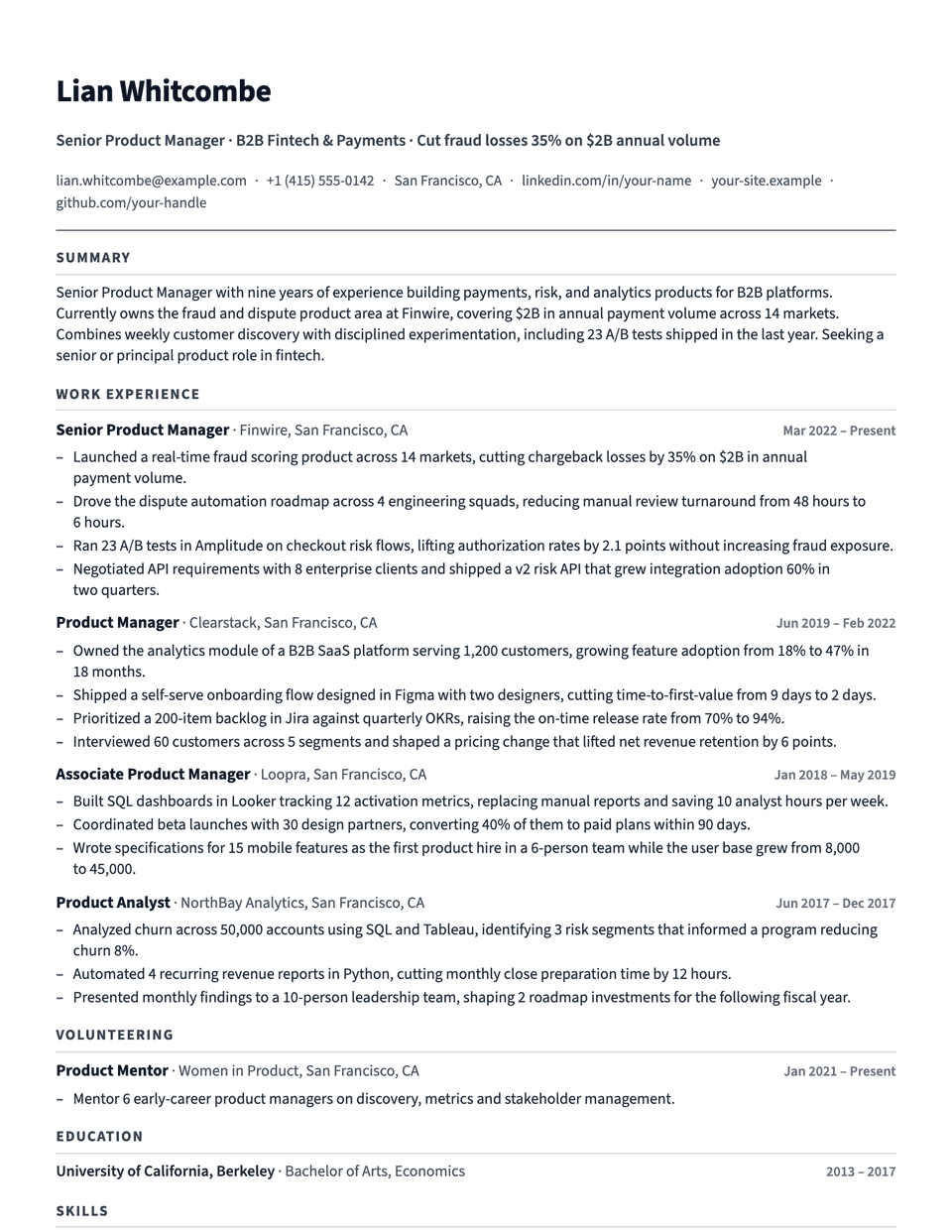
Brief is the densest layout in the library. Margins drop to 0.5 inch, entries and sections sit close together, and Source Sans 3 fits more words on each line. Accent capitals on a thin rule mark each section, so a reader can still find their way around a full page.
Free to edit and download. Have a resume already? Check it first, then open it in Brief without retyping.
Who it's for
- Veterans of 15 or more years
- Executives with long histories
- Contract and consulting careers
- Applications capped at one page
Is the Brief template ATS-friendly?
Single column and standard headings. It saves room through margins and spacing, not by shrinking the text.
Accent colors
Starts in Slate. Pick any of these in the editor's Design panel, or enter your own color.
Template details
- Layout
- Single column
- ATS
- ATS-safe: standard headings, real text
- Style group
- Specialized
- Default accent
- Slate (changeable)
- Page size
- US Letter or A4
- Download
- PDF or DOCX
See it with real content
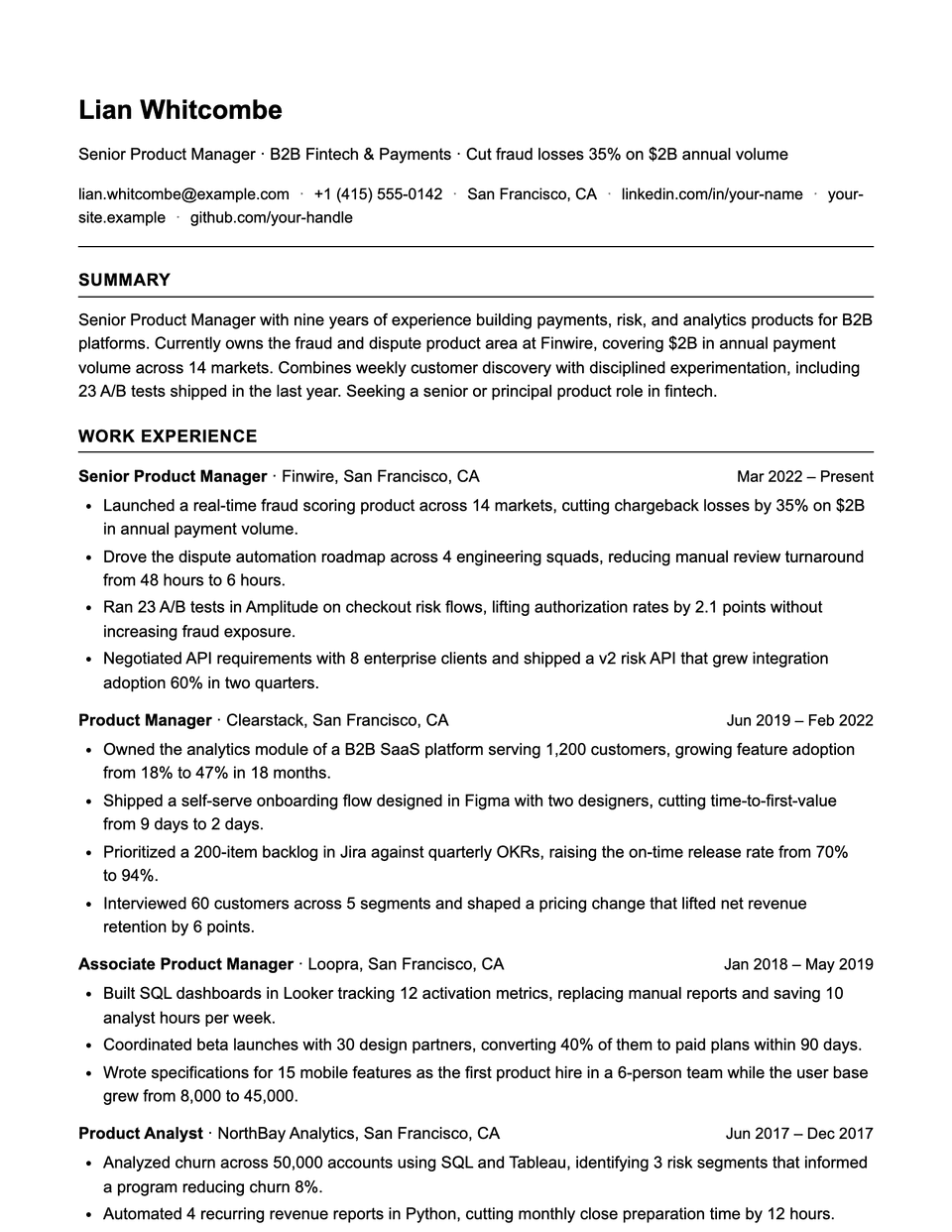
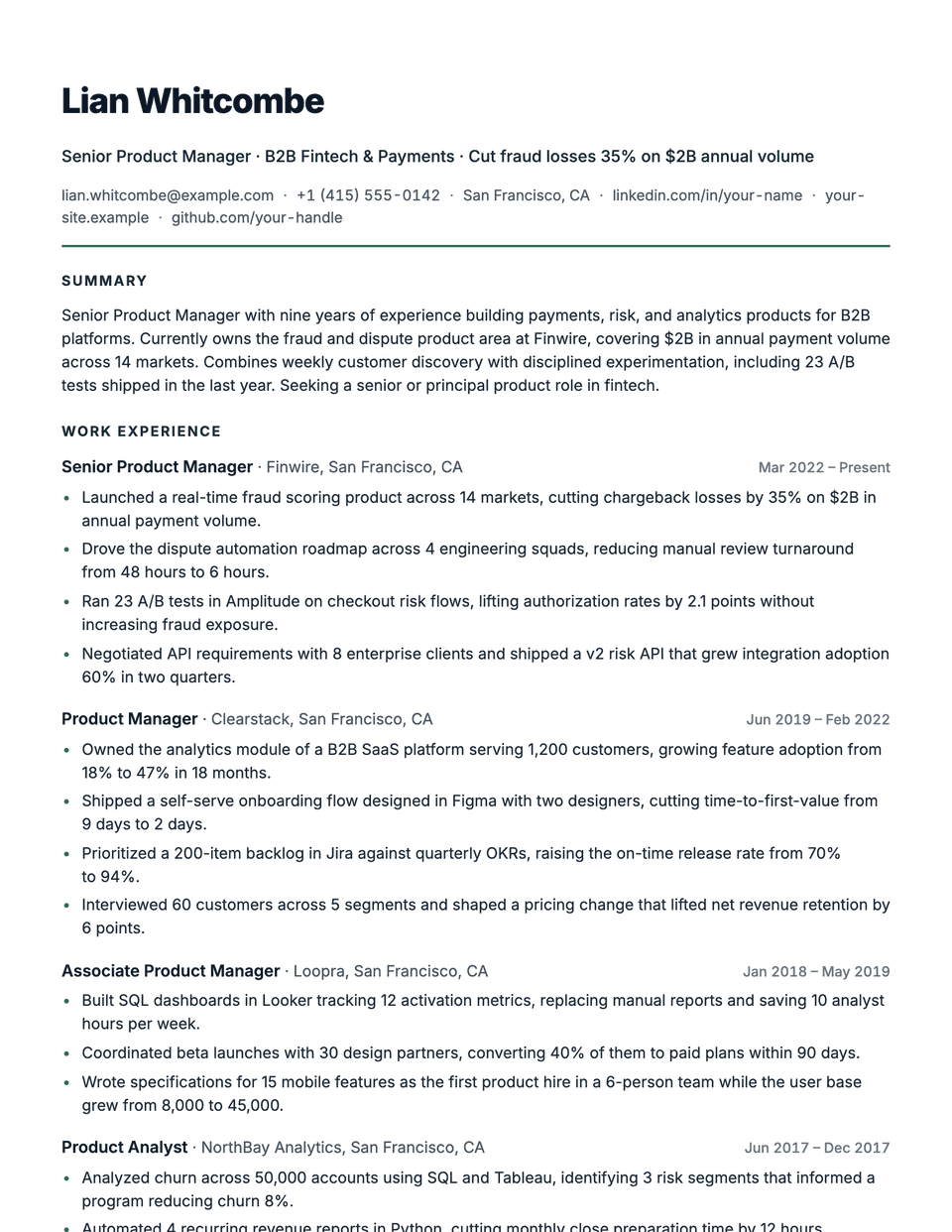
No sample resume is set in Brief yet. These examples use a layout from the same style group, and any of them opens in Brief with one click in the editor.
Similar templates
All resume templates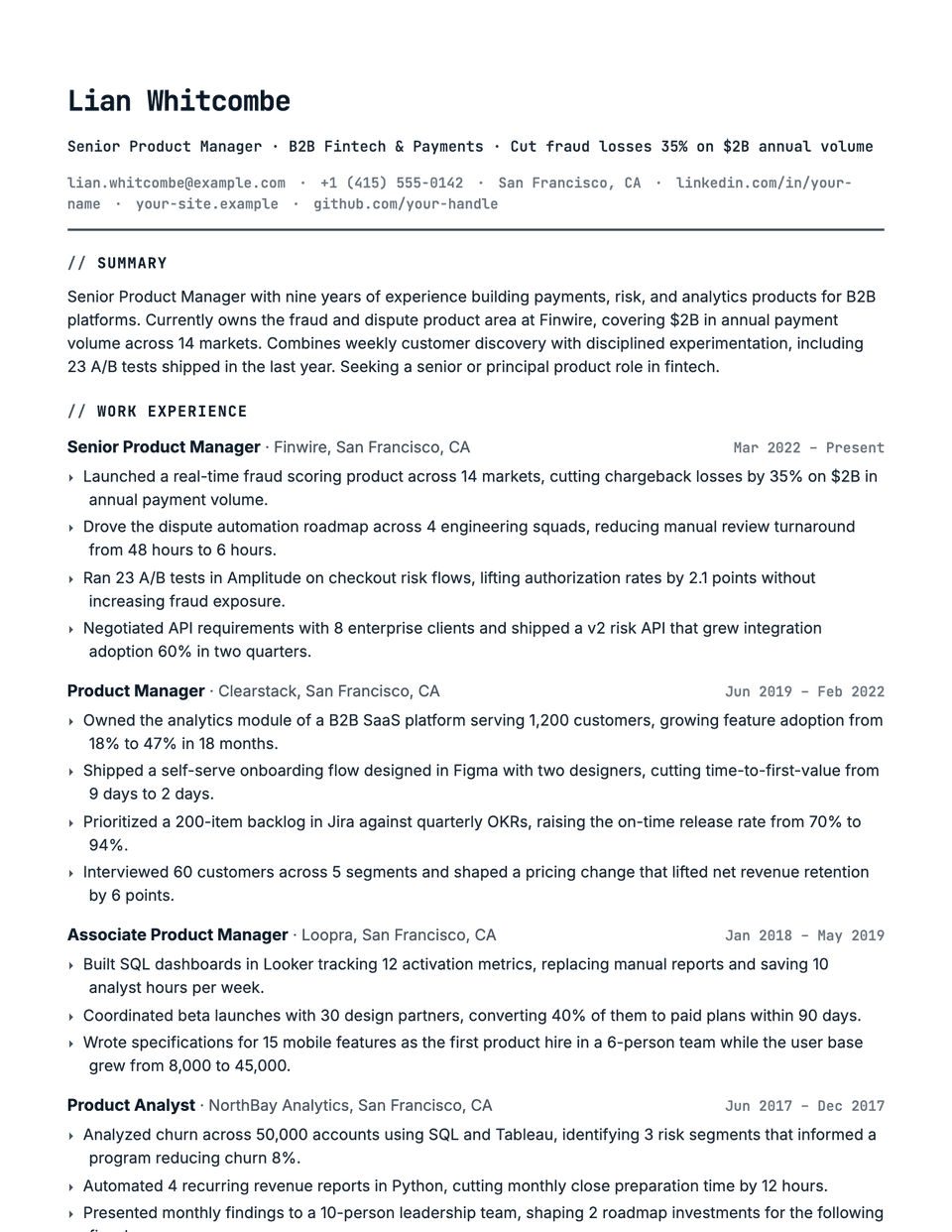
Brief template questions
Brief or Compact?
Brief is denser, with narrower margins and tighter spacing. Start with Compact, and move to Brief only if you still run over one page.
What should I cut before using Brief?
Roles older than about fifteen years can usually be summarized in one line each, and duties that do not show a result can go.
Related pages
Give your resume the Brief look
Open it in the editor with your details, or check the resume you already have first.