Sidebar resume template
Sidebar is the two-column format people often ask for. Skills, certifications, languages and education sit in a narrow tinted rail on the left, and the summary and experience take the wider column on the right. Inter keeps both columns crisp at small sizes.
Free to edit and download. Have a resume already? Check it first, then open it in Sidebar without retyping.
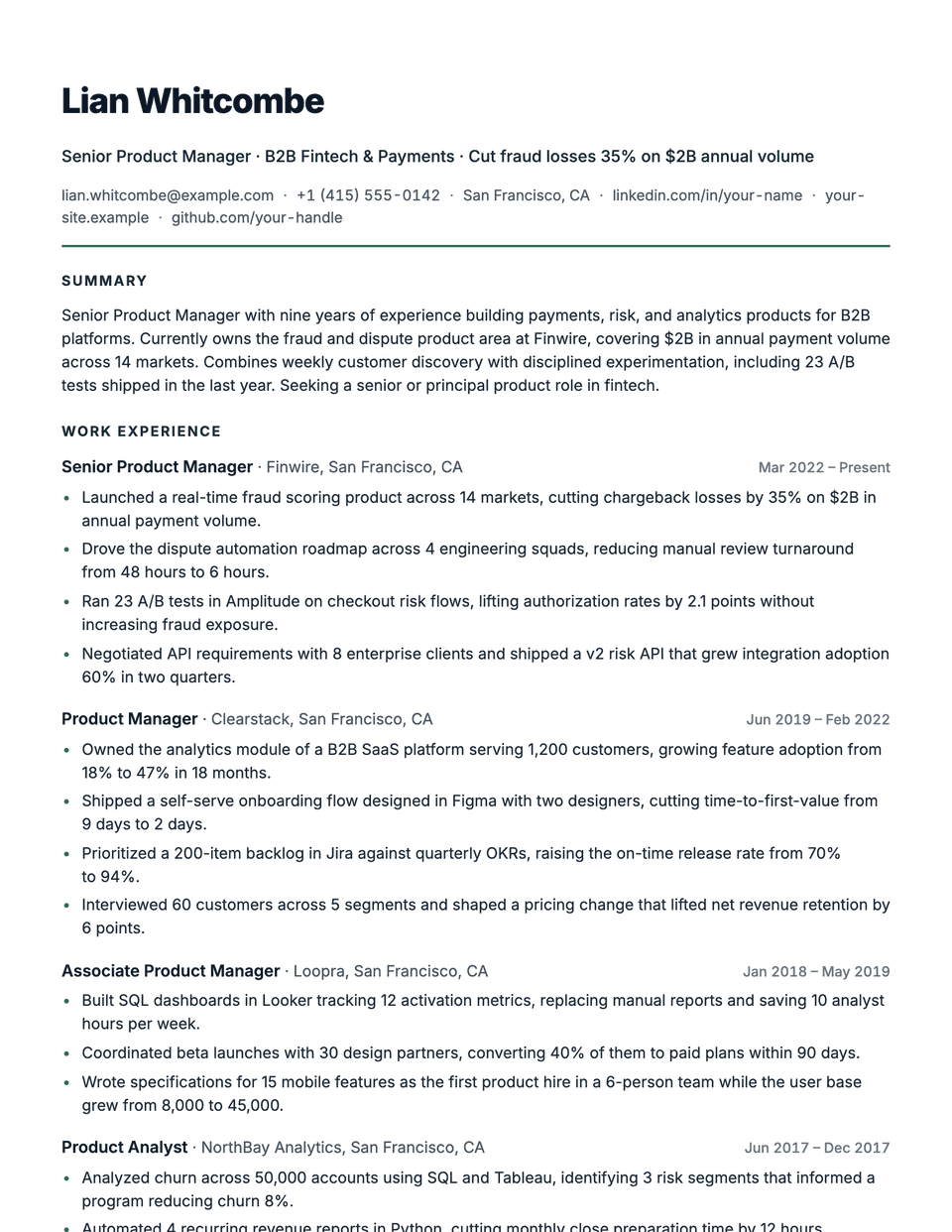
Who it's for
- Candidates with many skills or tools
- Tech and product roles
- Early and mid-career resumes
- One-page resumes
Is the Sidebar template ATS-friendly?
Two columns on screen, but your main content (summary and experience) comes first in the file and the side rail after it, so a parser reads it in a sensible order. If the content will not fit on one page, the layout falls back to a single column.
Accent colors
Starts in Evergreen. Pick any of these in the editor's Design panel, or enter your own color.
Template details
- Layout
- Two columns (one column when the content runs past a page)
- ATS
- ATS-safe: standard headings, real text
- Style group
- Specialized
- Default accent
- Evergreen (changeable)
- Page size
- US Letter or A4
- Download
- PDF or DOCX
See it with real content
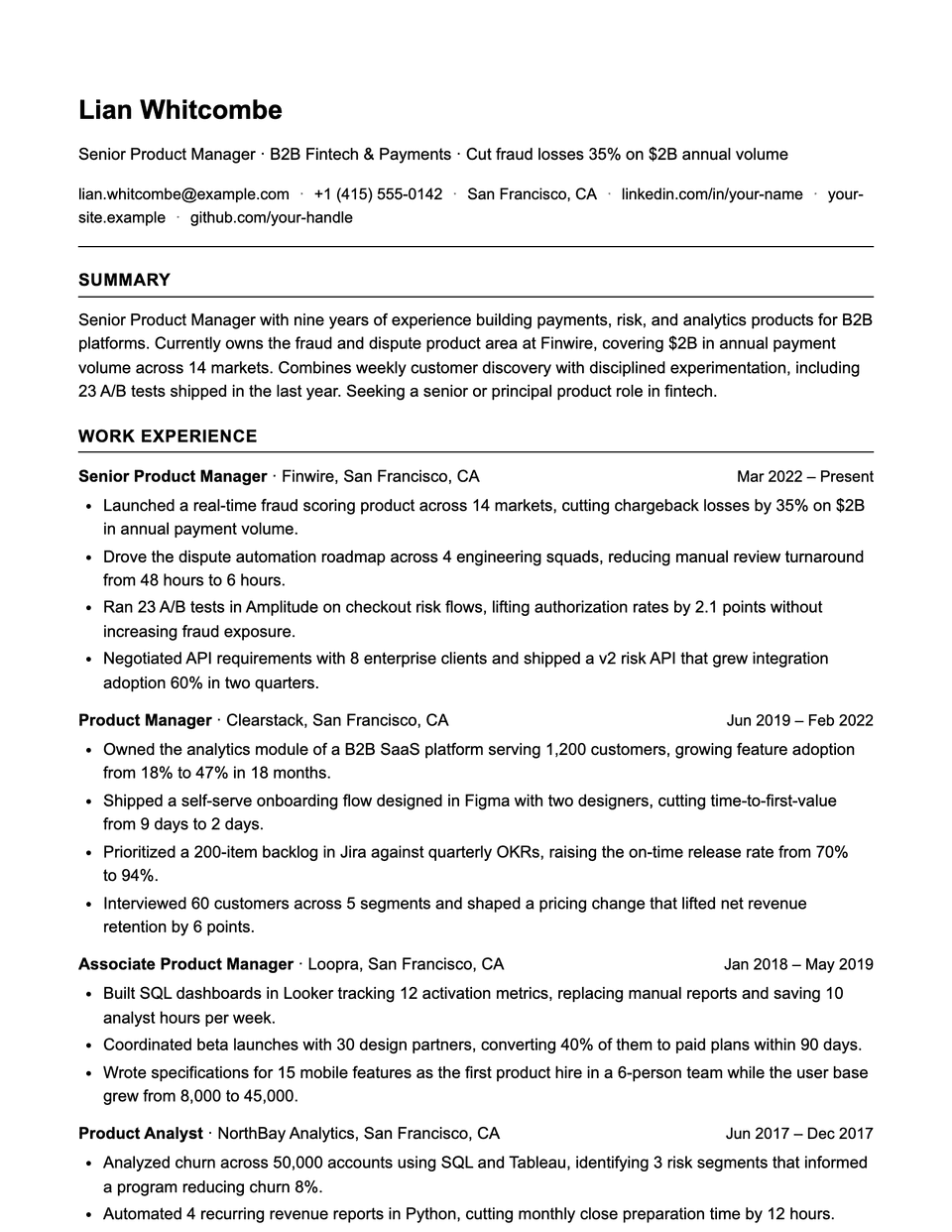
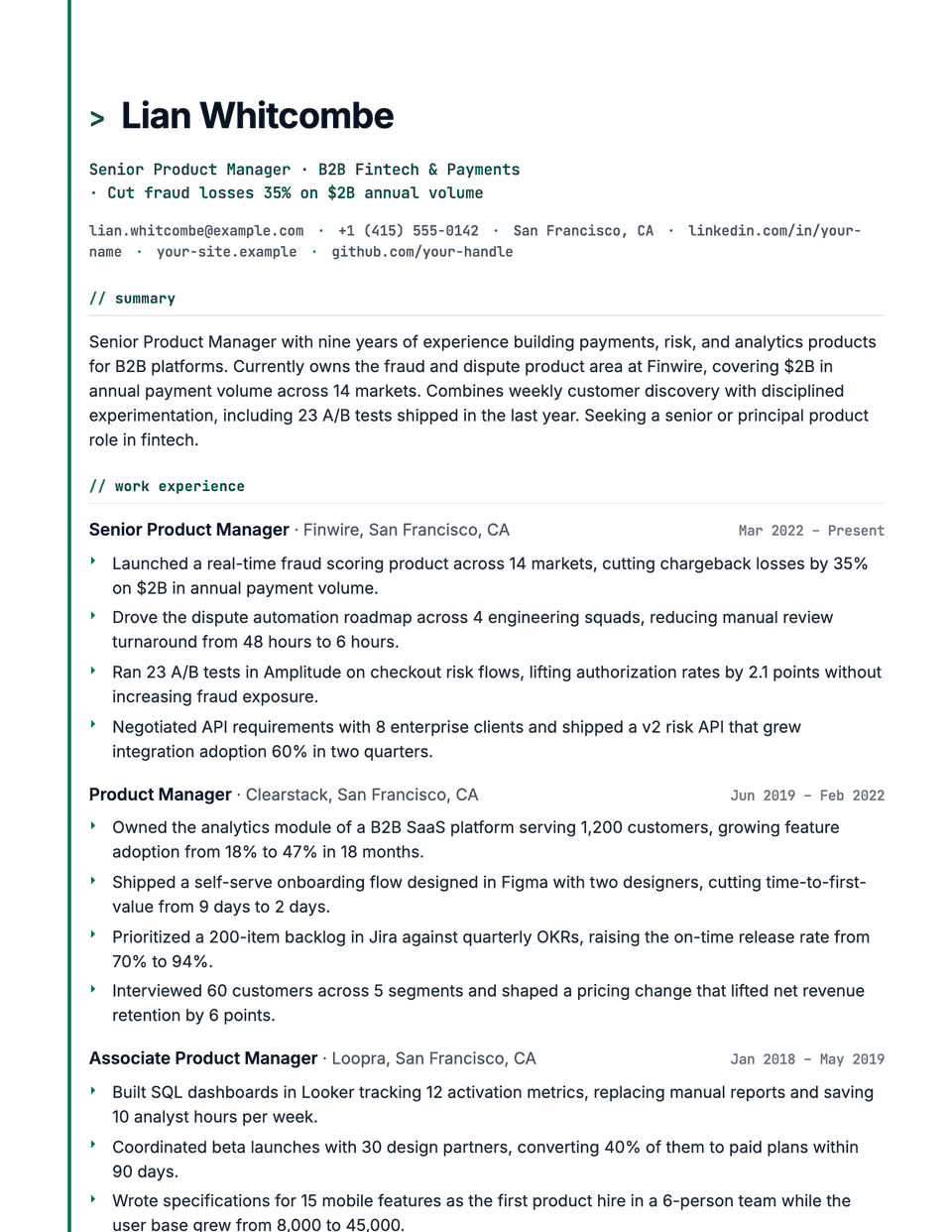
No sample resume is set in Sidebar yet. These examples use a layout from the same style group, and any of them opens in Sidebar with one click in the editor.
Similar templates
All resume templates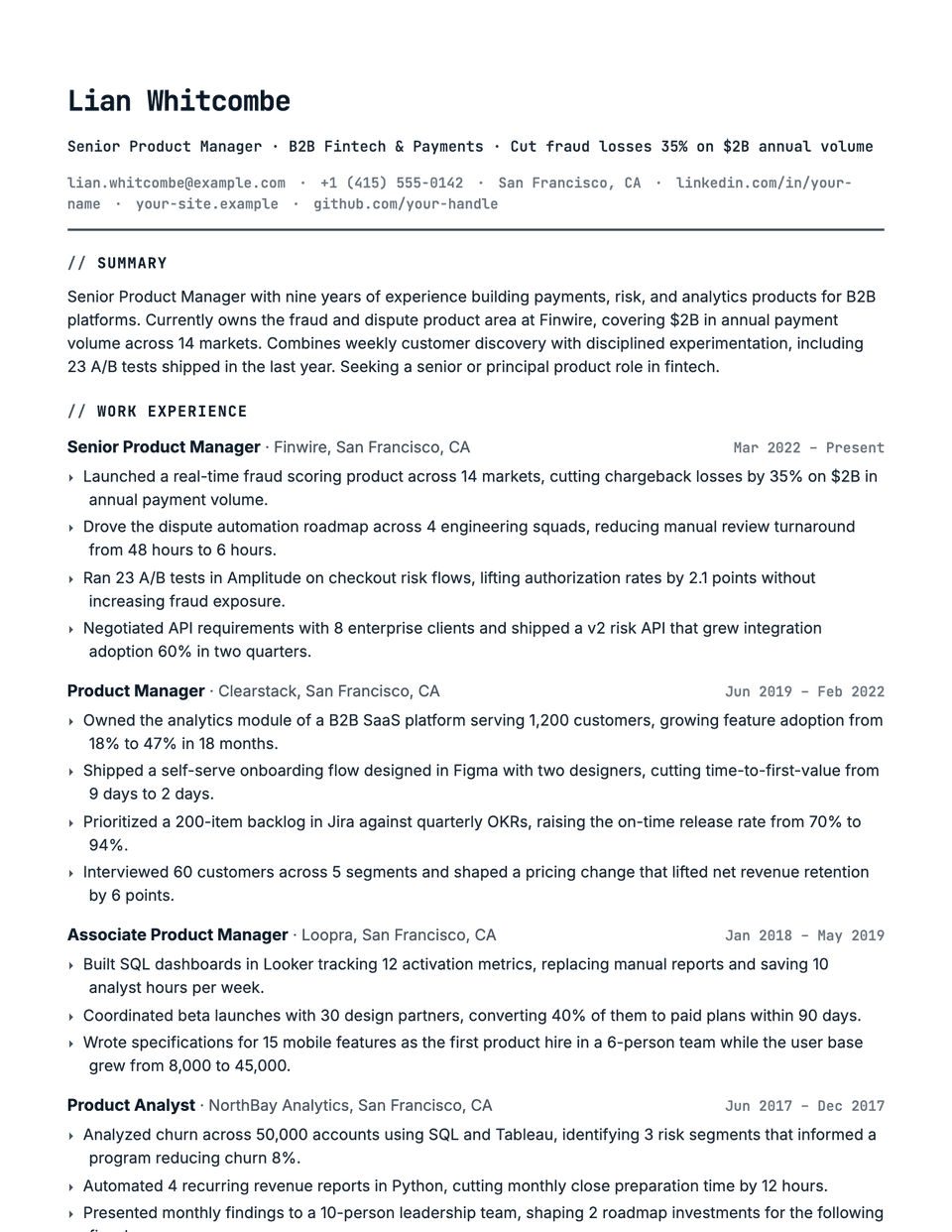
Sidebar template questions
Are two-column resumes bad for an ATS?
They can be when the columns are tables or text boxes. Sidebar uses neither: the main column is written first, then the side rail, so the reading order stays logical.
Why did my resume switch to one column?
When the main column would clearly run past one page, Sidebar renders as a single column so you do not get a half-empty rail on page two.
Related pages
Give your resume the Sidebar look
Open it in the editor with your details, or check the resume you already have first.