Campus resume template
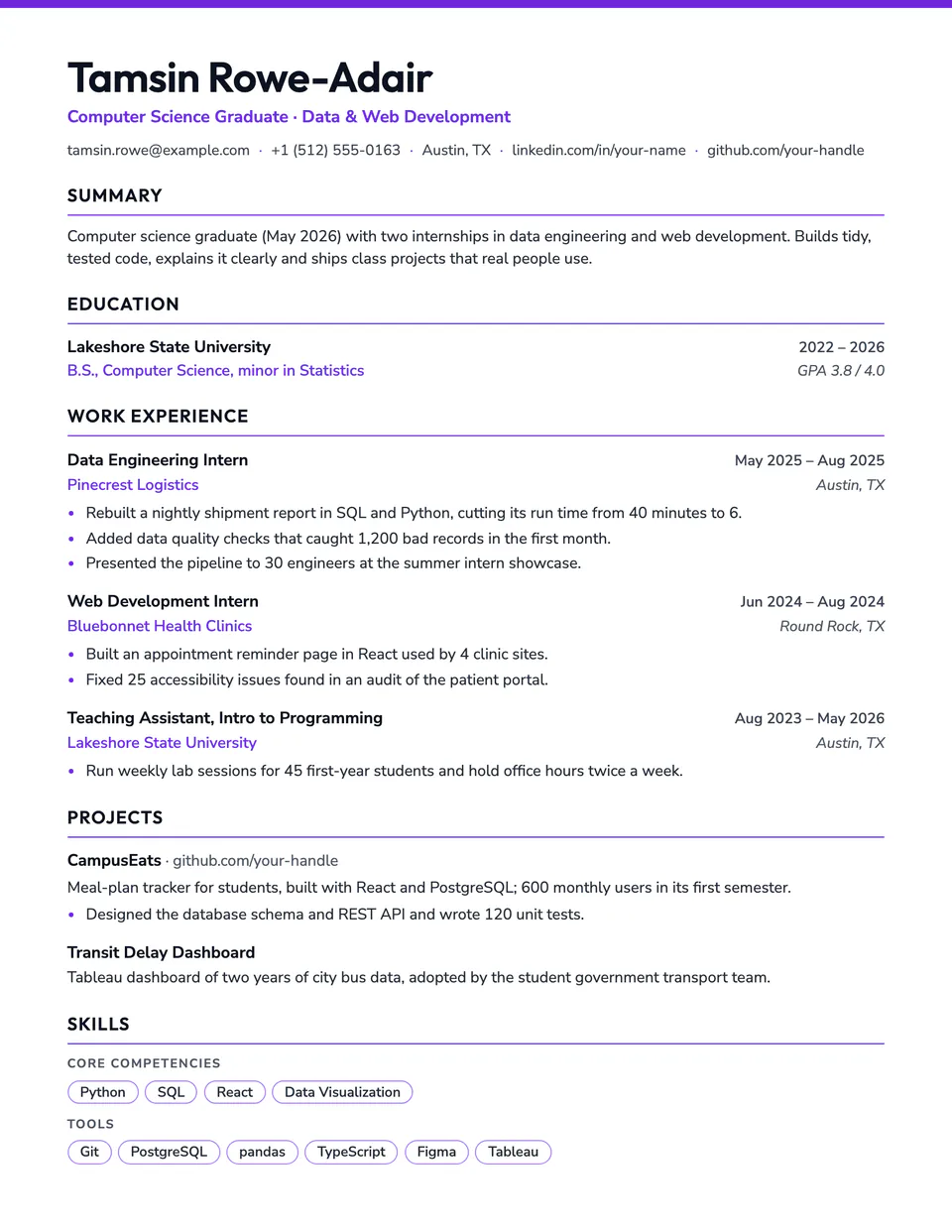
Campus is built for a short history with a lot to show. A thin color bar crowns the page, your name is set in a friendly display face, and the stacked role heads work as well for internships and campus jobs as for full-time roles. Projects keep their links and descriptions, and skills appear as rounded tags.
Free to edit and download. Have a resume already? Check it first, then open it in Campus without retyping.
Who it's for
- Students and new graduates
- Internship applications
- Entry-level roles
- Career starters with projects to show
Is the Campus template ATS-friendly?
One column of real text with standard headings. The thin color bar at the top and the tag borders are drawn by the stylesheet.
Accent colors
Starts in Violet. Pick any of these in the editor's Design panel, or enter your own color.
Template details
- Layout
- Single column
- ATS
- ATS-safe: standard headings, real text
- Style group
- Specialized
- Default accent
- Violet (changeable)
- Page size
- US Letter or A4
- Download
- PDF or DOCX
Resume examples written in Campus
Each one is a full sample resume set in this layout. Open one to read it, then start from it in the editor.
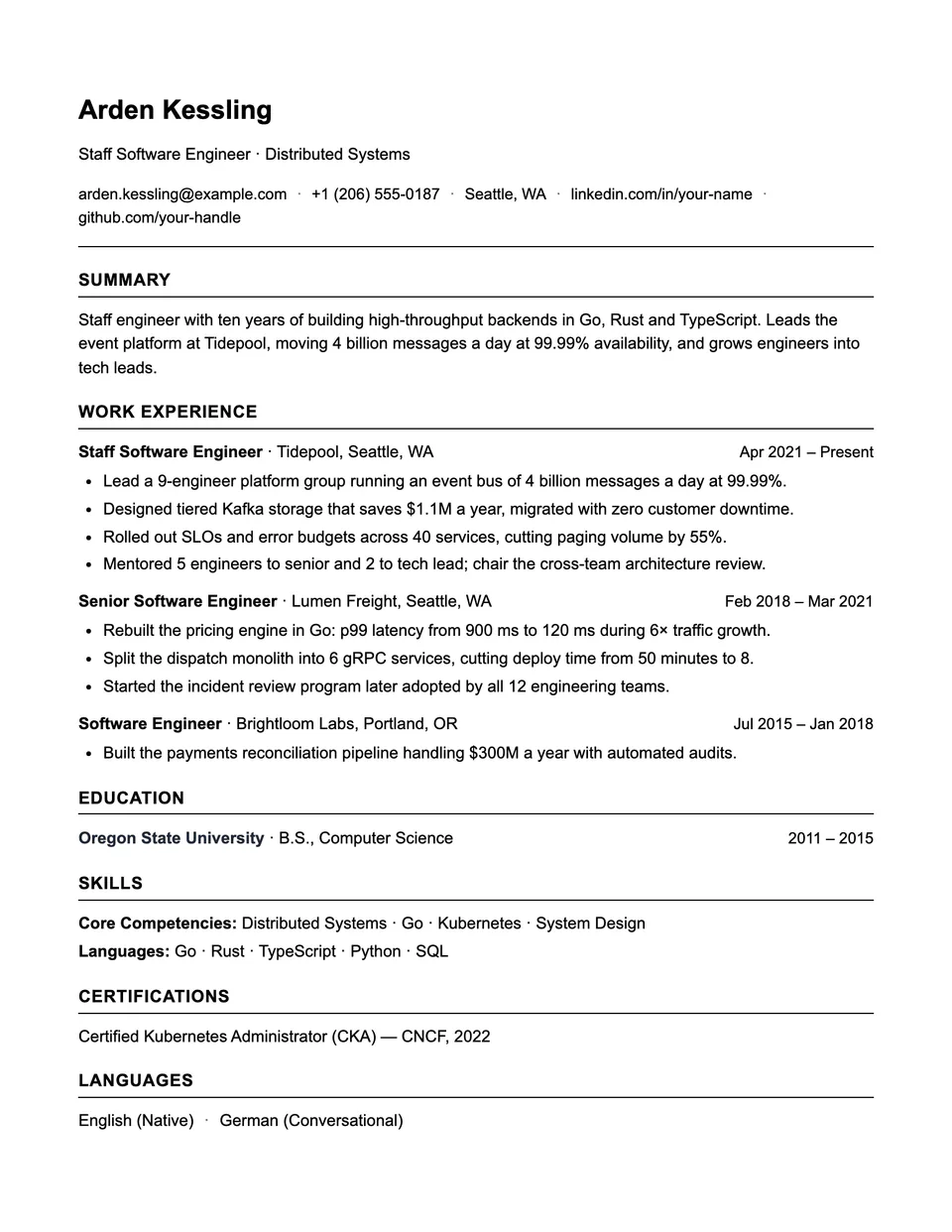
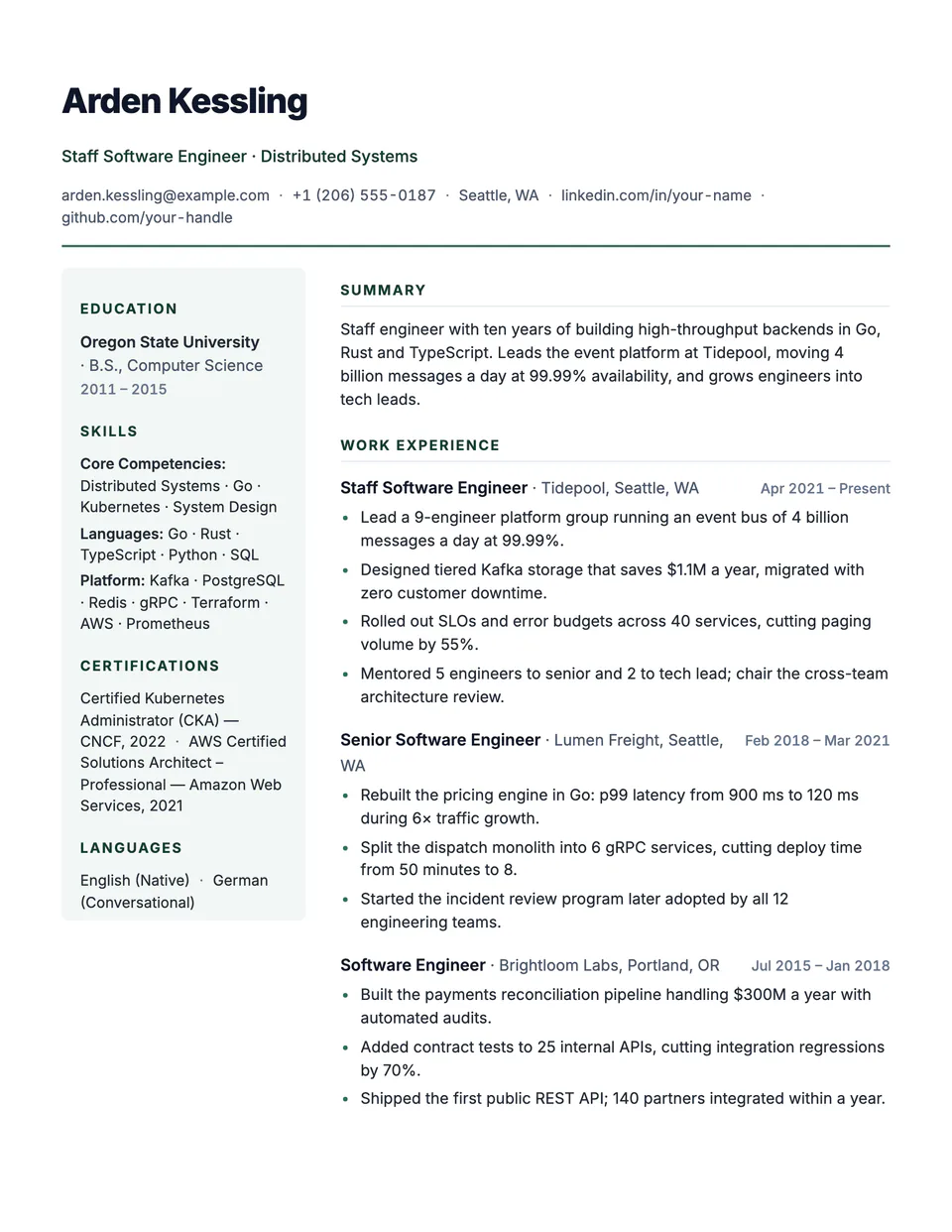
Similar templates
All resume templates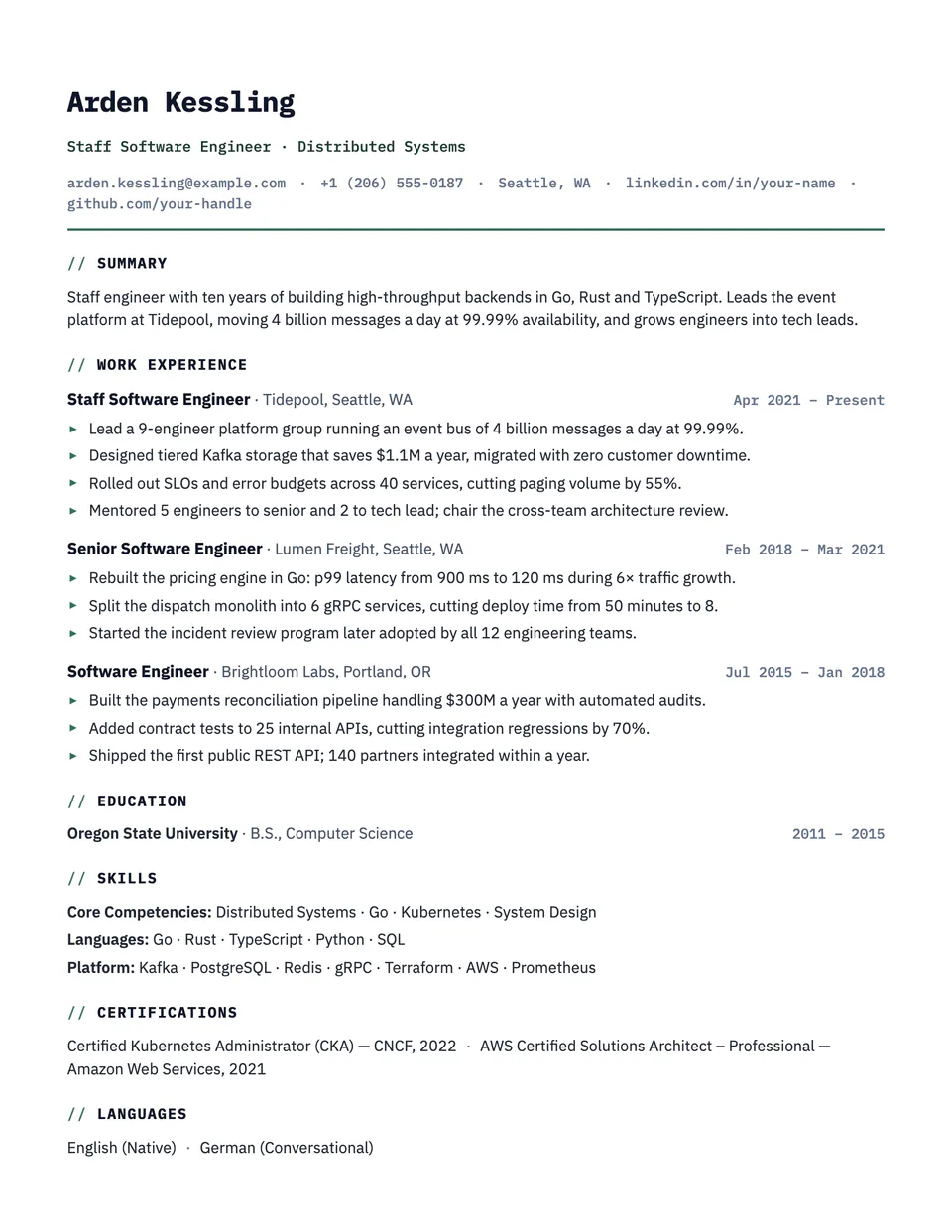
Campus template questions
Should education come first?
For students and recent graduates, usually yes. Drag Education above Work Experience in the section order and Campus keeps the same look.
Where do I put my GPA?
Add it as the grade on your education entry. Campus prints it on the right, next to your degree.
Related pages
Give your resume the Campus look
Open it in the editor with your details, or check the resume you already have first.