Keyline resume template
Keyline is mostly white space. A single hairline in your accent color runs the full height of every page, section headings hang to its left in small spaced capitals, and your content runs to its right. Your name is set in Jost with the surname in a heavier weight.
Free to edit and download. Have a resume already? Check it first, then open it in Keyline without retyping.
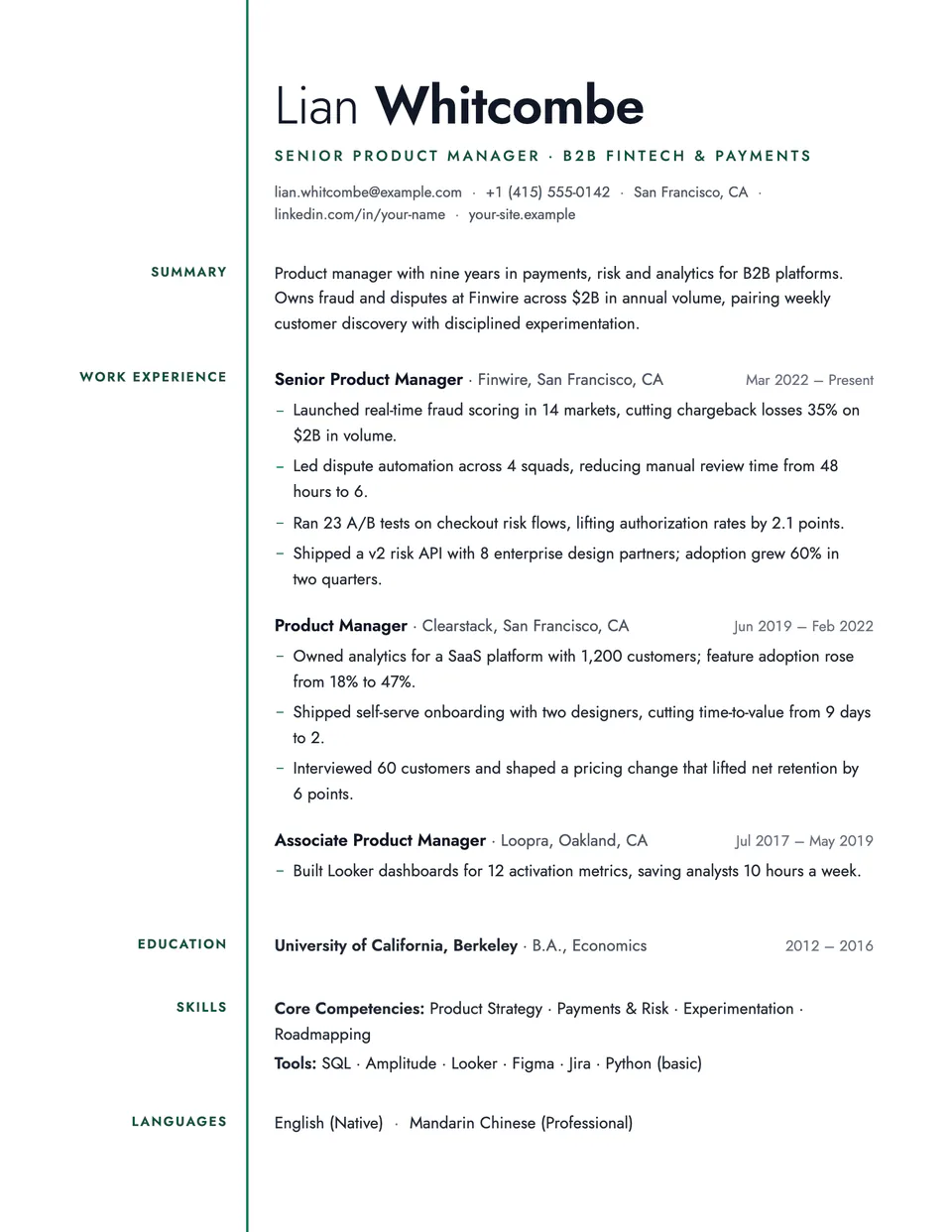
Who it's for
- Architects and designers
- Writers and editors
- Researchers
- Anyone who prefers quiet design
Is the Keyline template ATS-friendly?
Section headings sit in a separate left margin, which some applicant tracking systems read in a different order. The text itself is one column. For strict job portals, ATS Plain is safer.
Bolder layouts like this can be misread by some applicant tracking systems. If you apply through a job portal, switch to ATS Plain or another single-column layout; your content moves over unchanged.
Accent colors
Starts in Emerald. Pick any of these in the editor's Design panel, or enter your own color.
Template details
- Layout
- Single column
- ATS
- Creative layout: columns or graphics can be misread by some applicant tracking systems
- Style group
- Creative
- Default accent
- Emerald (changeable)
- Page size
- US Letter or A4
- Download
- PDF or DOCX
See it with real content
No sample resume is set in Keyline yet. These examples use a layout from the same style group, and any of them opens in Keyline with one click in the editor.
Similar templates
All resume templates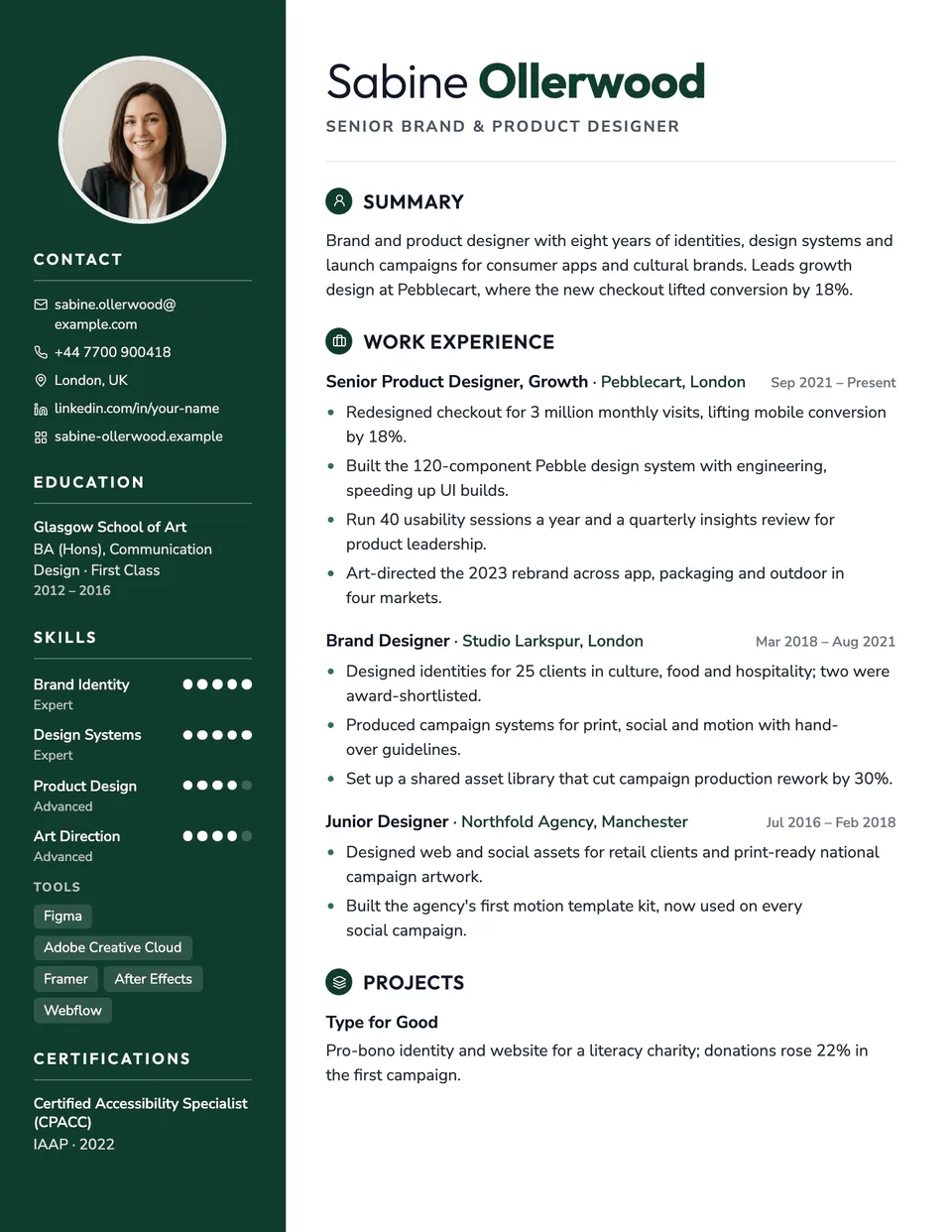
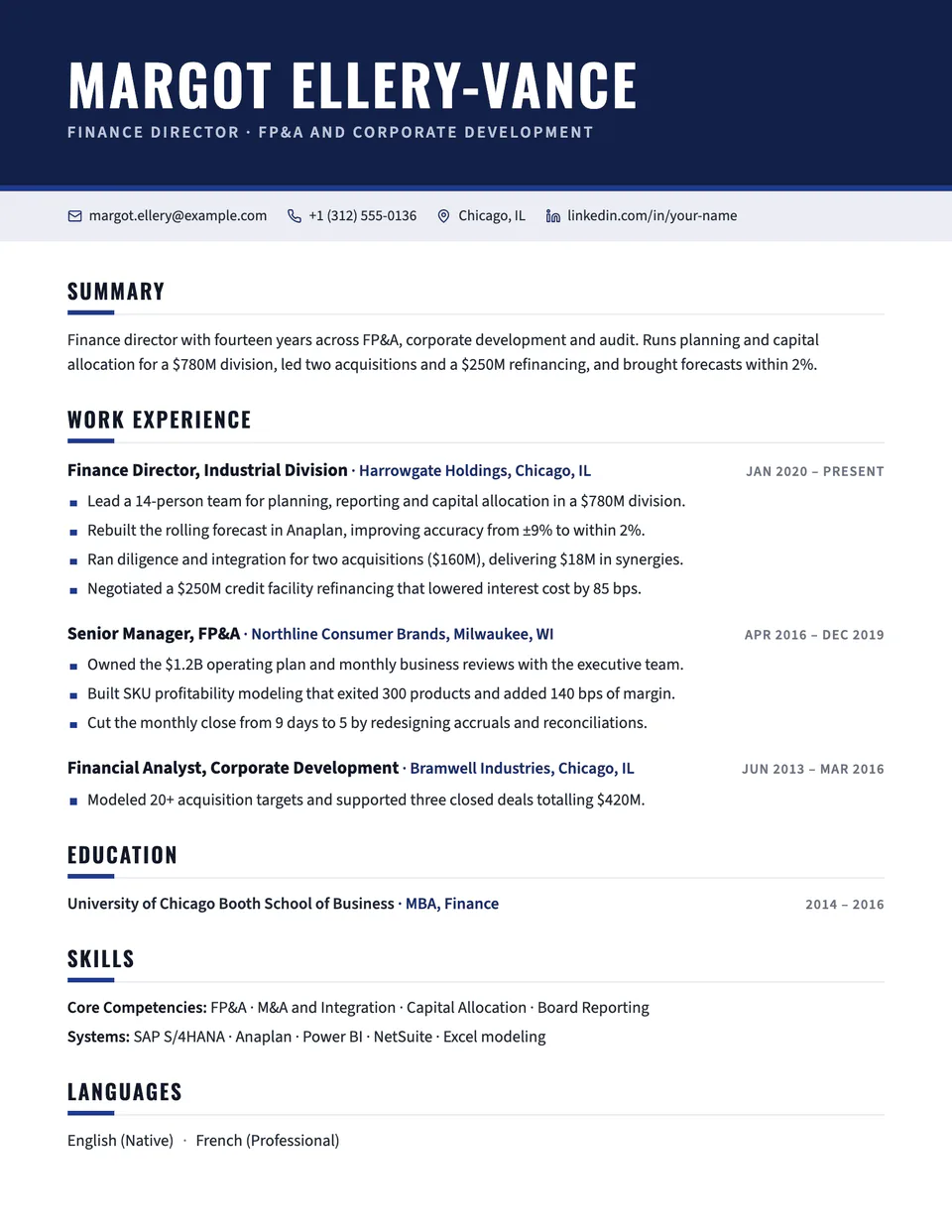
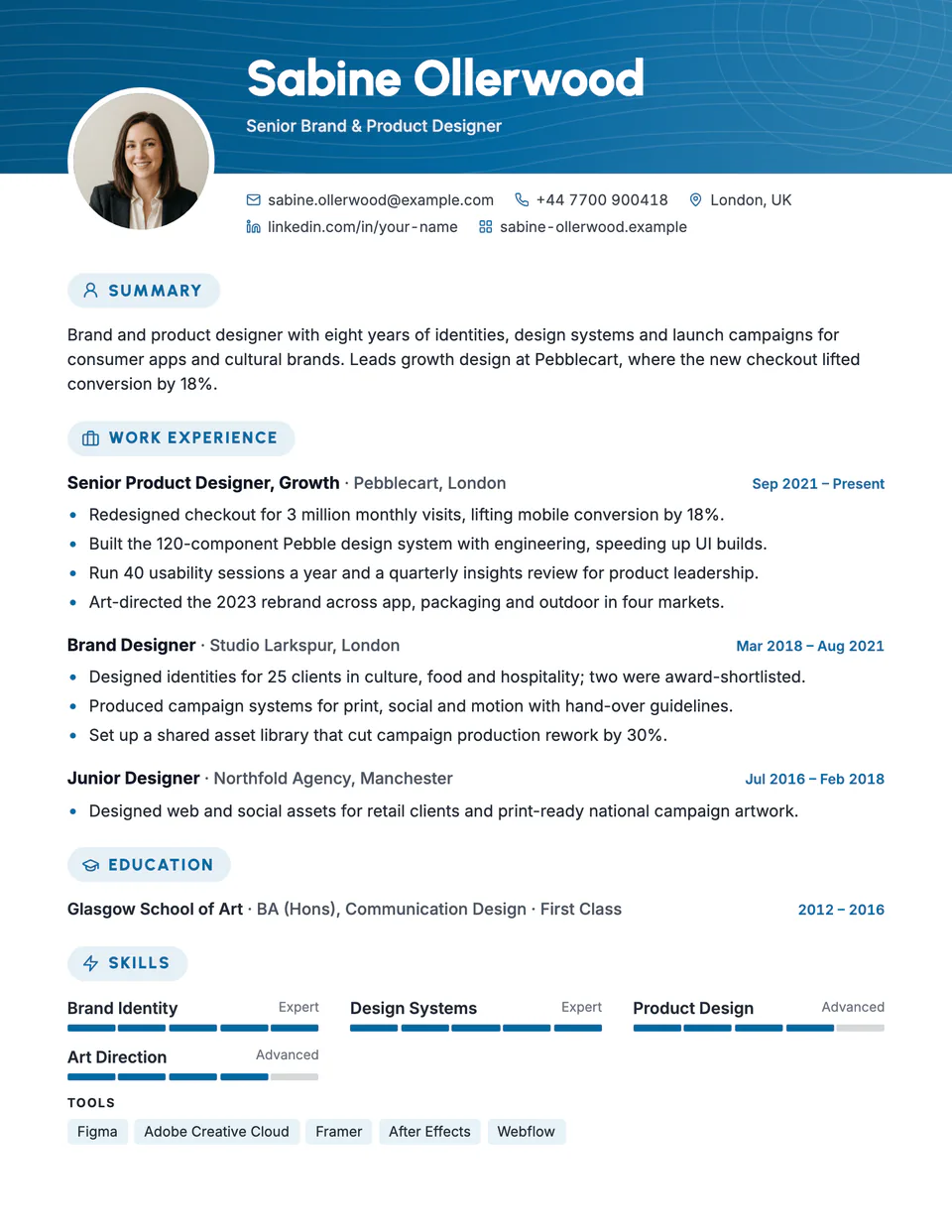
Keyline template questions
Does the line appear on every page?
Yes, from the top edge to the bottom edge of each printed page.
Will long headings fit in the margin?
Yes. Long headings wrap onto a second line in the margin and the section makes room for them.
Related pages
Give your resume the Keyline look
Open it in the editor with your details, or check the resume you already have first.