Pillar resume template
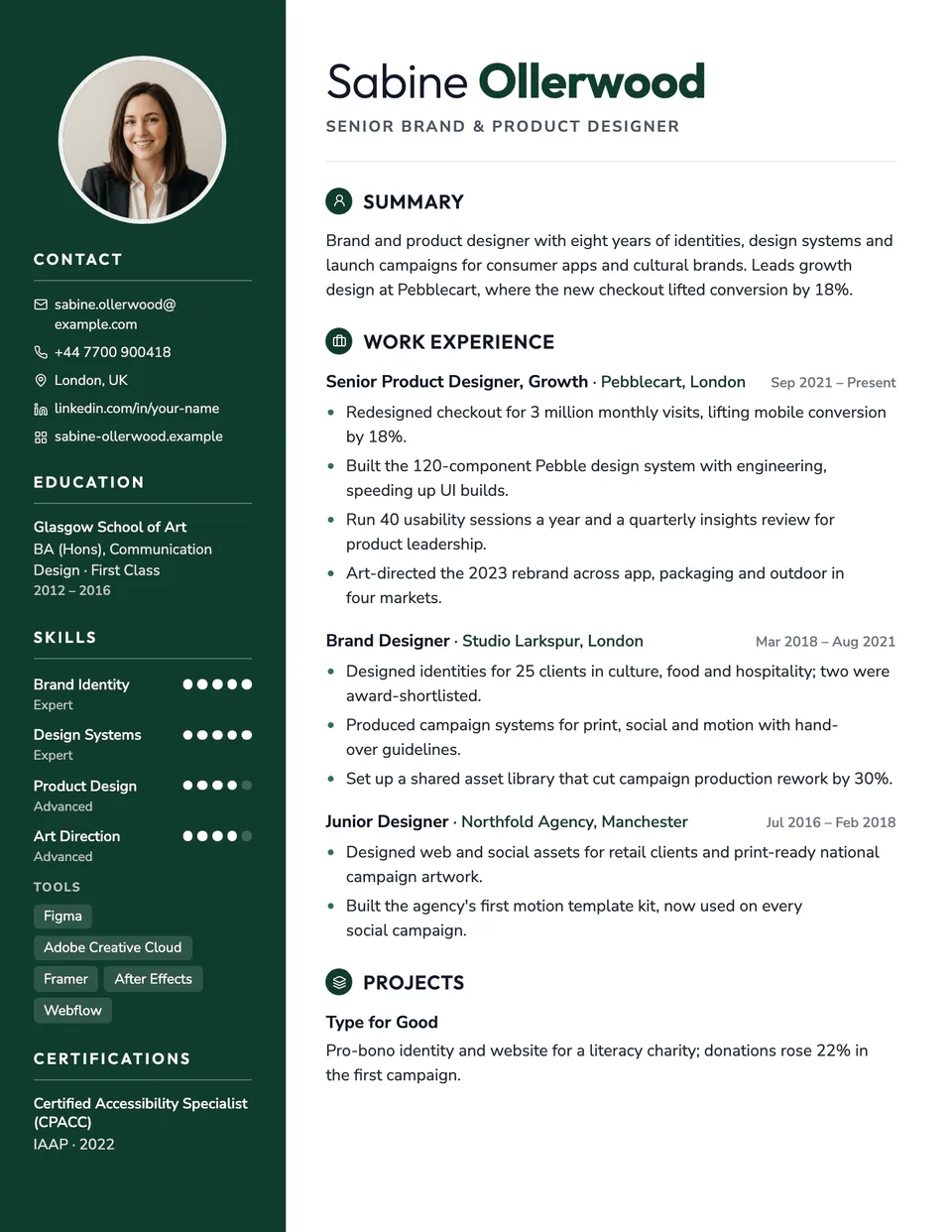
Pillar puts a deep accent column down the full height of every page. It holds an optional round photo, your contact details with small icons, skills with five-dot ratings and languages, while your summary and experience run in a wide column beside it. Your name is set in two weights, so the surname carries the color.
Free to edit and download. Have a resume already? Check it first, then open it in Pillar without retyping.
Who it's for
- Marketing and communications
- Design and creative roles
- Hospitality and customer-facing jobs
- Markets where a photo is expected
Is the Pillar template ATS-friendly?
Two columns with rating dots, so some applicant tracking systems may read it out of order. Your main content is written first and every skill level is also printed as a word. For portal applications, ATS Plain is the safer choice.
Bolder layouts like this can be misread by some applicant tracking systems. If you apply through a job portal, switch to ATS Plain or another single-column layout; your content moves over unchanged.
Need a photo for this template?
Turn 1–5 selfies into a professional portrait and insert it here in one click. Included in Resume Pass and Pro.
Add an AI headshotAccent colors
Starts in Evergreen. Pick any of these in the editor's Design panel, or enter your own color.
Template details
- Layout
- Two columns
- ATS
- Creative layout: columns or graphics can be misread by some applicant tracking systems
- Style group
- Creative
- Default accent
- Evergreen (changeable)
- Page size
- US Letter or A4
- Download
- PDF or DOCX
See it with real content
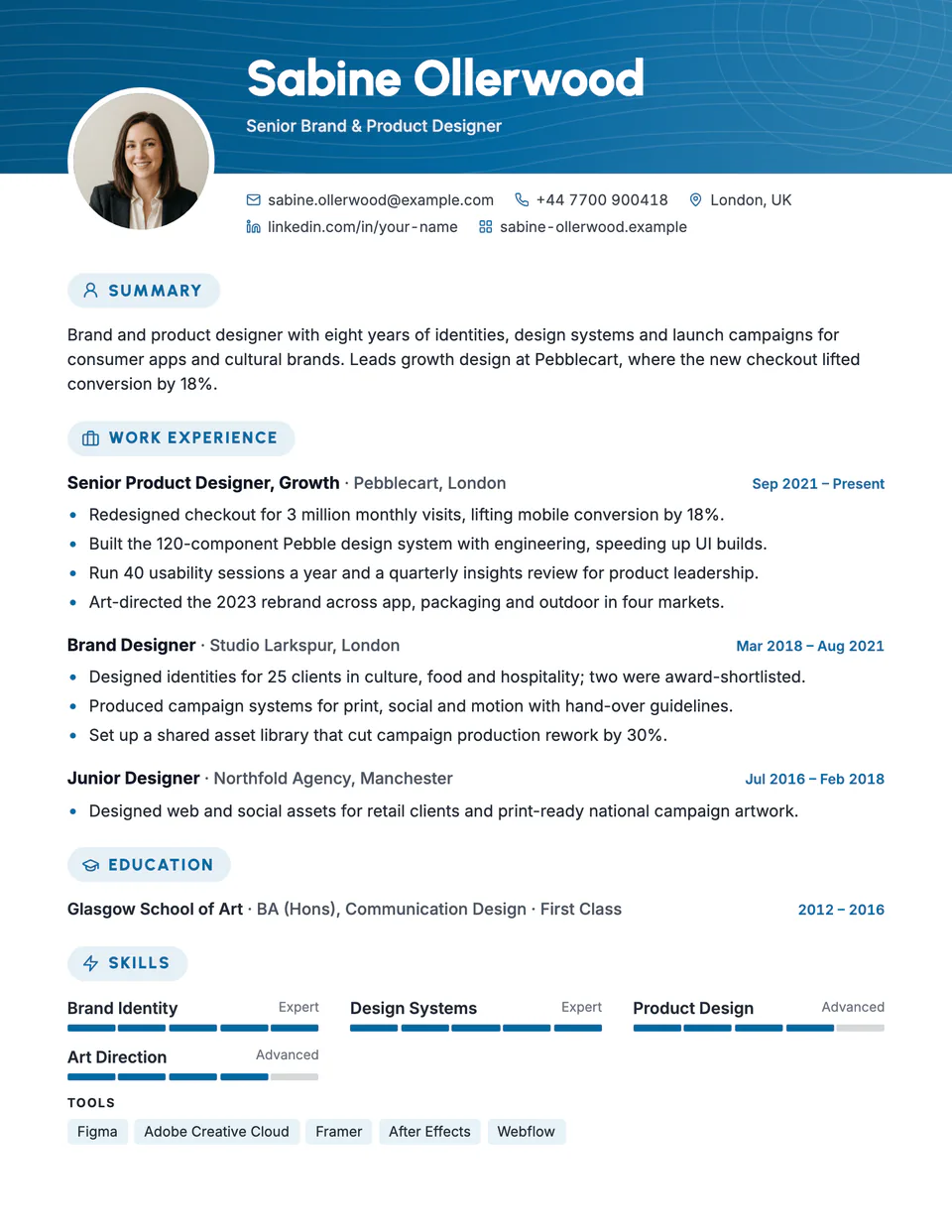
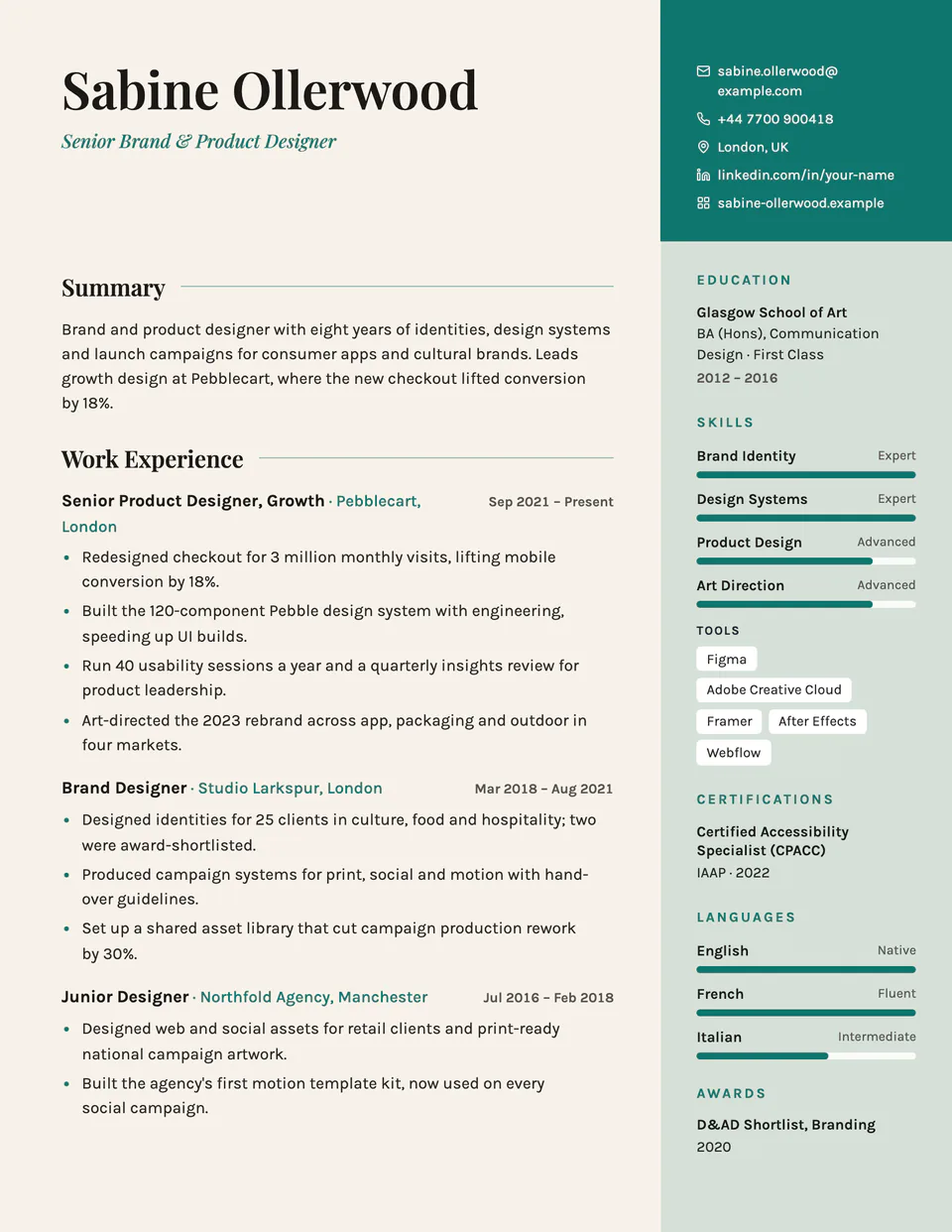
No sample resume is set in Pillar yet. These examples use a layout from the same style group, and any of them opens in Pillar with one click in the editor.
Similar templates
All resume templates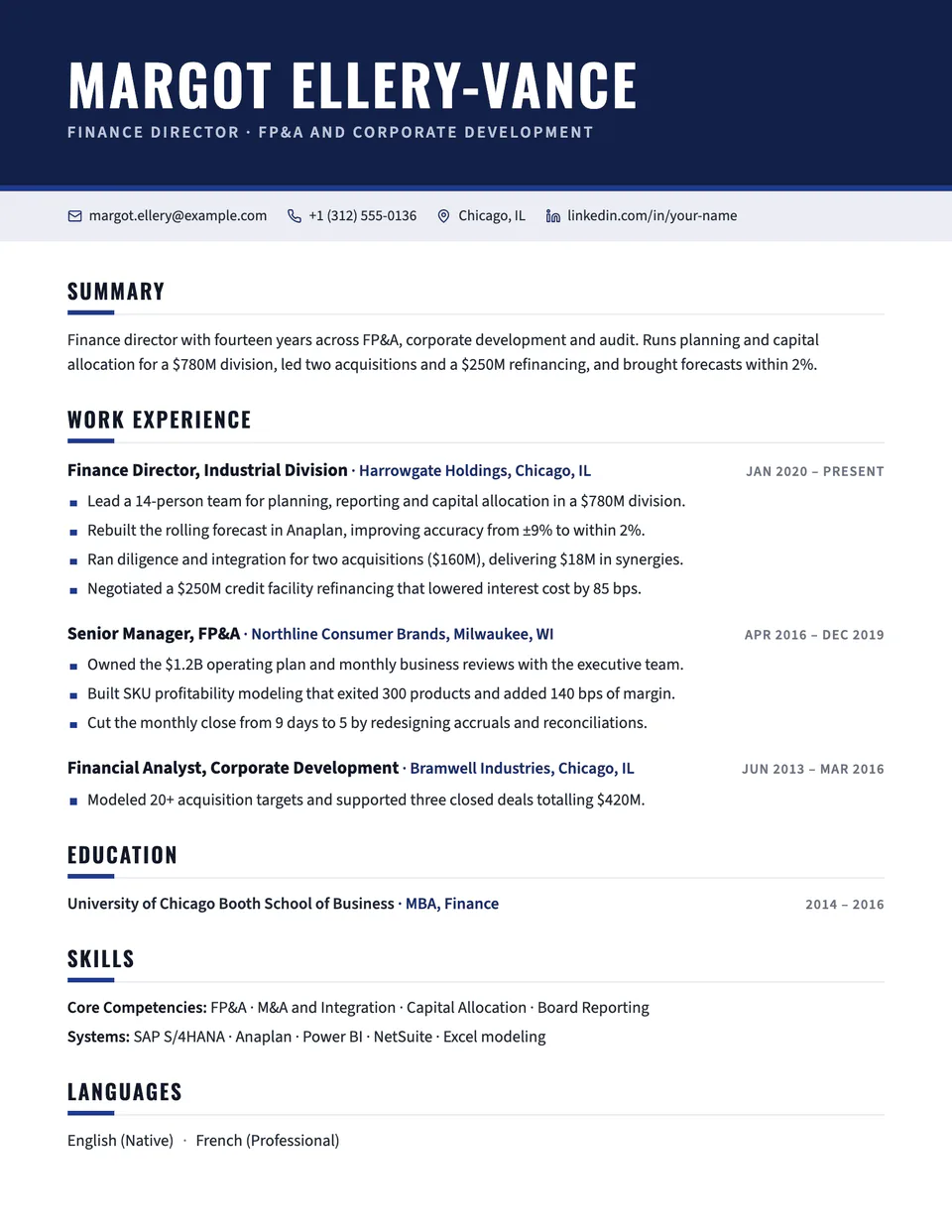
Pillar template questions
Does the color column continue on page two?
Yes. It runs from the top to the bottom of every printed page, with the same margins, in the PDF and the preview.
What happens if I don't add a photo?
The column starts with your contact details instead. The photo is optional.
Related pages
Give your resume the Pillar look
Open it in the editor with your details, or check the resume you already have first.