Marquee resume template
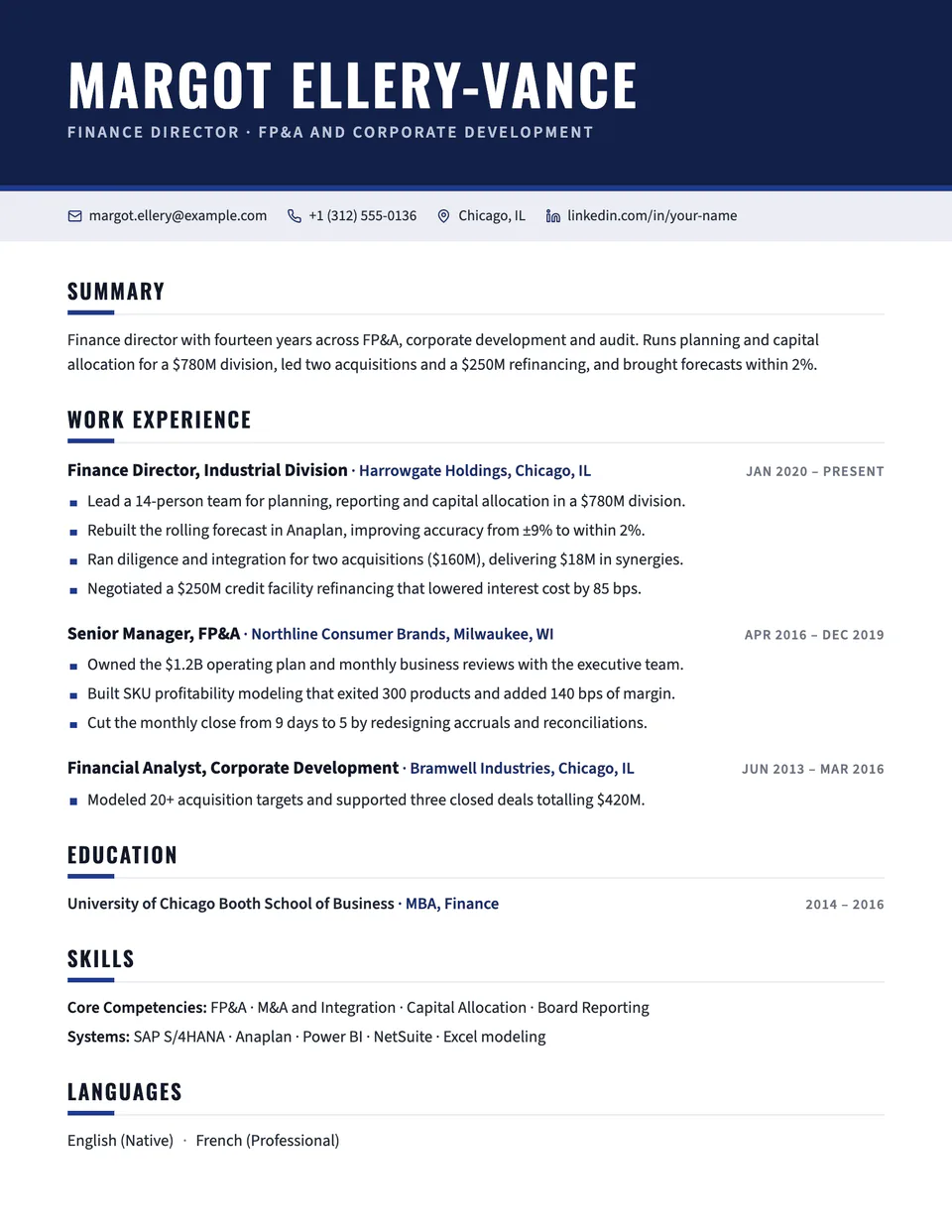
Marquee opens with a dark band that runs edge to edge, with your name in condensed Oswald capitals and your headline in a lighter tint of your accent. Contact details sit in a tinted strip with small icons. Below, section headings carry a short accent bar and roles are easy to scan.
Free to edit and download. Have a resume already? Check it first, then open it in Marquee without retyping.
Who it's for
- Sales and business development
- Operations and project leads
- Managers who want presence
- General applications
Is the Marquee template ATS-friendly?
Single column of real text with standard headings. The dark header is a background color behind selectable text, so parsers read your name and contact details normally.
Accent colors
Starts in Navy. Pick any of these in the editor's Design panel, or enter your own color.
Template details
- Layout
- Single column
- ATS
- ATS-safe: standard headings, real text
- Style group
- Creative
- Default accent
- Navy (changeable)
- Page size
- US Letter or A4
- Download
- PDF or DOCX
See it with real content
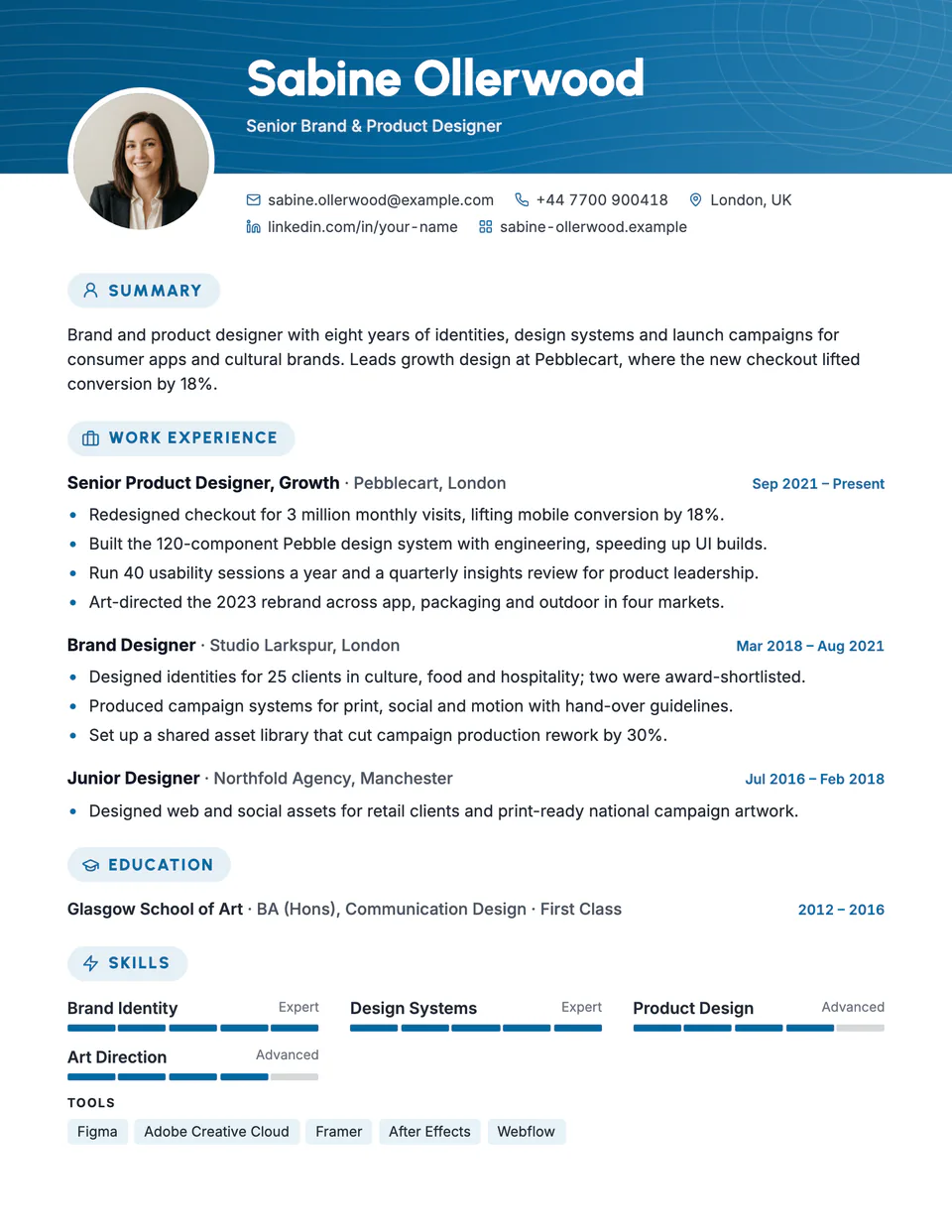
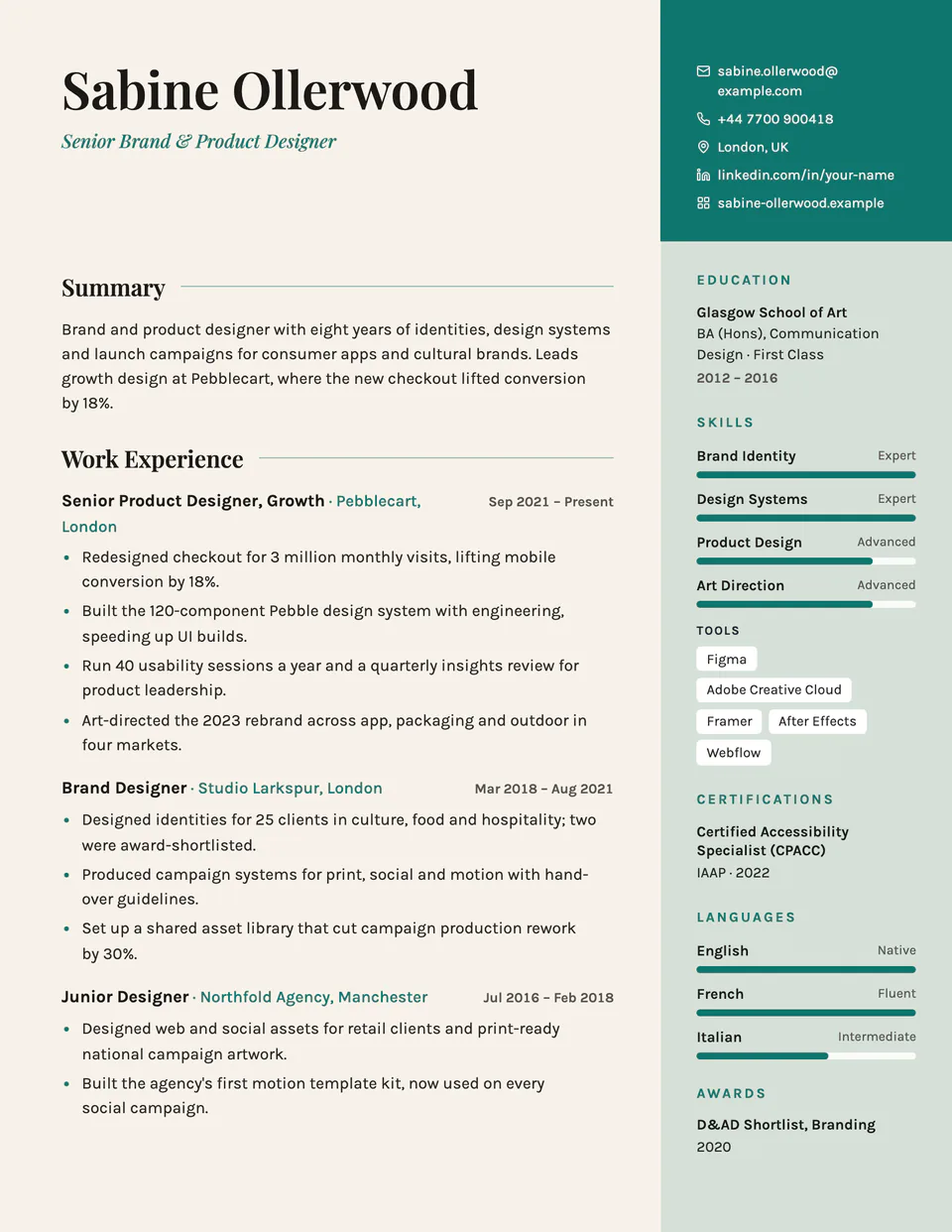
No sample resume is set in Marquee yet. These examples use a layout from the same style group, and any of them opens in Marquee with one click in the editor.
Similar templates
All resume templates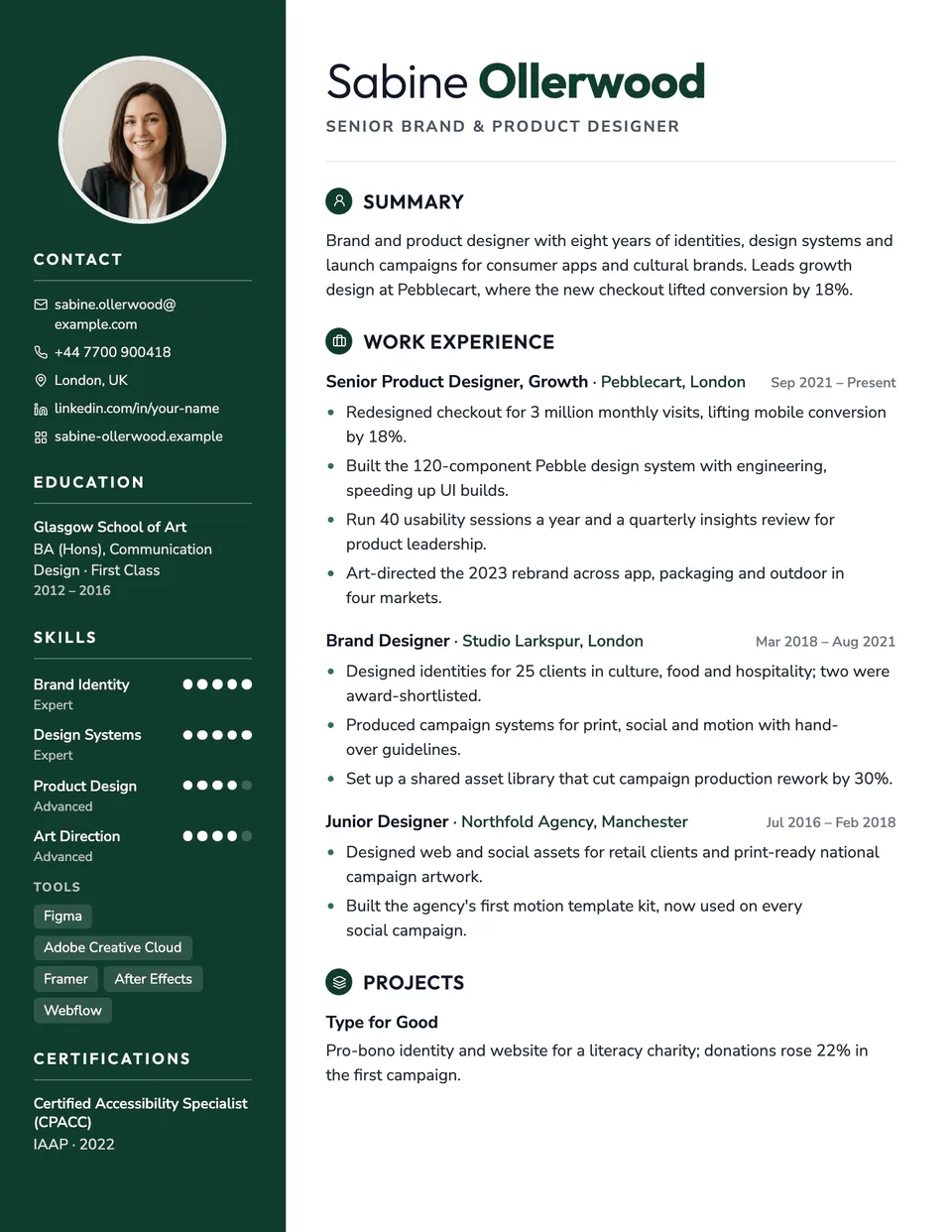
Marquee template questions
Will the dark header use a lot of ink?
It prints as a solid band at the top of page one only. Later pages are white with normal margins.
Can I change the band color?
Yes. The band follows your accent color, darkened so white text stays readable.
Related pages
Give your resume the Marquee look
Open it in the editor with your details, or check the resume you already have first.