Merge the resumes you already have in one click. Ruubu keeps every role and achievement in one place, including the ones that never fit on one page, and your next resume starts from the achievements you've confirmed.
Free on every plan. AI steps use the limits your plan already has.
What is a career profile?
A career profile is one place for your whole work history: every role, achievement, skill, degree and preference, more than one resume can hold. In Ruubu you build it by merging your resumes, importing a file or answering a short interview. New resumes, tailored versions and cover letters then draw only on achievements you've confirmed.
Only numbers you wrote. New interview lines wait until you confirm them
Earlier versions
Saved copies, if you kept them
The last 30 versions, each one restorable
Price on Ruubu
Free to build and edit
Free on every plan
How it works
From scattered resumes to one profile
These screens come from a sample account. The person and the companies are invented.
1
Merge the resumes you already have
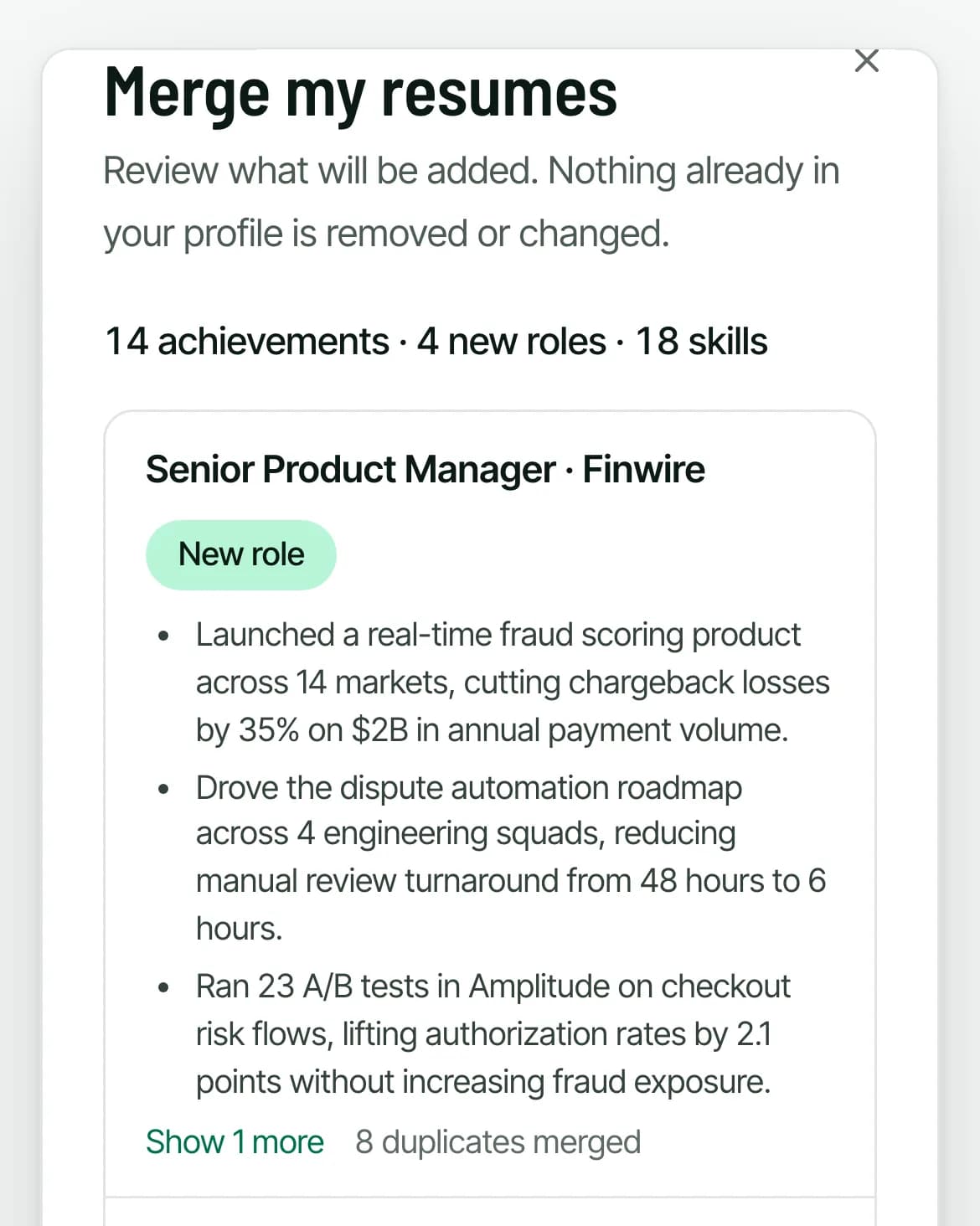
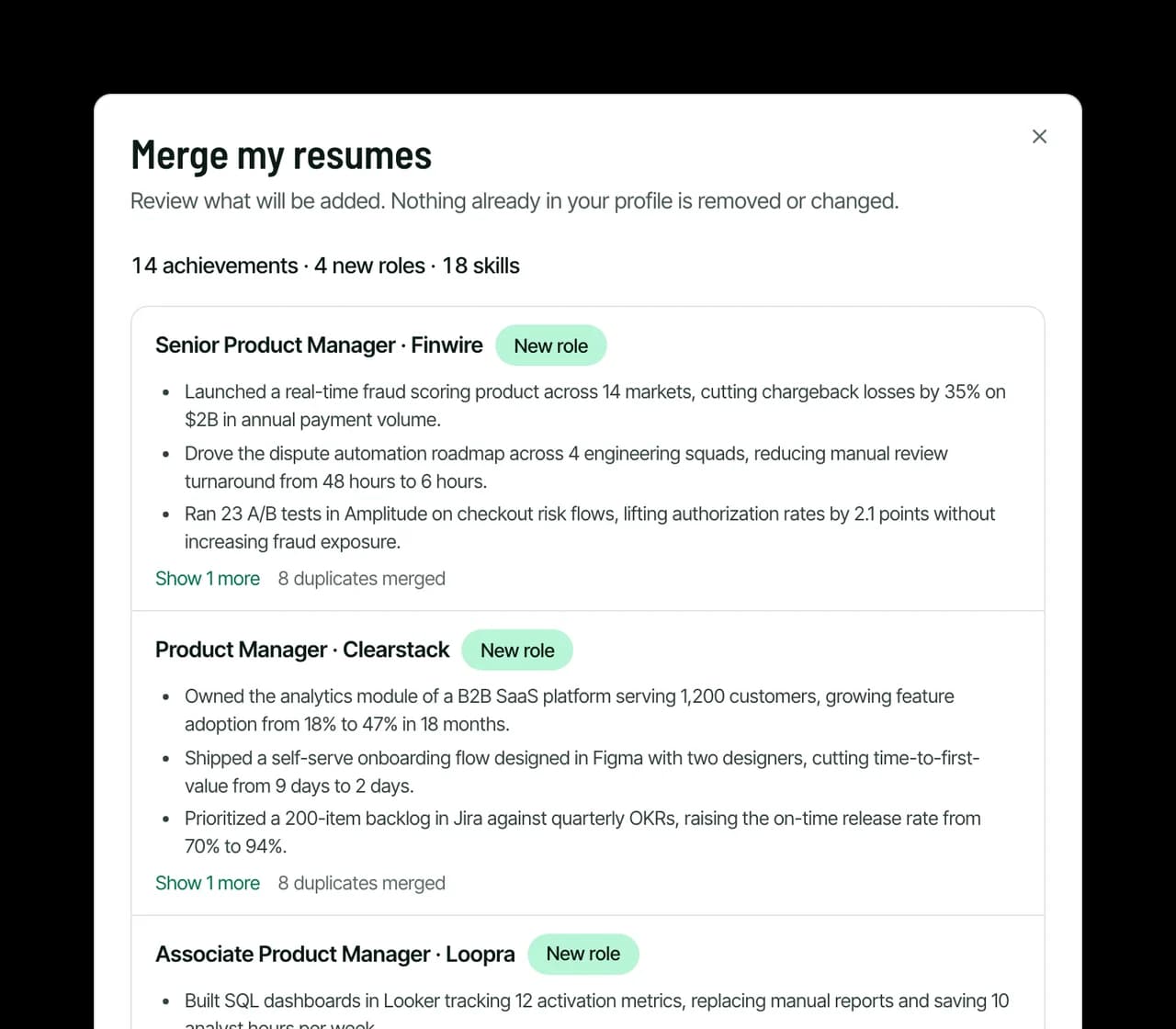
Ruubu reads every resume you have here, base and tailored versions alike, lines up the same role across files and merges duplicate bullets. No resumes on Ruubu yet? Import a PDF, DOCX or TXT file, LinkedIn's Save to PDF export or your latest LinkedIn review.
No AI in this step
You see every addition before it's saved
Nothing already in your profile is removed or changed
Sample
2
Add what your resumes left out
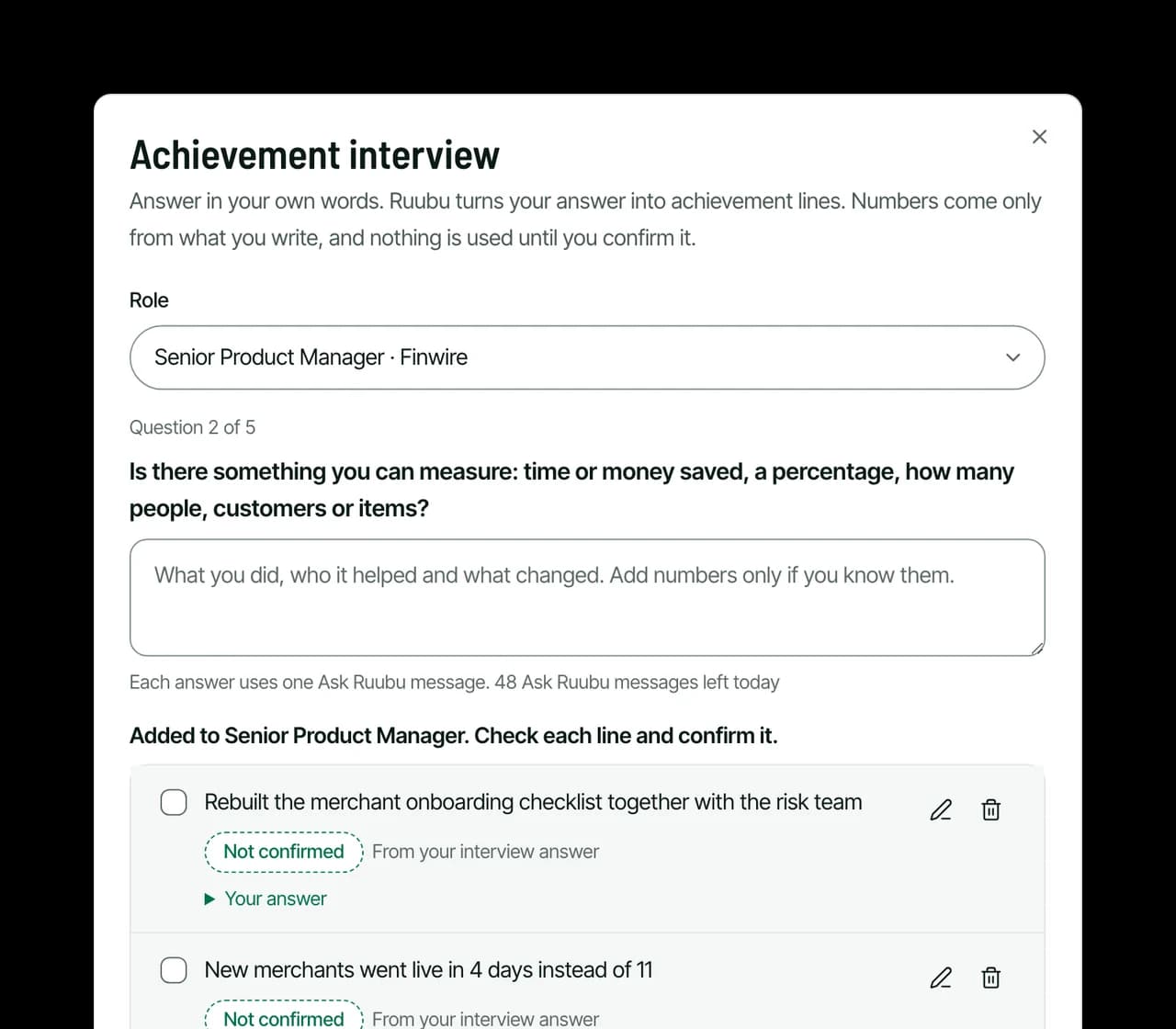
The achievement interview asks one question at a time about a role, such as what you're proudest of or what you can measure. You answer in your own words and Ruubu turns the answer into achievement lines.
Numbers come only from what you wrote
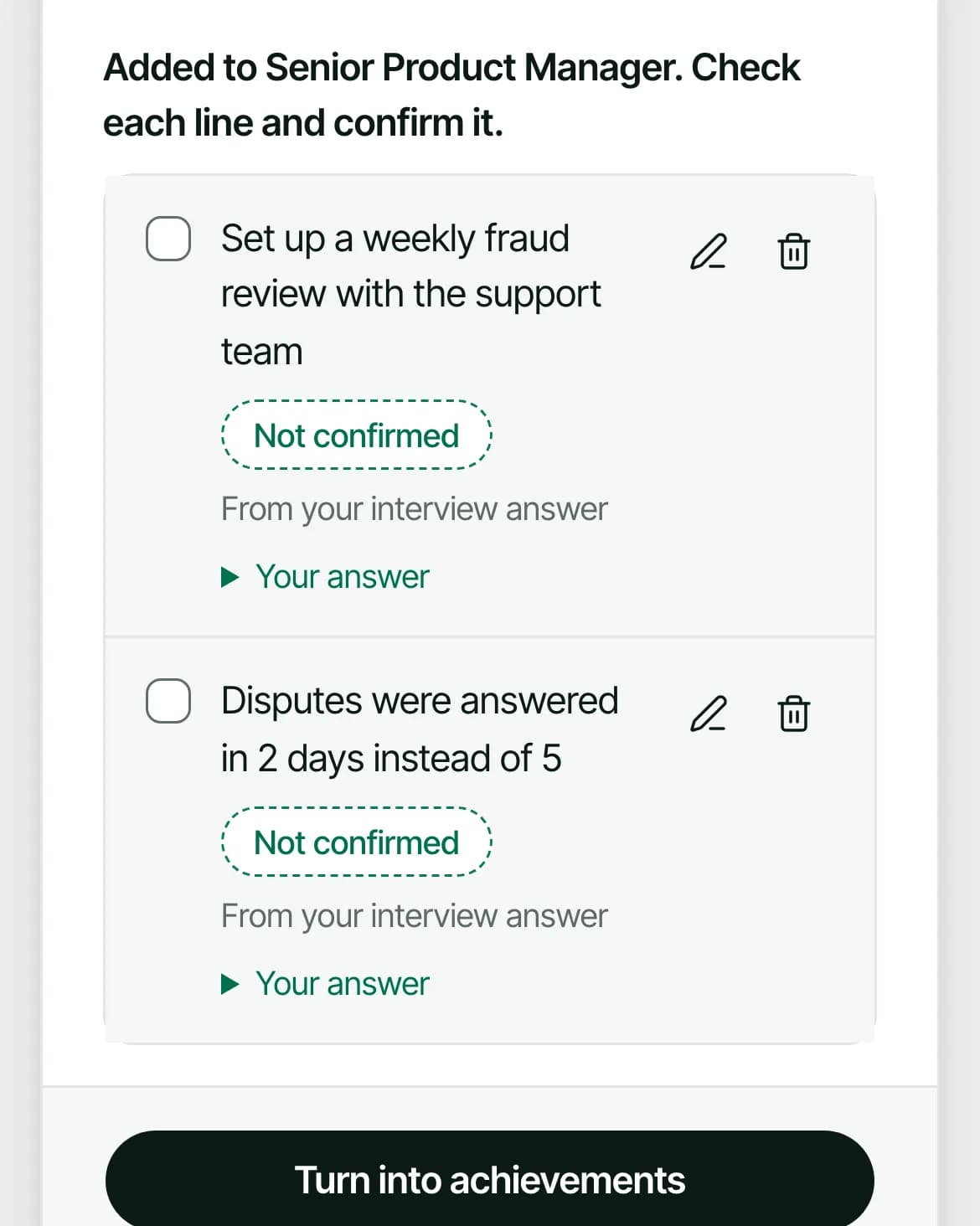
New lines stay Not confirmed until you tick them
One Ask Ruubu message per answer, not counted if nothing usable comes back
Sample
3
Keep a library you can search
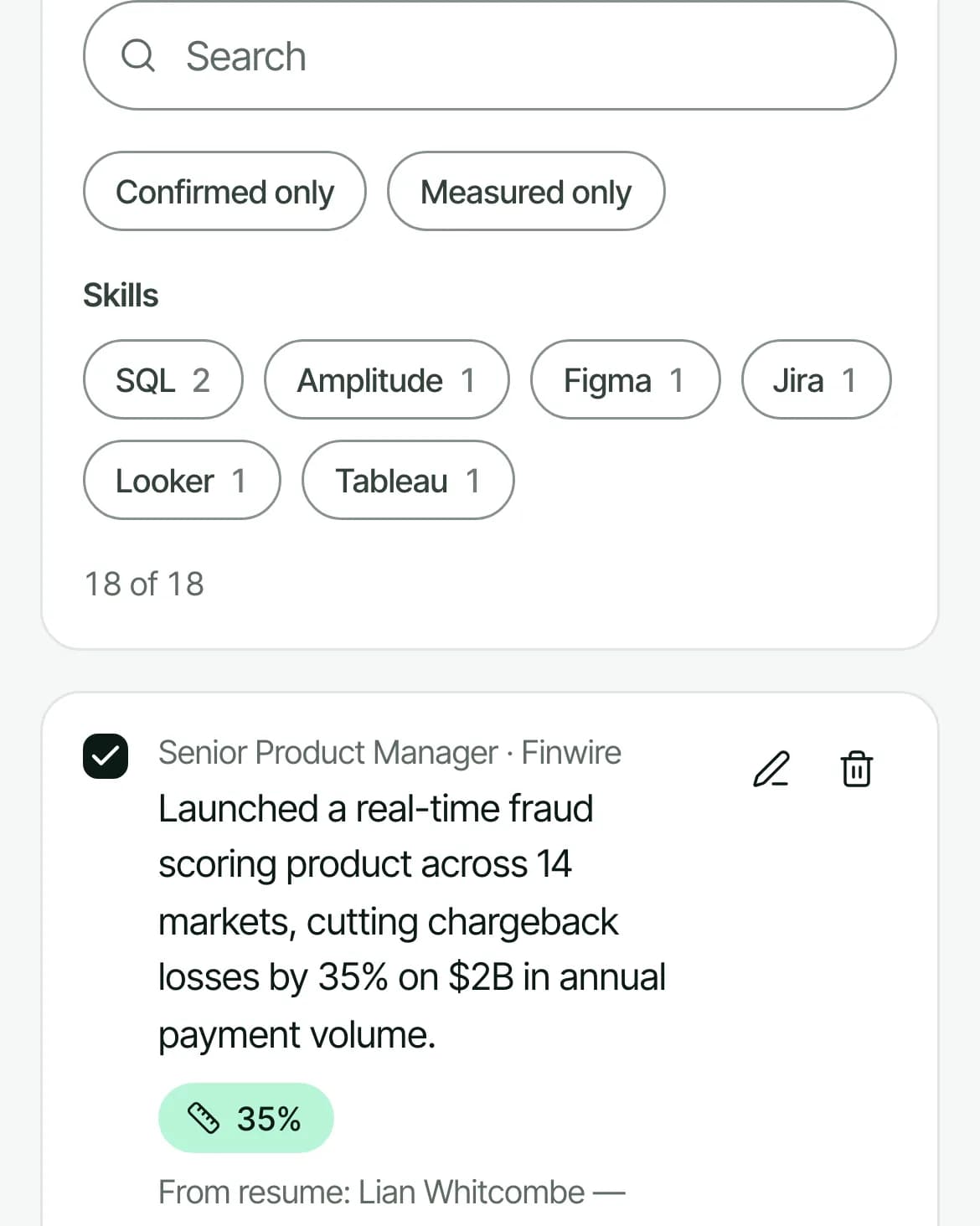
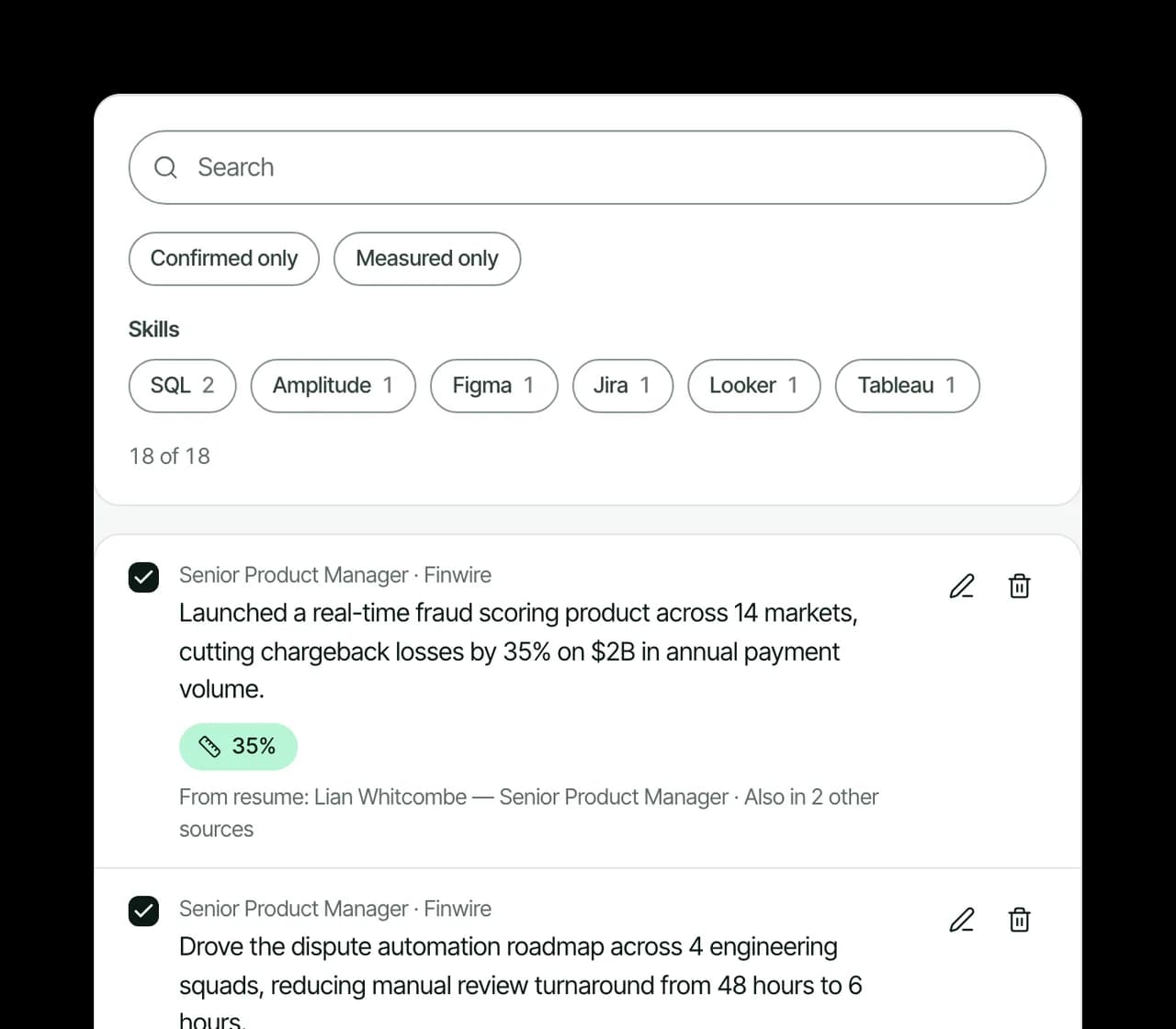
Every achievement lands in one library. Search it, or filter by skill, tag, confirmed or measured.
Profile strength out of 100, scored in code, not by AI
It counts roles, numbers, confirmed lines and the skills they back up
It names the next best step
Sample
4
Start each new resume from it
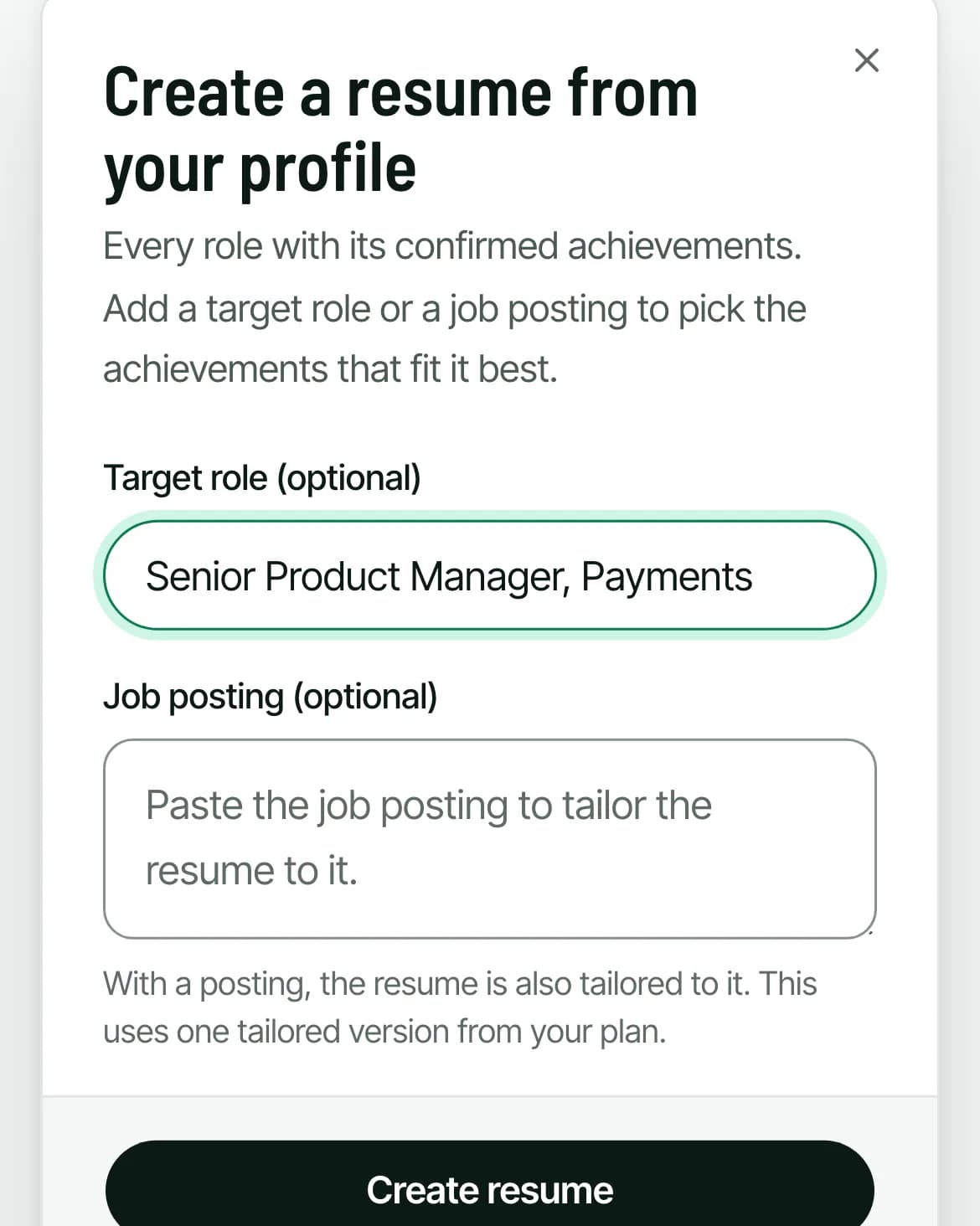
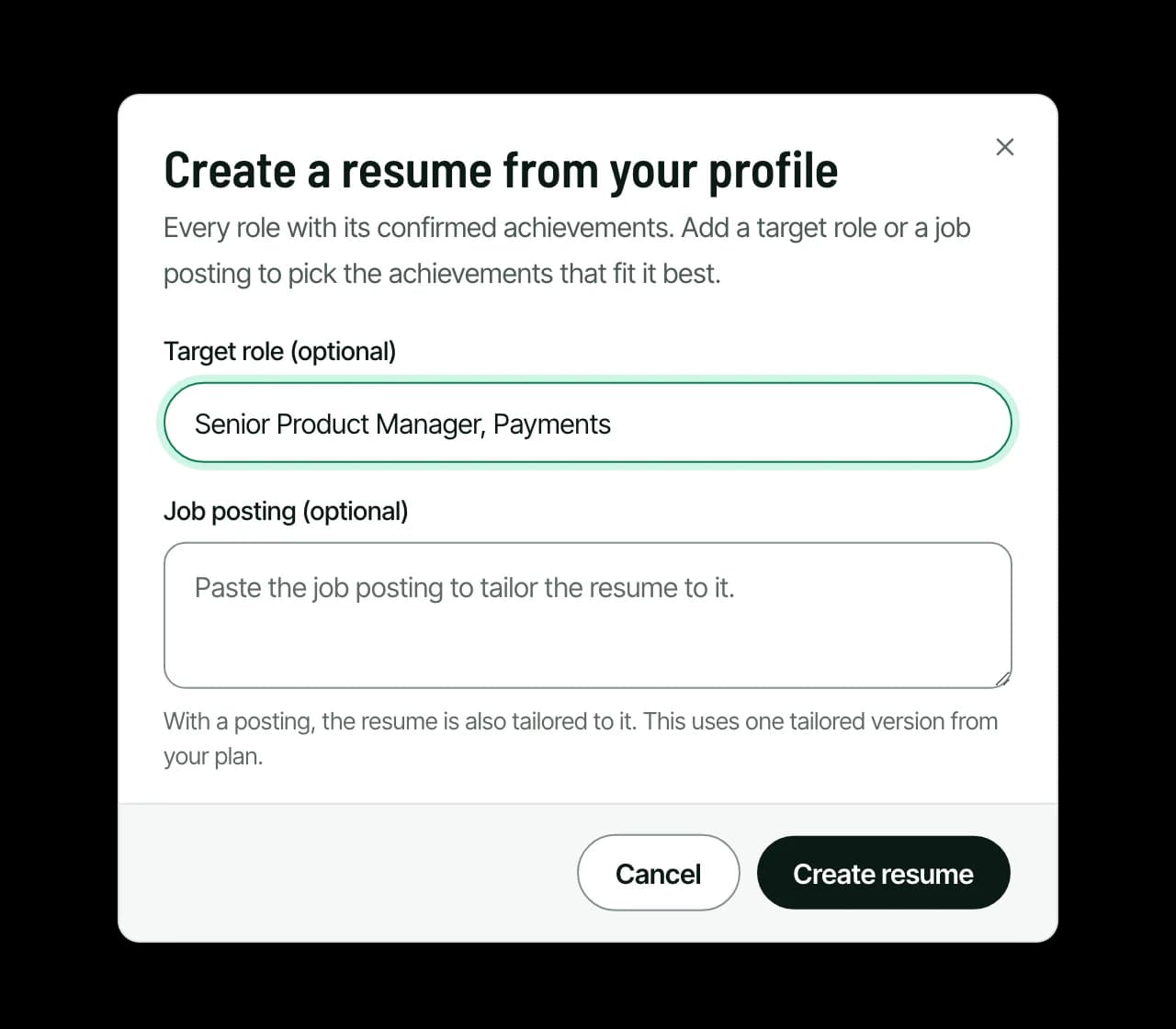
Click Create resume from profile. Ruubu builds a resume from every role and its confirmed achievements and opens it in the editor.
Up to 8 achievements per role
Add a target role and it picks the achievements that fit best
Paste a job posting to tailor it too (one tailored version from a paid plan)
Sample
Sample
What the profile does for you
Your other tools use it
Resume tailoring, the apply package, cover letters, interview kits and the voice mock interview can draw on your confirmed profile achievements. A result you left off one resume can still make it into the next one.
See what the profile added
When tailoring a resume uses your profile, the result shows the job match before and after, both counted in code for that posting.
Add from the editor
Write a strong line while editing a resume and Ruubu offers to add it to your profile too, so it is there for the next application.
Every change can be undone
Each save keeps the version before it. The last 30 versions are kept, and restoring one saves your current profile first.
Confirmed means you said yes
Lines from your own resumes and imports arrive confirmed. Lines written from your interview answers wait for your tick. Only confirmed achievements go into resumes built from the profile.
Free on every plan
Merging, importing, editing and creating resumes from the profile are free. The interview uses your daily Ask Ruubu messages, and tailoring to a posting uses your plan's tailored versions.
Nothing in your profile is made up
A profile is only useful if every line in it is true. These rules are built into the product.
Numbers come from your resumes or from what you type. The interview checks every number it writes against your answer and drops any it can't find.
Lines from the interview stay Not confirmed until you tick them, and unconfirmed lines are never used in a resume, letter or interview kit.
Merging copies your own lines without AI. It only adds and fills blanks; it never rewrites or deletes what you have.
Profile strength counts what is in your profile. It does not predict how an employer will respond.
Who a career profile helps
You have five versions of your resume
Merge them once. Duplicate bullets are merged, and every line you wrote for a past application stays available.
You're moving into a new role
Keep everything you've done in one place, then let a target role pick the achievements that fit the move.
You apply to several jobs a week
Each tailored resume and cover letter starts from facts you have already confirmed, so you don't retype your history every time.
Questions about the career profile
What is the difference between a career profile and a resume?
A resume is one or two pages written for a job. Your career profile holds everything: every role, achievement, skill and preference you add. Ruubu builds new resumes from the profile, so you choose what goes on each page instead of starting from a blank one.
Does merging my resumes use AI?
No. Merging is a fixed set of rules: it matches the same role across files, merges duplicate bullets and fills empty fields. You see a preview first. AI is used only when you import a file (to read it), in the achievement interview and when you tailor a resume to a posting.
Can Ruubu add numbers or results I didn't give it?
No. Numbers in your profile come from your resumes or from what you type. The interview checks each number it writes against your answer and drops any that isn't there, and new interview lines stay unconfirmed until you tick them.
Is the career profile free?
Yes, on every plan, including free. The achievement interview uses your daily Ask Ruubu messages. Creating a resume for a target role is free; tailoring it to a pasted job posting needs a paid plan.
What happens to my resumes when I merge them?
Nothing. Your resumes stay as they are. The profile is a separate copy, and a merge only adds to it. Only resumes in the profile's language are merged, so a translated copy doesn't add every line twice.
Can I import from LinkedIn?
Yes, in two ways. Upload the PDF that LinkedIn's Save to PDF button creates, or import from your latest LinkedIn review on Ruubu. Both show a preview before anything is added.
Who can see my career profile?
Only you. The profile has no public page. It is part of the data export in Settings and is deleted with your account.