Charter resume template
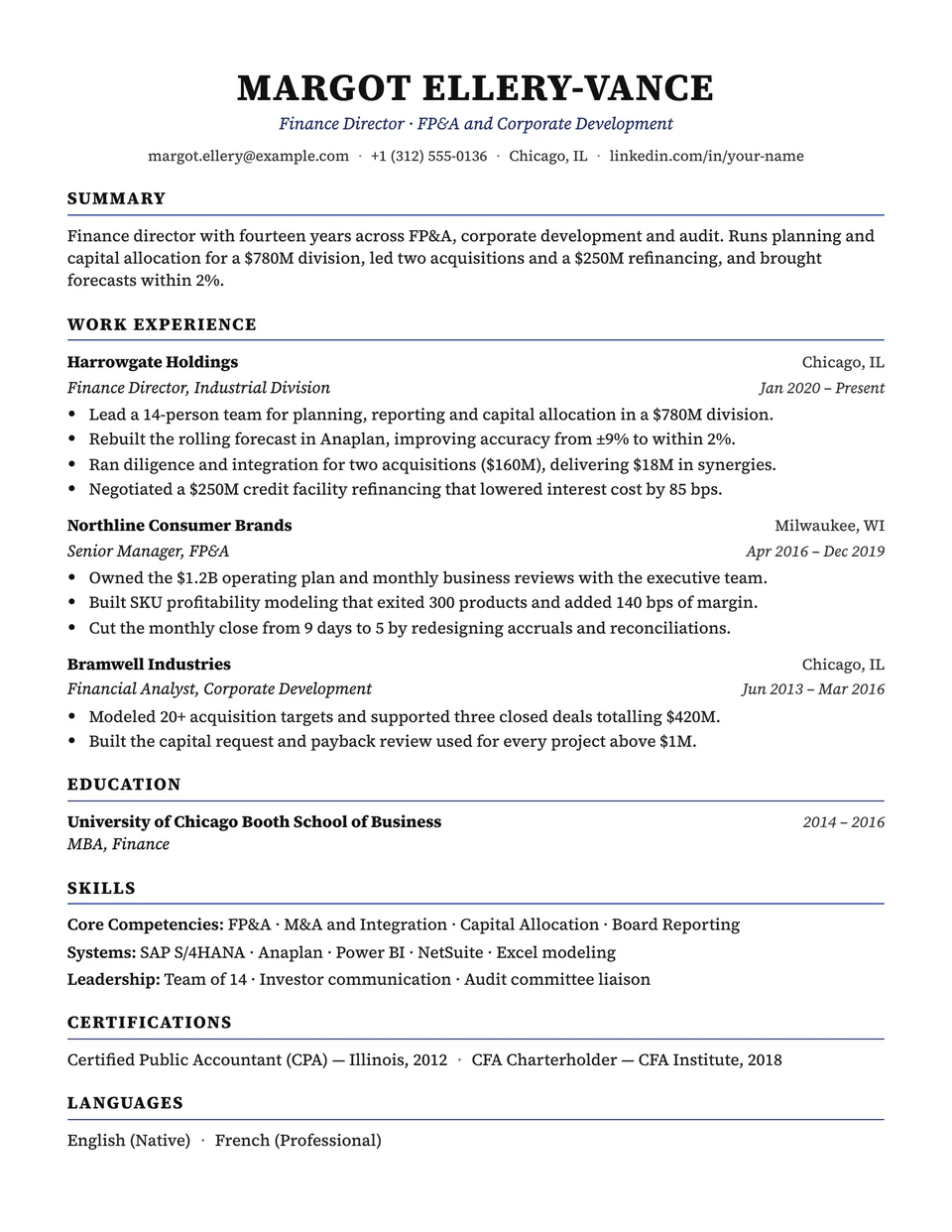
Charter follows the format US recruiters know best. Your name is centered in serif capitals over a single contact line, and each section heading sits on a thin accent rule. Every role starts with the employer and place in bold, followed by your title and dates in italics, then tight bullets.
Free to edit and download. Have a resume already? Check it first, then open it in Charter without retyping.
Who it's for
- Finance, consulting and law
- Government and public sector
- Graduate school applications
- Conservative industries
Is the Charter template ATS-friendly?
One column of real text with standard headings, in the order recruiters expect. The rules under the headings are drawn by the stylesheet.
Accent colors
Starts in Navy. Pick any of these in the editor's Design panel, or enter your own color.
Template details
- Layout
- Single column
- ATS
- ATS-safe: standard headings, real text
- Style group
- Classic
- Default accent
- Navy (changeable)
- Page size
- US Letter or A4
- Download
- PDF or DOCX
Resume examples written in Charter
Each one is a full sample resume set in this layout. Open one to read it, then start from it in the editor.
- Auditor resume example
- Chemical Engineer resume example
- ESL Teacher resume example
- Financial Advisor resume example
- Hotel Manager resume example
- HR Business Partner resume example
- IT Manager resume example
- Legal Assistant resume example
- Licensed Practical Nurse resume example
- Phlebotomist resume example
- Physician Assistant resume example
- Pilot resume example
- Public Relations Specialist resume example
- Store Manager resume example
Similar templates
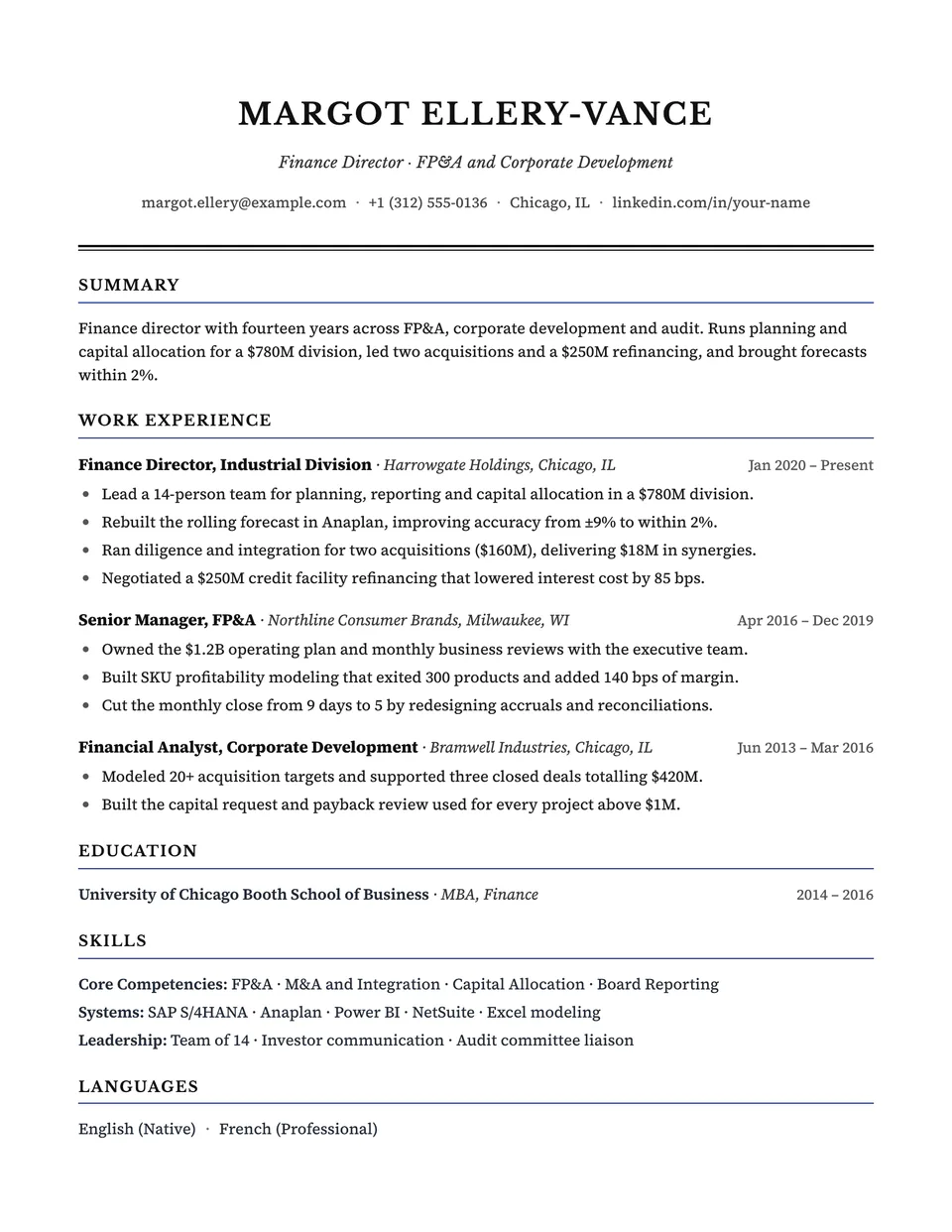
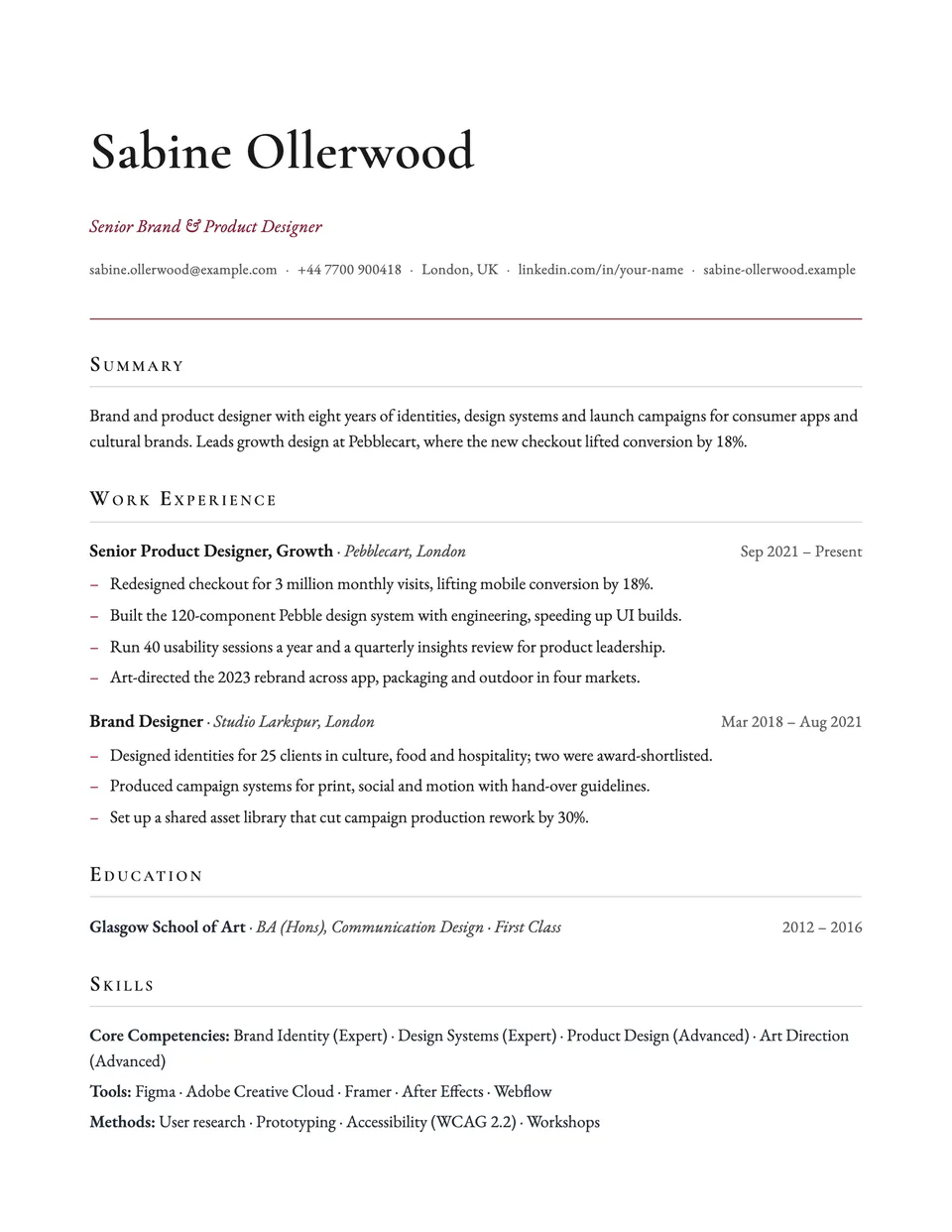
All resume templates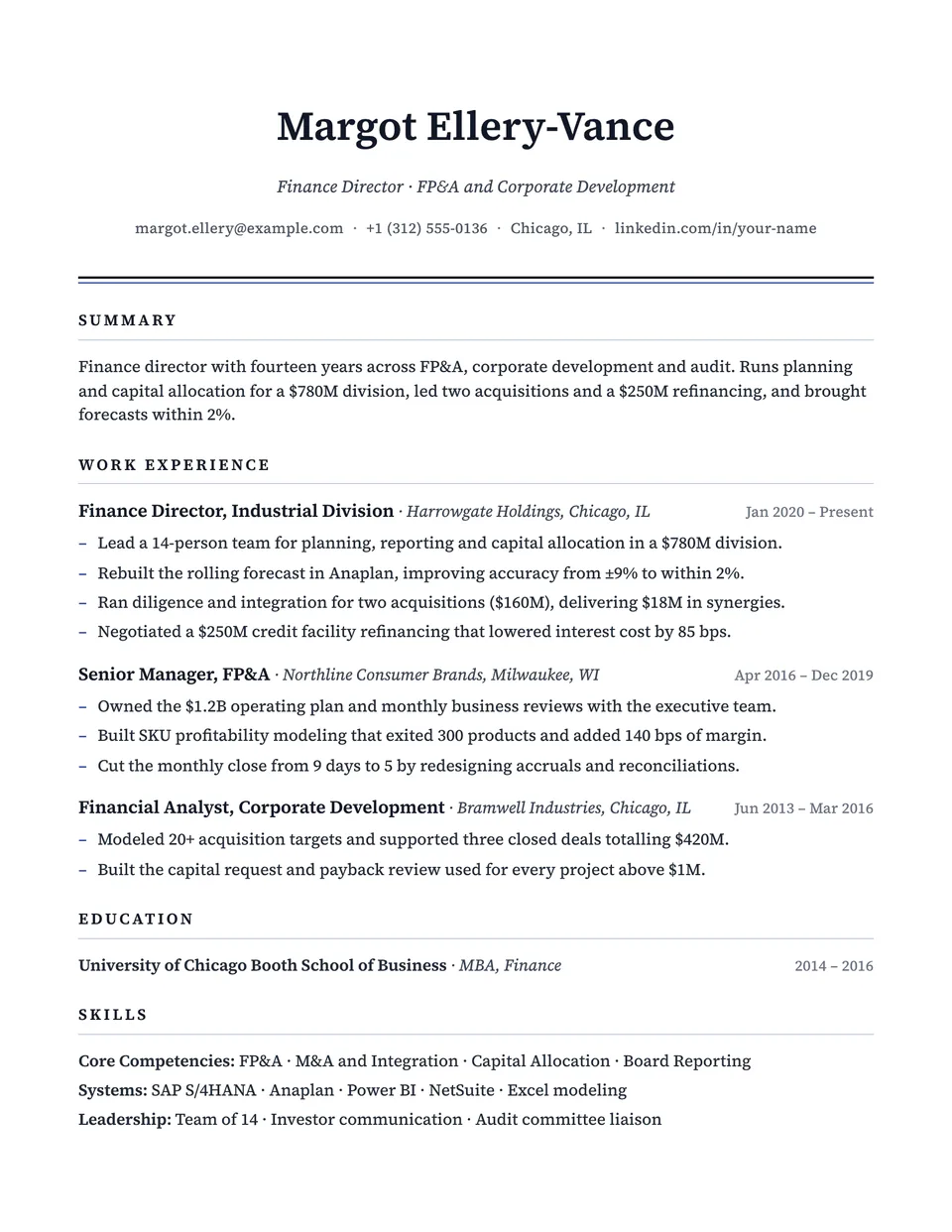
Charter template questions
Why does the employer come before the job title?
That is the traditional order in finance, consulting and law, where the firm name carries weight. If you prefer the title first, Beacon uses the same structure with the title on top.
Does Charter work on A4?
Yes. Margins and line breaks follow the page size you pick, in the PDF and the preview.
Related pages
Give your resume the Charter look
Open it in the editor with your details, or check the resume you already have first.