Lyceum resume template
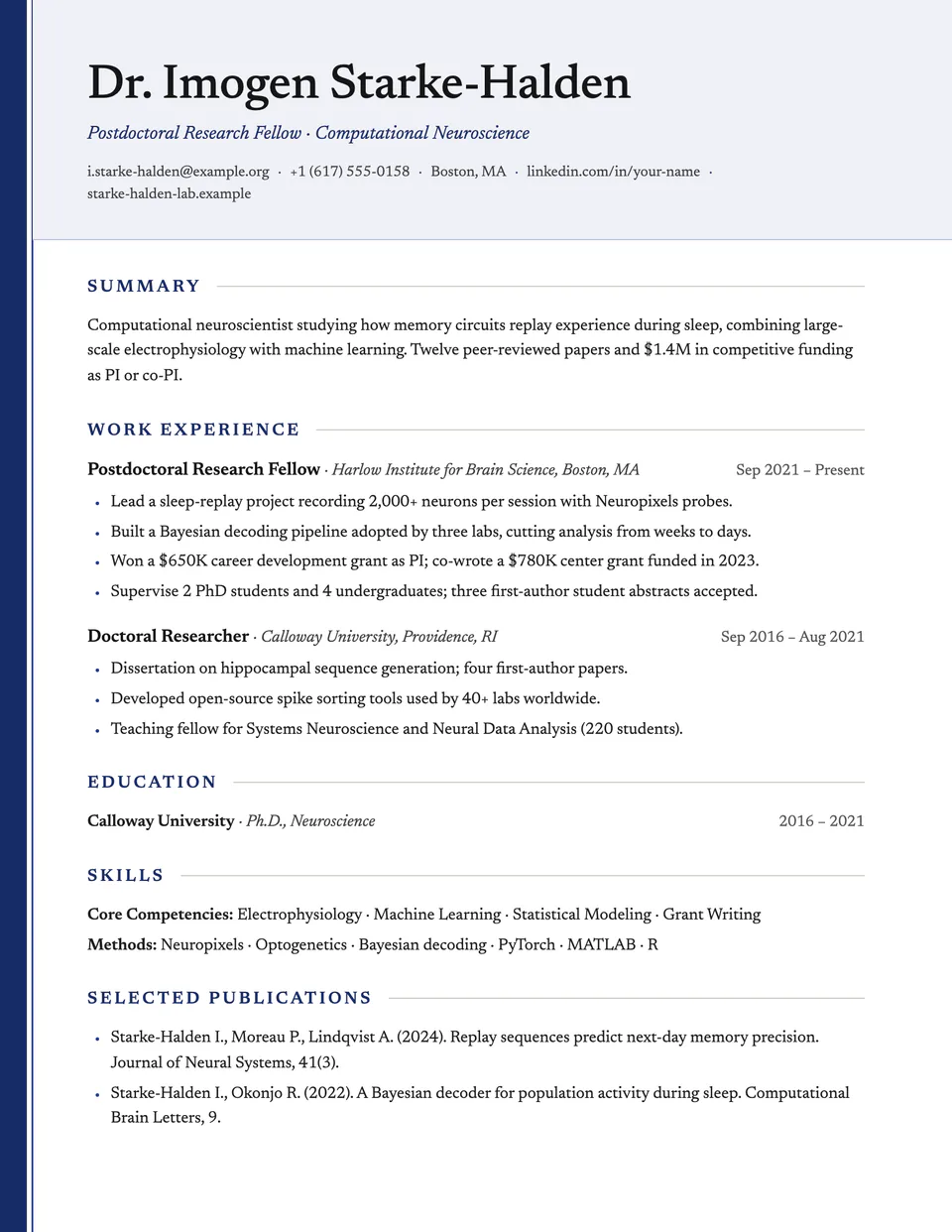
Lyceum gives a traditional serif CV a bookish touch: a solid spine in your accent color runs down the left edge of every page, with a fine second line beside it. Your name and contact details sit in a lightly tinted panel, and section headings are spaced capitals followed by a hairline.
Free to edit and download. Have a resume already? Check it first, then open it in Lyceum without retyping.
Who it's for
- Academic and research roles
- Teachers and lecturers
- Libraries, museums and publishing
- Graduate school applications
Is the Lyceum template ATS-friendly?
Single column of real text with standard headings. The spine and title panel are background colors, so parsers read the content in order.
Accent colors
Starts in Navy. Pick any of these in the editor's Design panel, or enter your own color.
Template details
- Layout
- Single column
- ATS
- ATS-safe: standard headings, real text
- Style group
- Creative
- Default accent
- Navy (changeable)
- Page size
- US Letter or A4
- Download
- PDF or DOCX
See it with real content
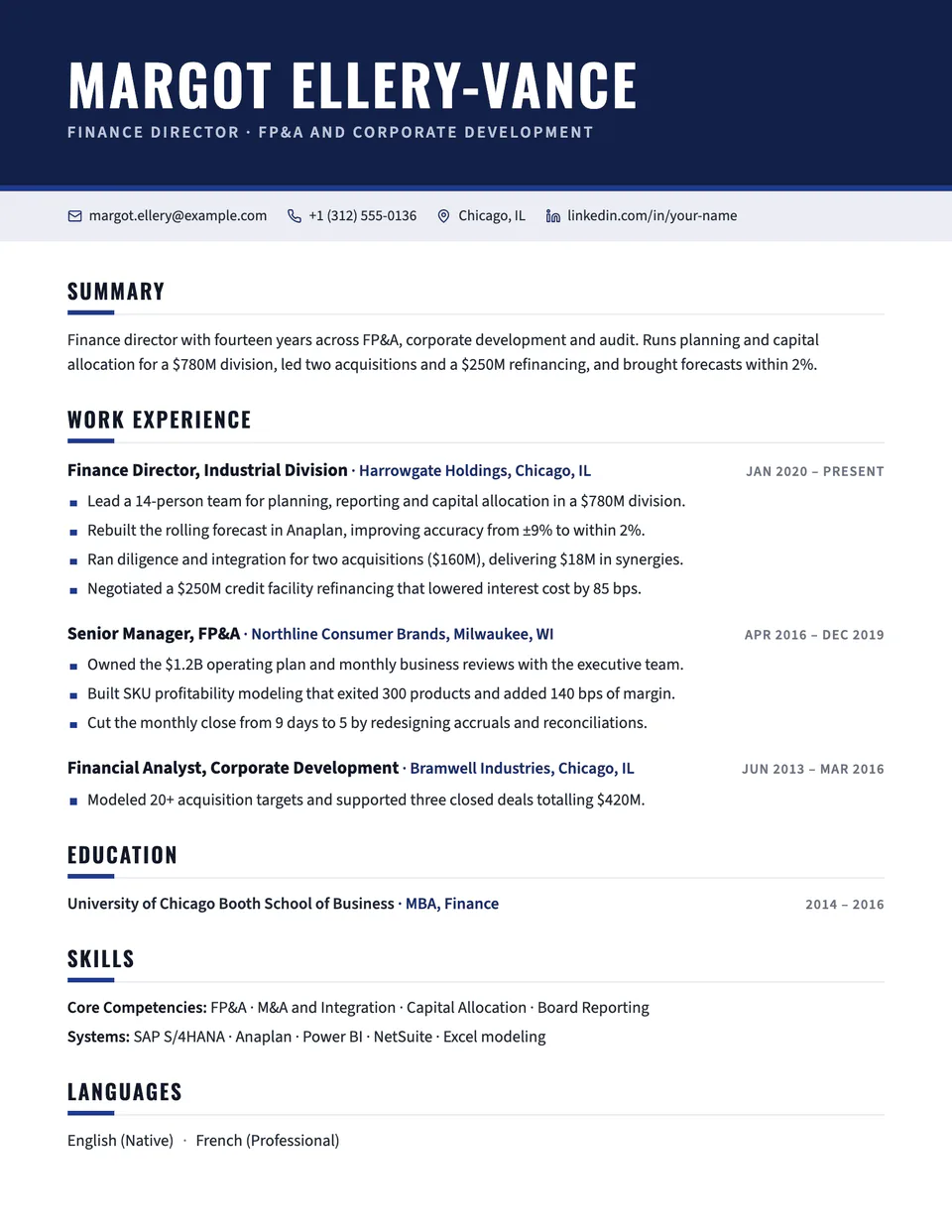
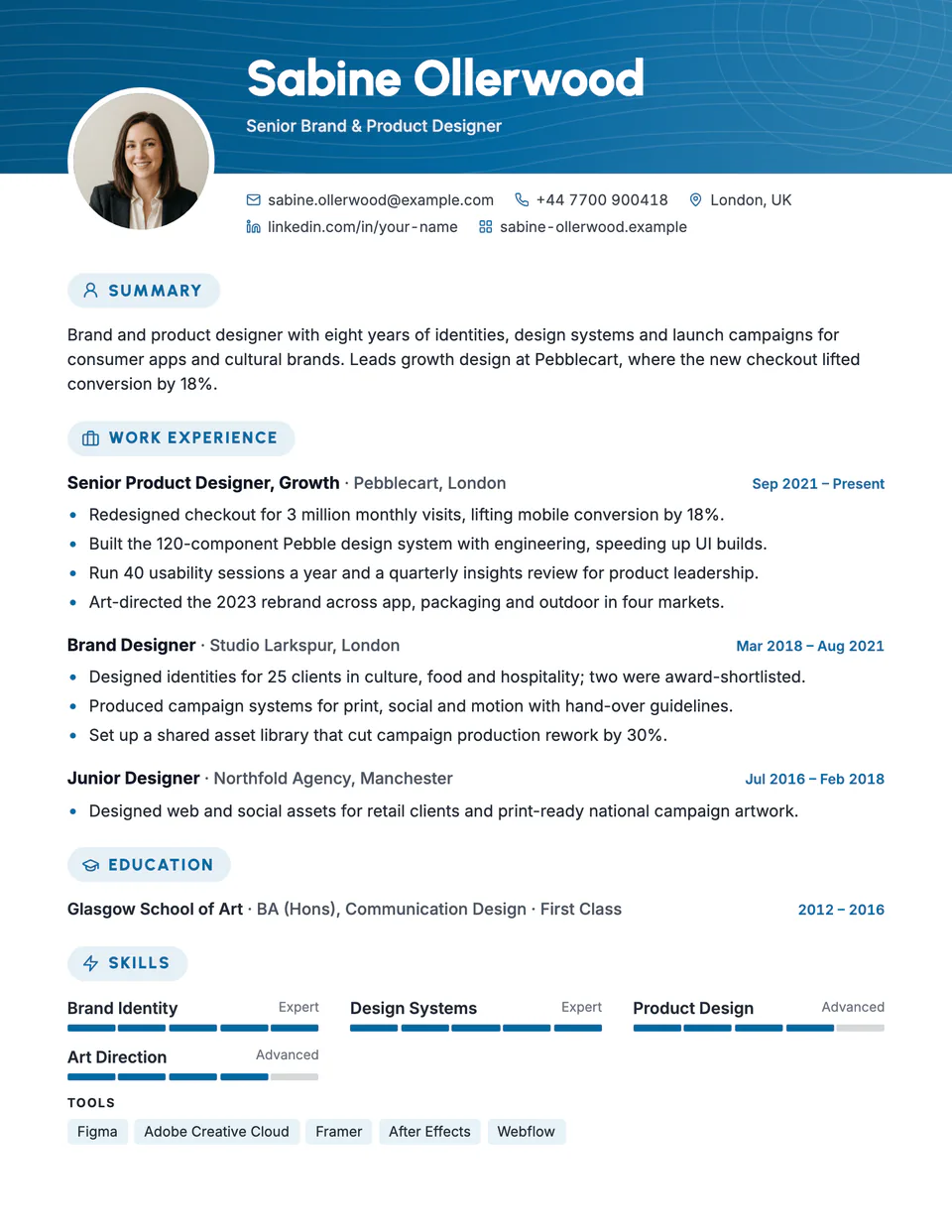
No sample resume is set in Lyceum yet. These examples use a layout from the same style group, and any of them opens in Lyceum with one click in the editor.
Similar templates
All resume templates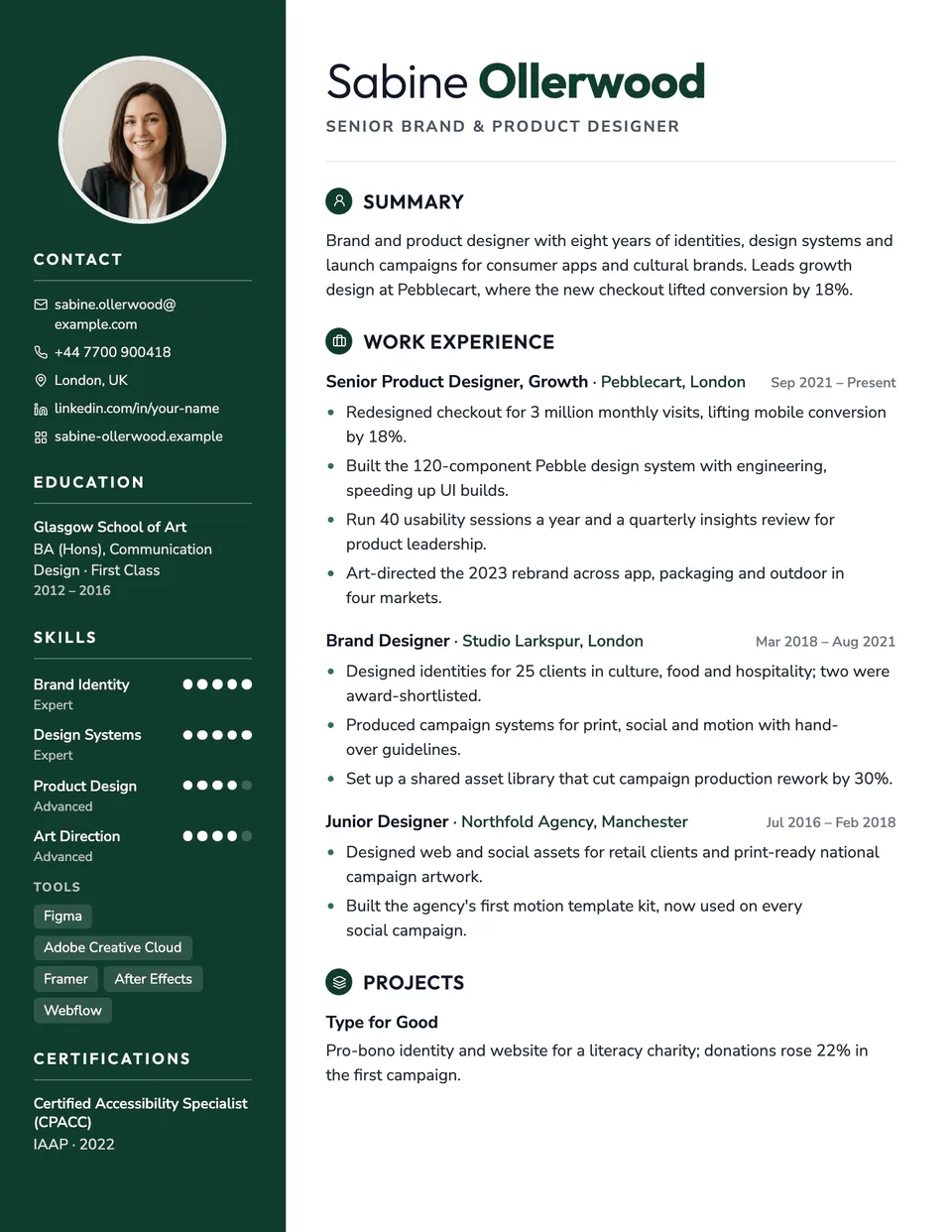
Lyceum template questions
Is it suitable for a long academic CV?
Yes. The spine repeats on every page and sections can run across pages cleanly.
How is it different from Academic and Oxford?
Those are plain letterheads. Lyceum adds the colored spine and the tinted title panel.
Related pages
Give your resume the Lyceum look
Open it in the editor with your details, or check the resume you already have first.