Ledger resume template
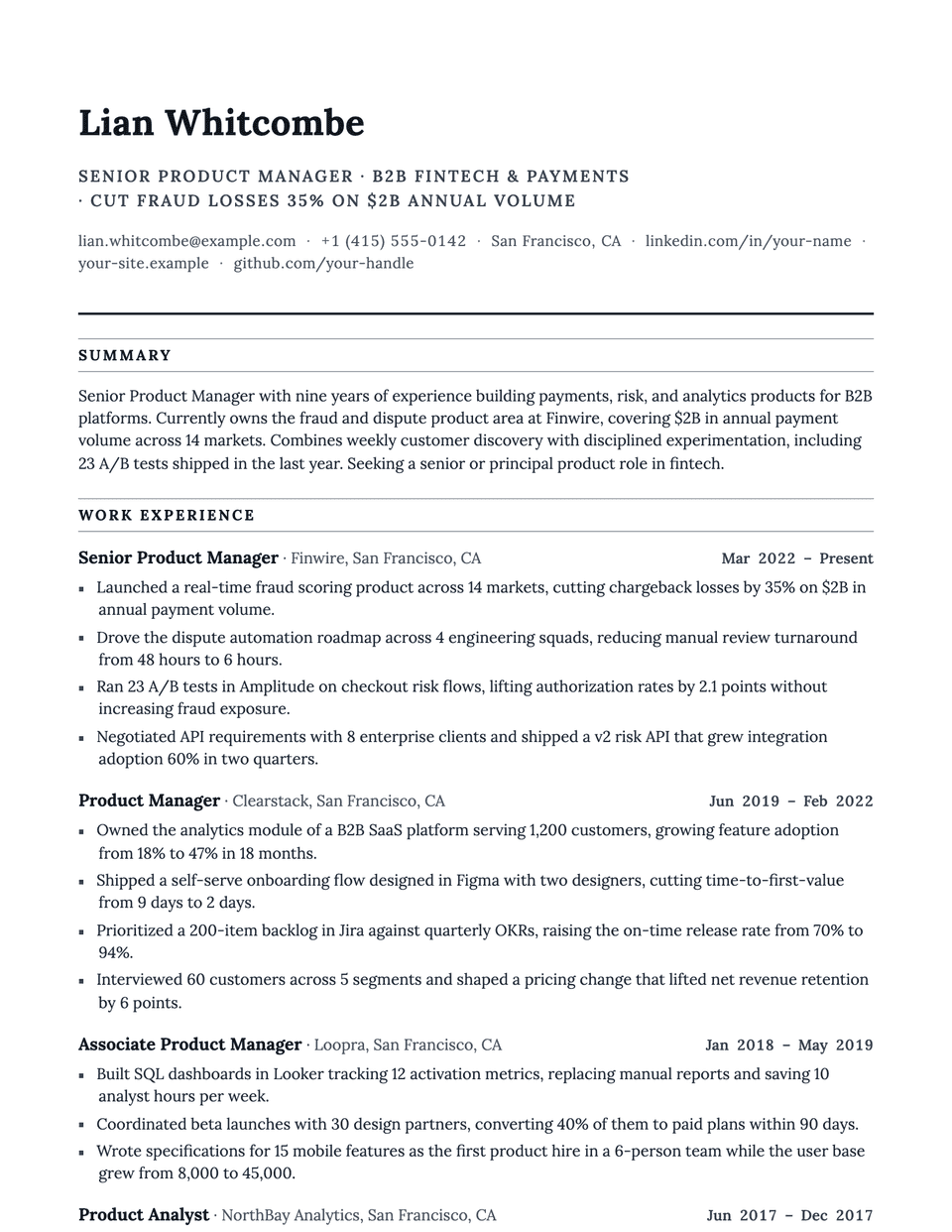
Ledger borrows the order of a financial statement. Section titles are uppercase and framed above and below by thin gray rules, bullets are small accent squares, and Lora, a readable serif, keeps figures clear. It suits resumes that are full of numbers, dates and credentials.
Free to edit and download. Have a resume already? Check it first, then open it in Ledger without retyping.
Who it's for
- Accountants and auditors
- Legal and compliance
- Operations and supply chain
- Financial analysts
Is the Ledger template ATS-friendly?
Single column. Each heading sits between two thin rules, which are borders, and the square bullets are decoration added by the stylesheet.
Accent colors
Starts in Graphite. Pick any of these in the editor's Design panel, or enter your own color.
Template details
- Layout
- Single column
- ATS
- ATS-safe: standard headings, real text
- Style group
- Classic
- Default accent
- Graphite (changeable)
- Page size
- US Letter or A4
- Download
- PDF or DOCX
See it with real content
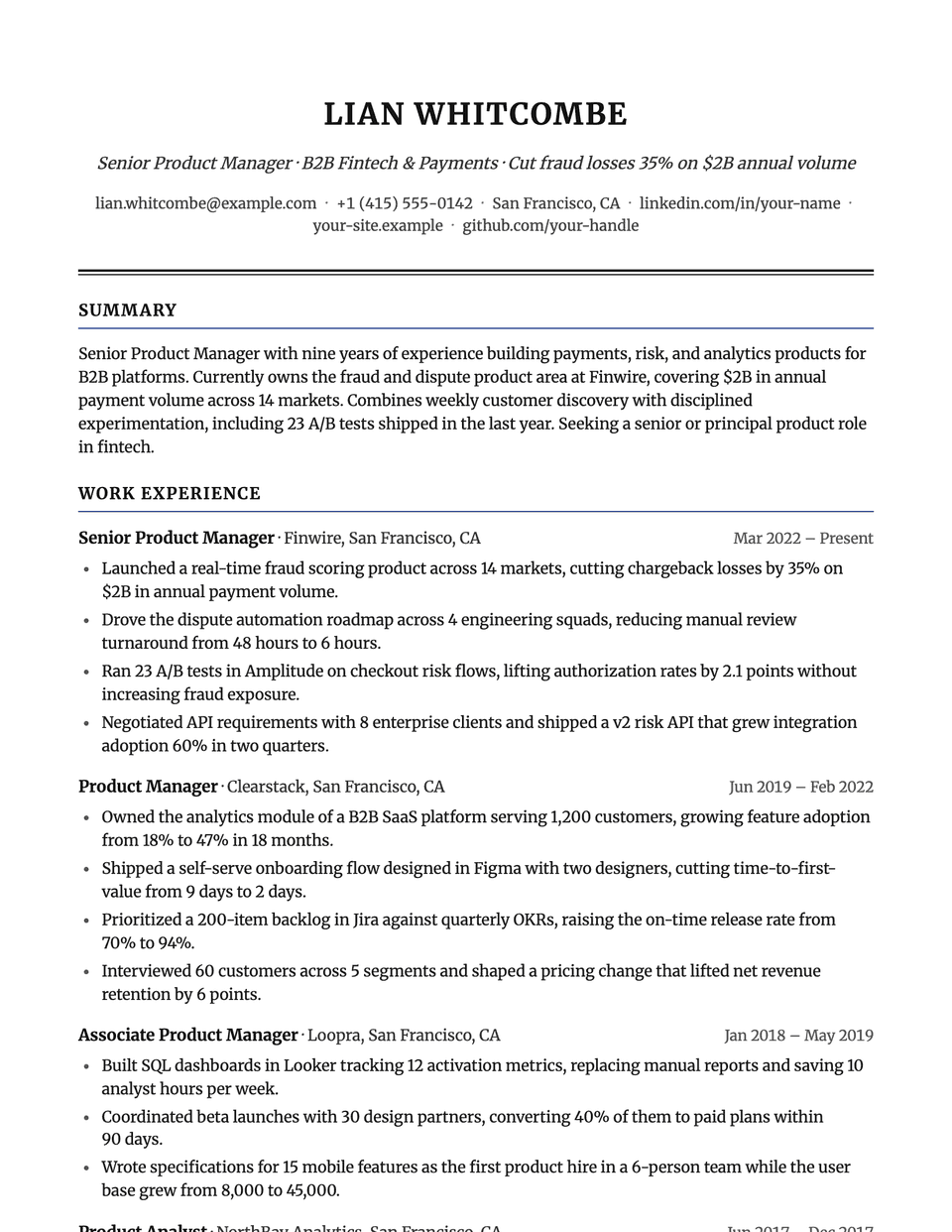
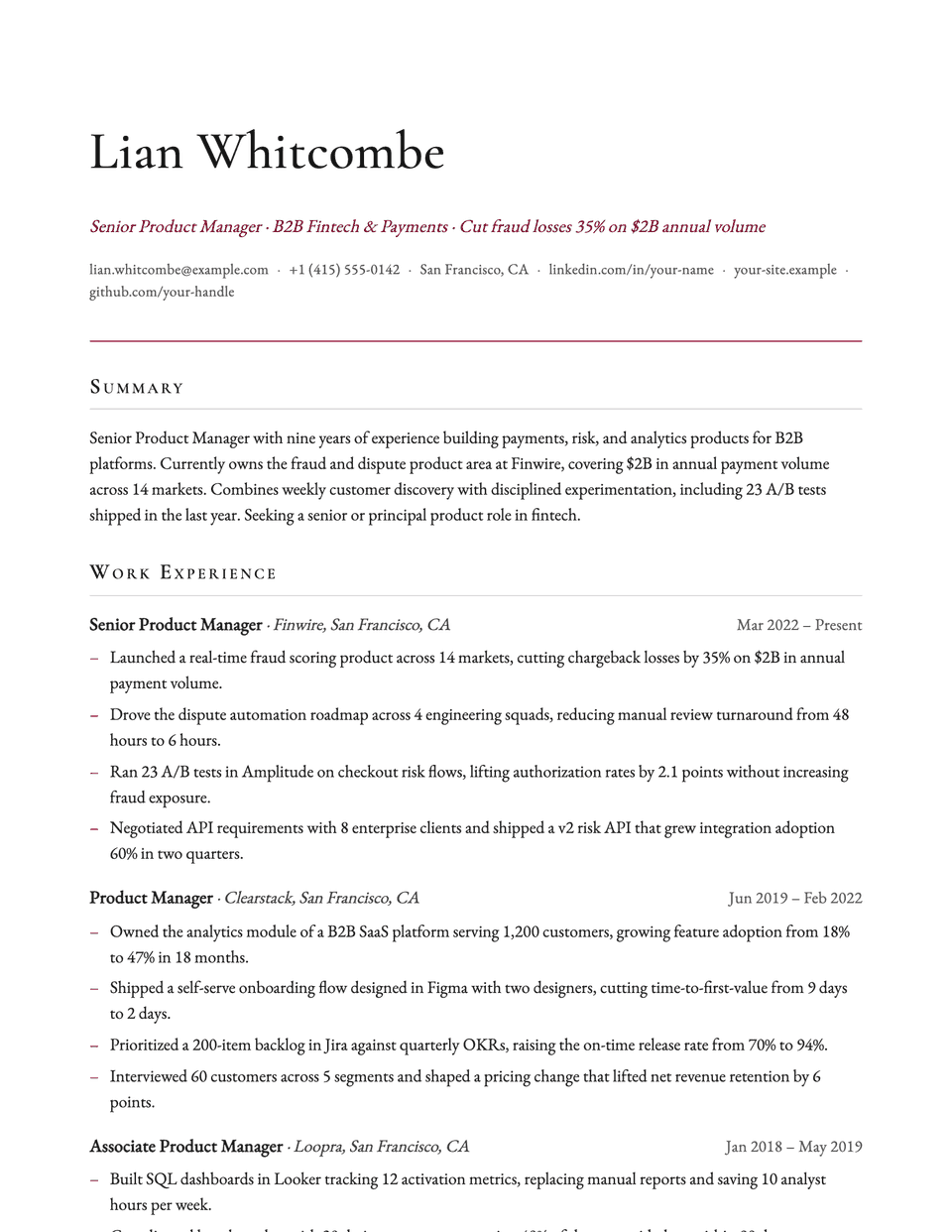
No sample resume is set in Ledger yet. These examples use a layout from the same style group, and any of them opens in Ledger with one click in the editor.
Similar templates
All resume templates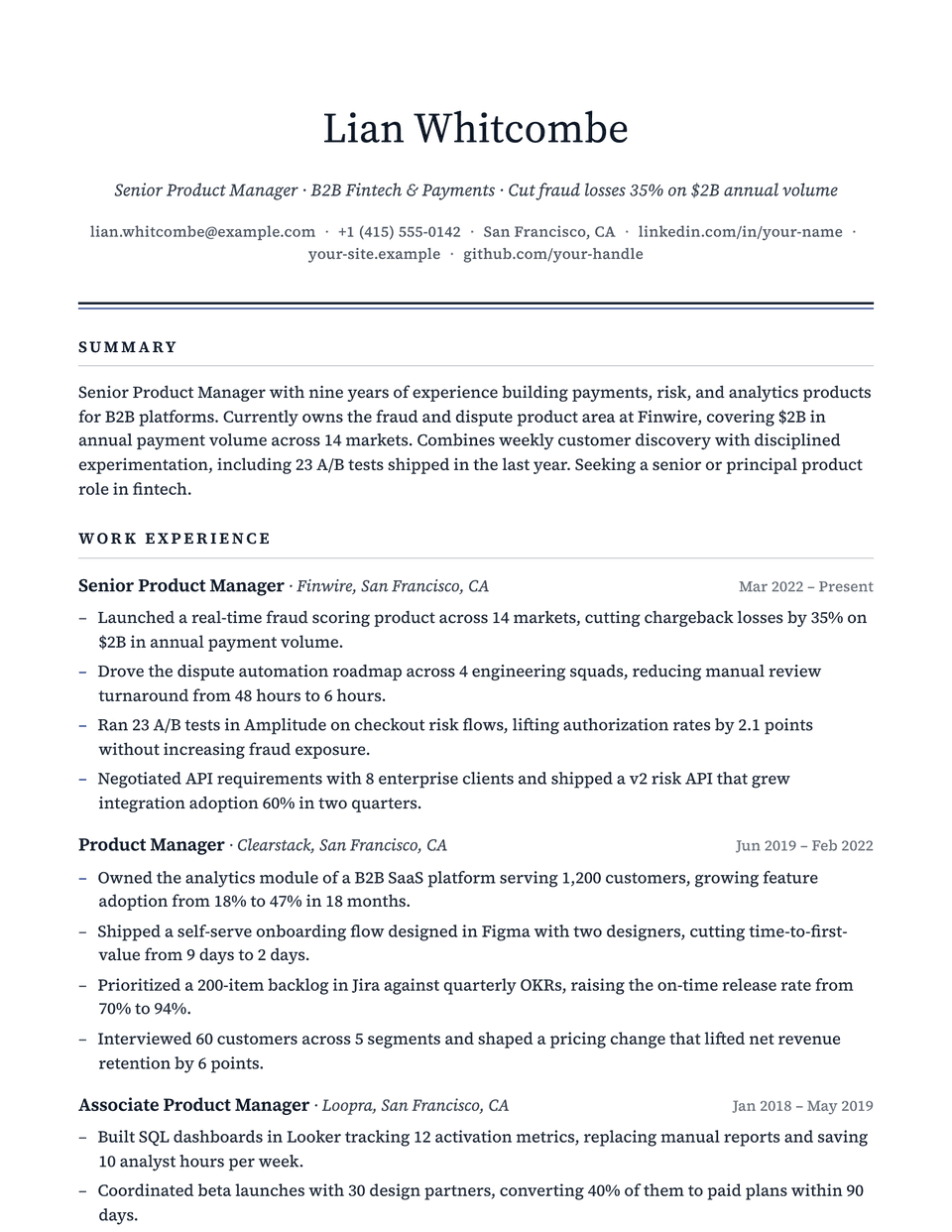
Ledger template questions
Does Ledger suit a CPA or audit resume?
Yes. The ruled headings make sections easy to find, and the serif body keeps figures legible. List licenses in the certifications section.
Are the framed headings tables?
No. They are borders on an ordinary heading, so parsers read the heading text normally.
Related pages
Give your resume the Ledger look
Open it in the editor with your details, or check the resume you already have first.