Bold resume template
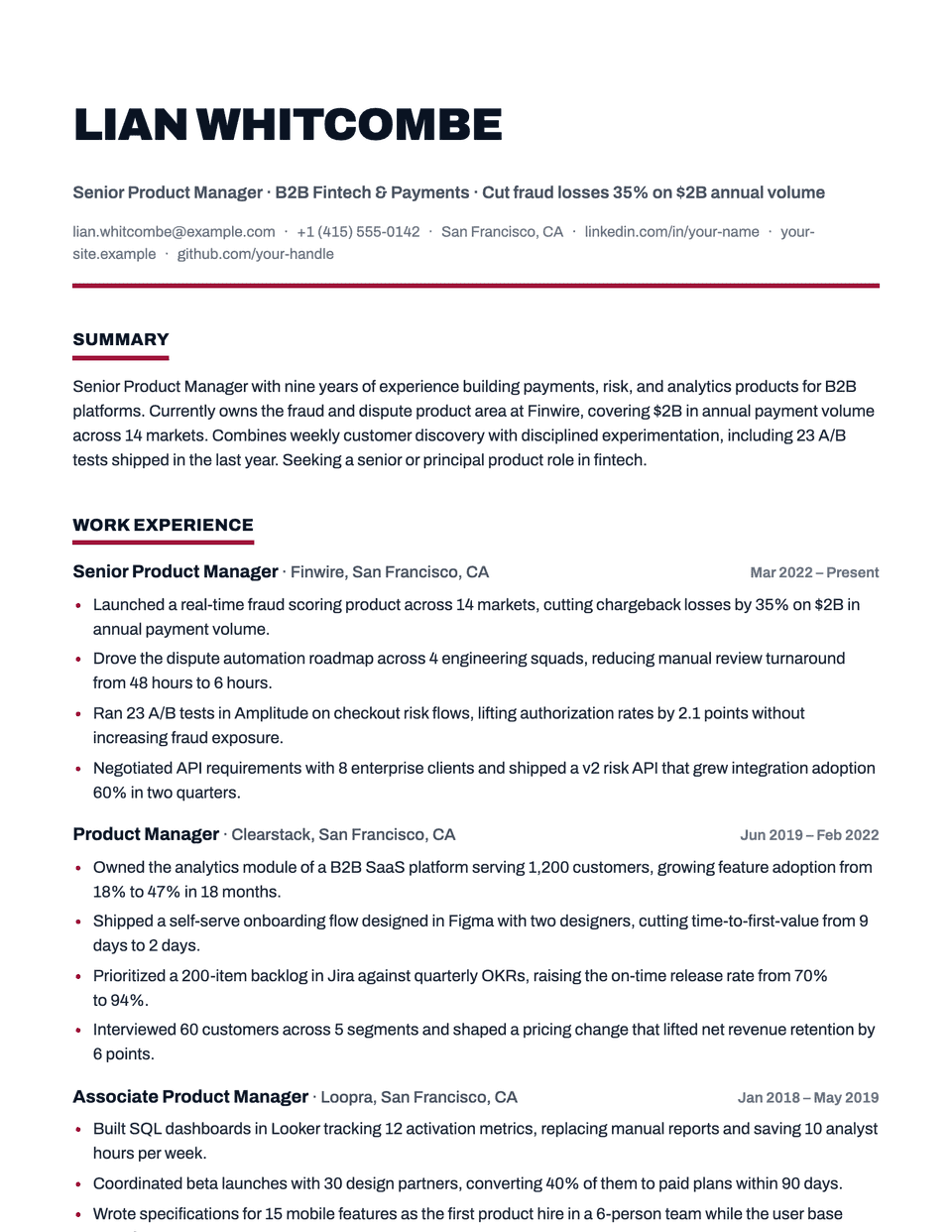
Bold sets your name in a heavy uppercase Archivo and gives every section title a thick accent underline. A strong rule closes the header. The rest of the page stays plain, so the weight sits at the top and at each heading, where it helps a reader navigate.
Free to edit and download. Have a resume already? Check it first, then open it in Bold without retyping.
Who it's for
- People managers and team leads
- Sales leadership
- Operations and turnaround roles
- Candidates who want a confident header
Is the Bold template ATS-friendly?
Single column with standard headings. The thick underlines are borders, and the uppercase name is styling, so the text stays ordinary for parsers.
Accent colors
Starts in Burgundy. Pick any of these in the editor's Design panel, or enter your own color.
Template details
- Layout
- Single column
- ATS
- ATS-safe: standard headings, real text
- Style group
- Creative
- Default accent
- Burgundy (changeable)
- Page size
- US Letter or A4
- Download
- PDF or DOCX
Resume examples written in Bold
Each one is a full sample resume set in this layout. Open one to read it, then start from it in the editor.
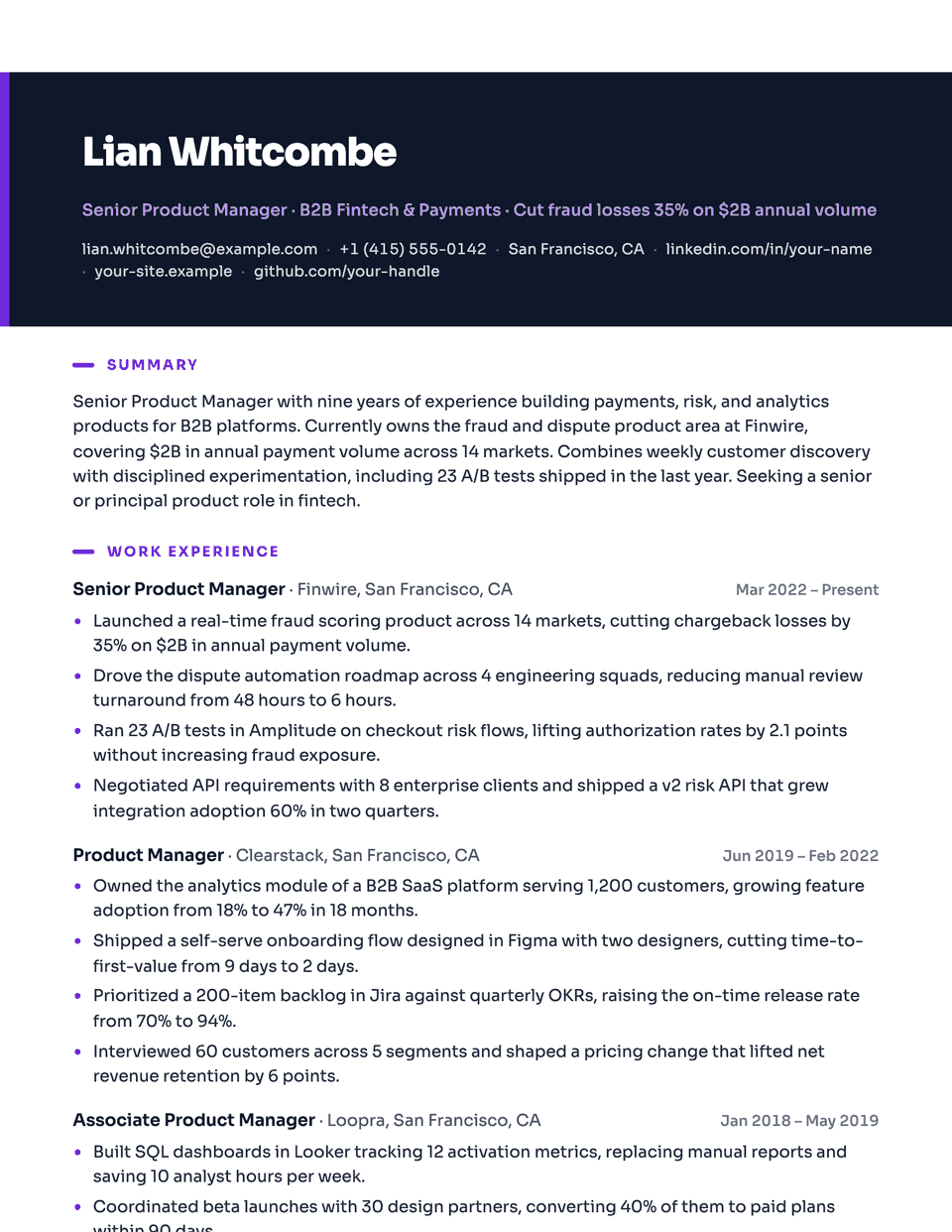
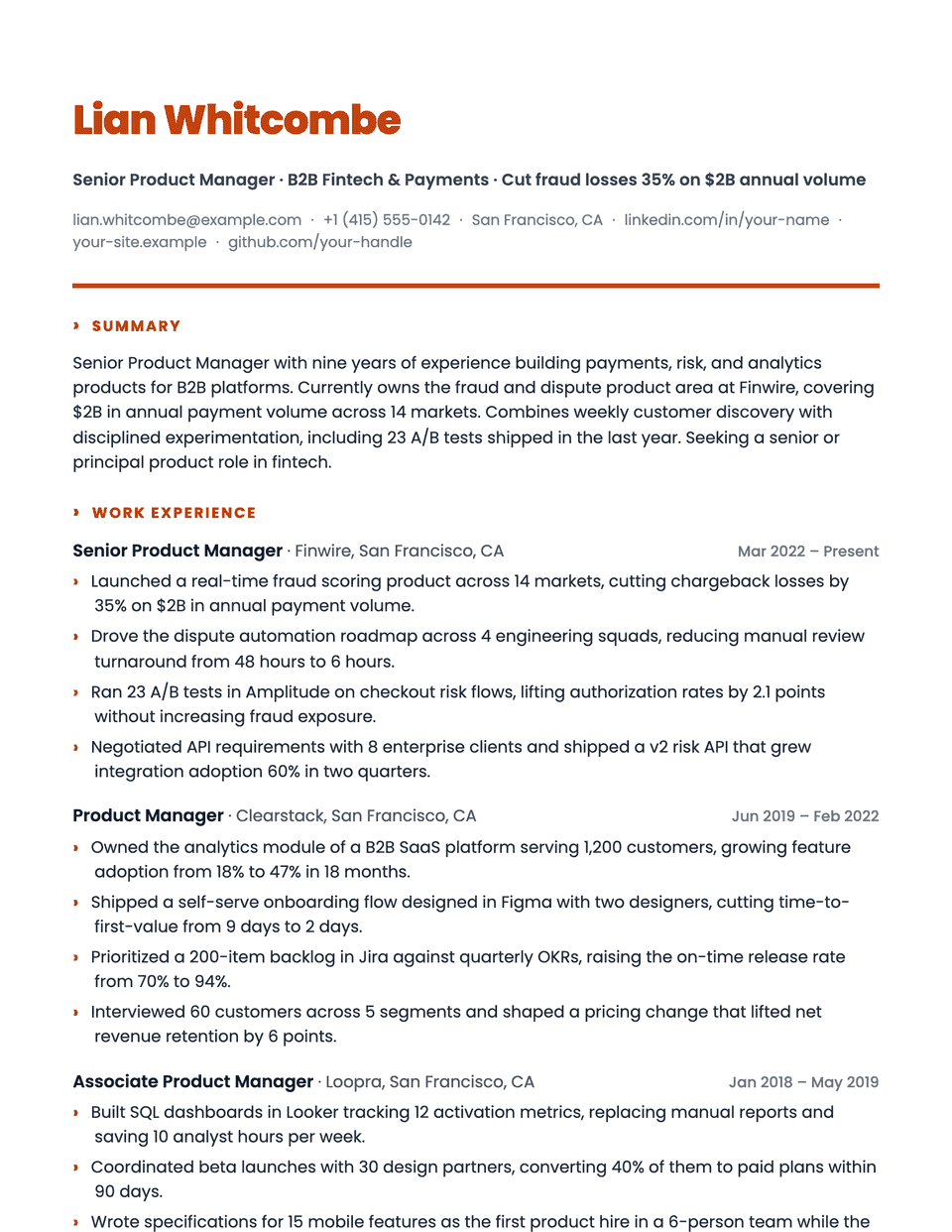
Similar templates
All resume templates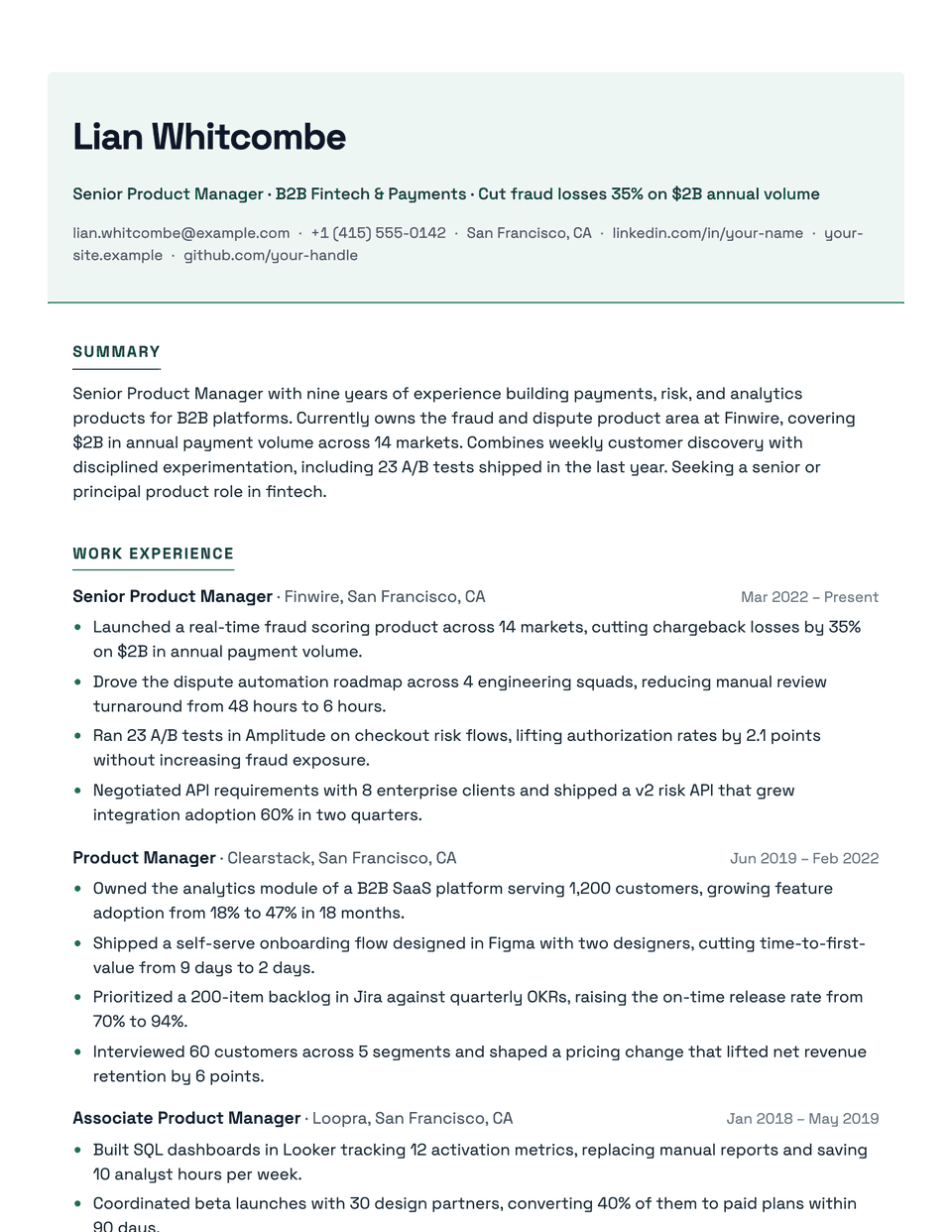
Bold template questions
Is Bold too loud for a conservative employer?
It is the most assertive of the single-column layouts. For banks, law firms or government roles, Corporate or Executive sends a calmer signal.
Does an uppercase name cause parsing issues?
No. The uppercase comes from styling; the underlying text keeps its normal capitalization.
Related pages
Give your resume the Bold look
Open it in the editor with your details, or check the resume you already have first.