Meridian resume template
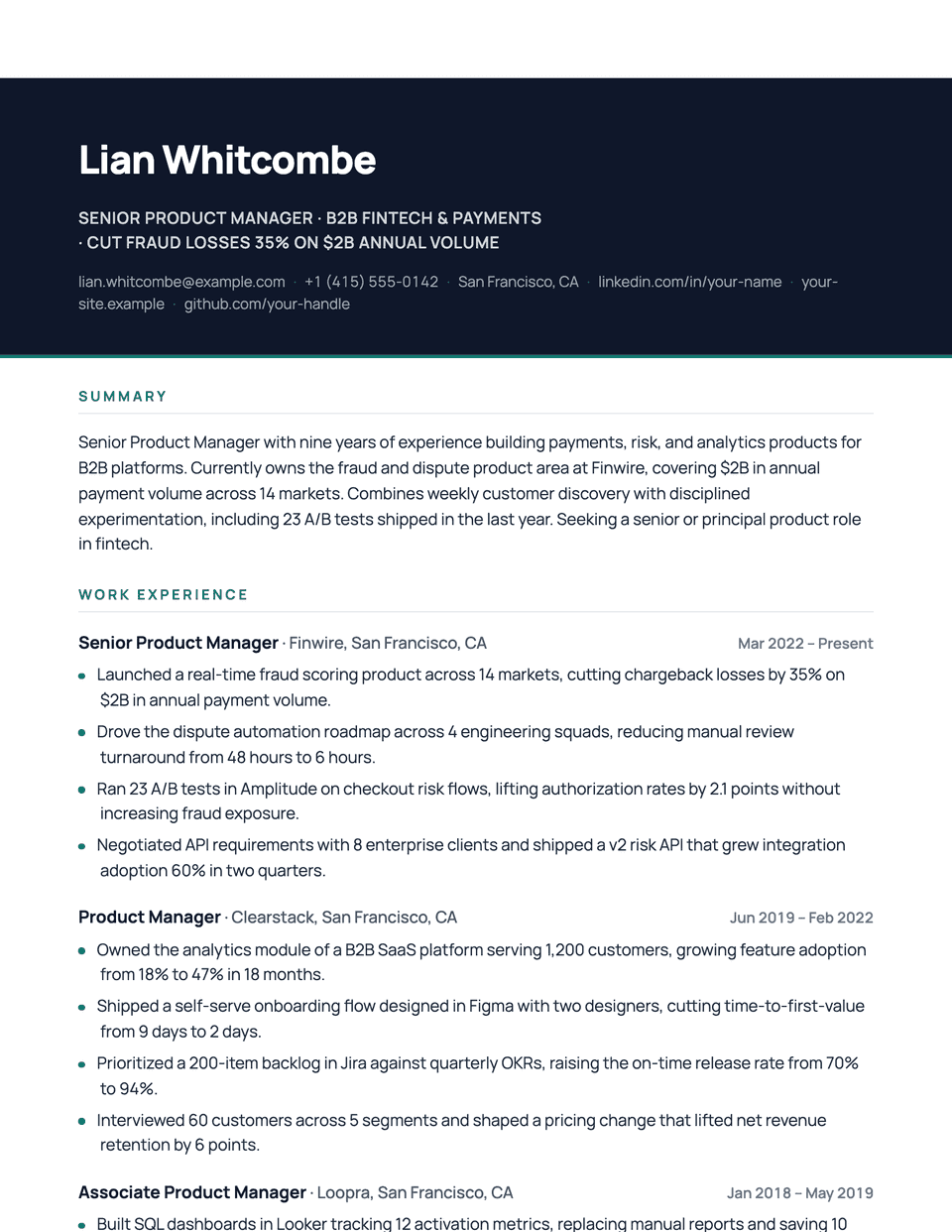
Meridian opens with a full-width dark masthead: your name in white Manrope, a light headline and contact line, and an accent keyline along the bottom. Below it, the page is calm and roomy, with uppercase accent headings on hairline dividers and small round accent bullets.
Free to edit and download. Have a resume already? Check it first, then open it in Meridian without retyping.
Who it's for
- Product and tech roles
- Marketing and brand
- Consultants
- Candidates who want a memorable header
Is the Meridian template ATS-friendly?
Single column. The dark header is a background behind real white text, so your name and contact details are still selectable. It uses more ink if printed.
Accent colors
Starts in Teal. Pick any of these in the editor's Design panel, or enter your own color.
Template details
- Layout
- Single column
- ATS
- ATS-safe: standard headings, real text
- Style group
- Modern
- Default accent
- Teal (changeable)
- Page size
- US Letter or A4
- Download
- PDF or DOCX
See it with real content
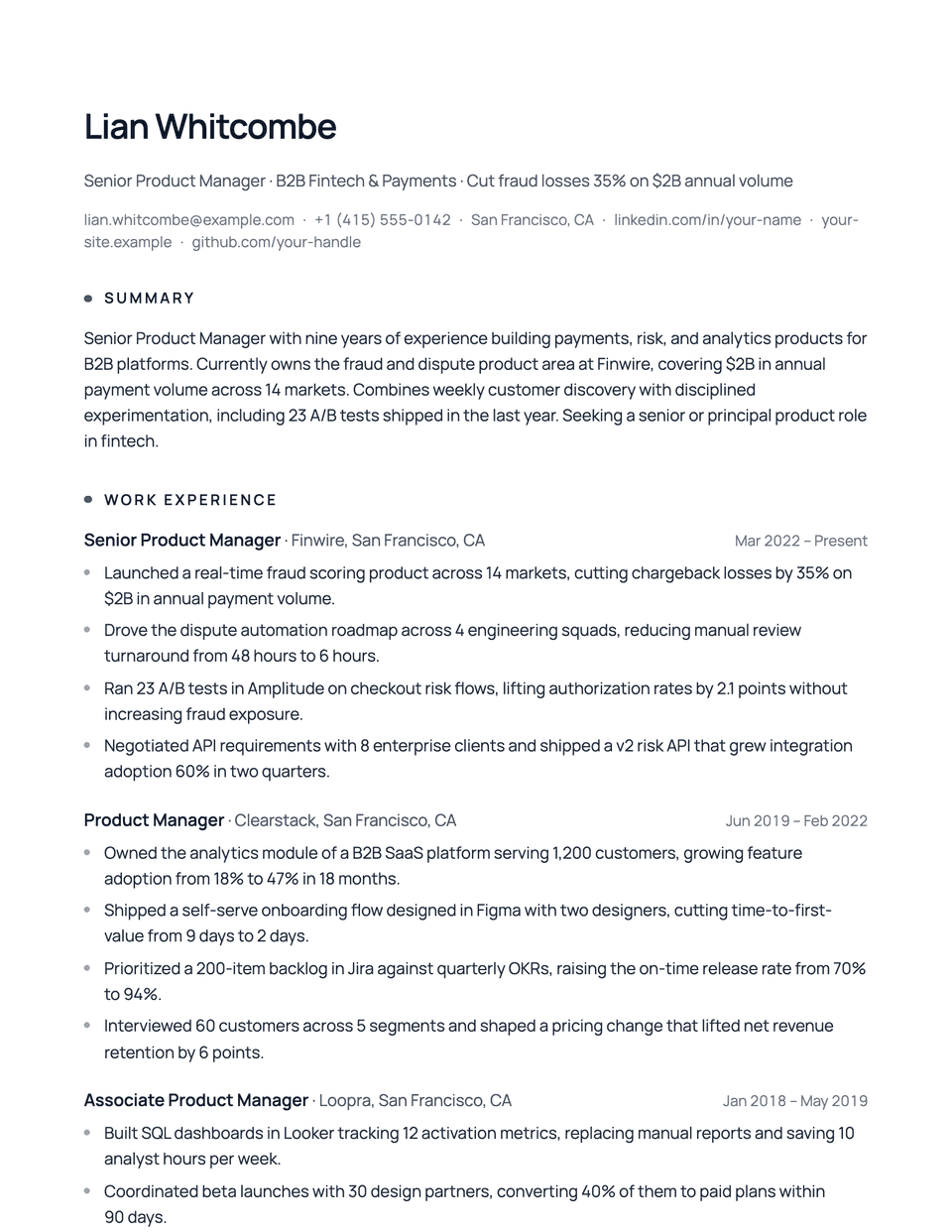
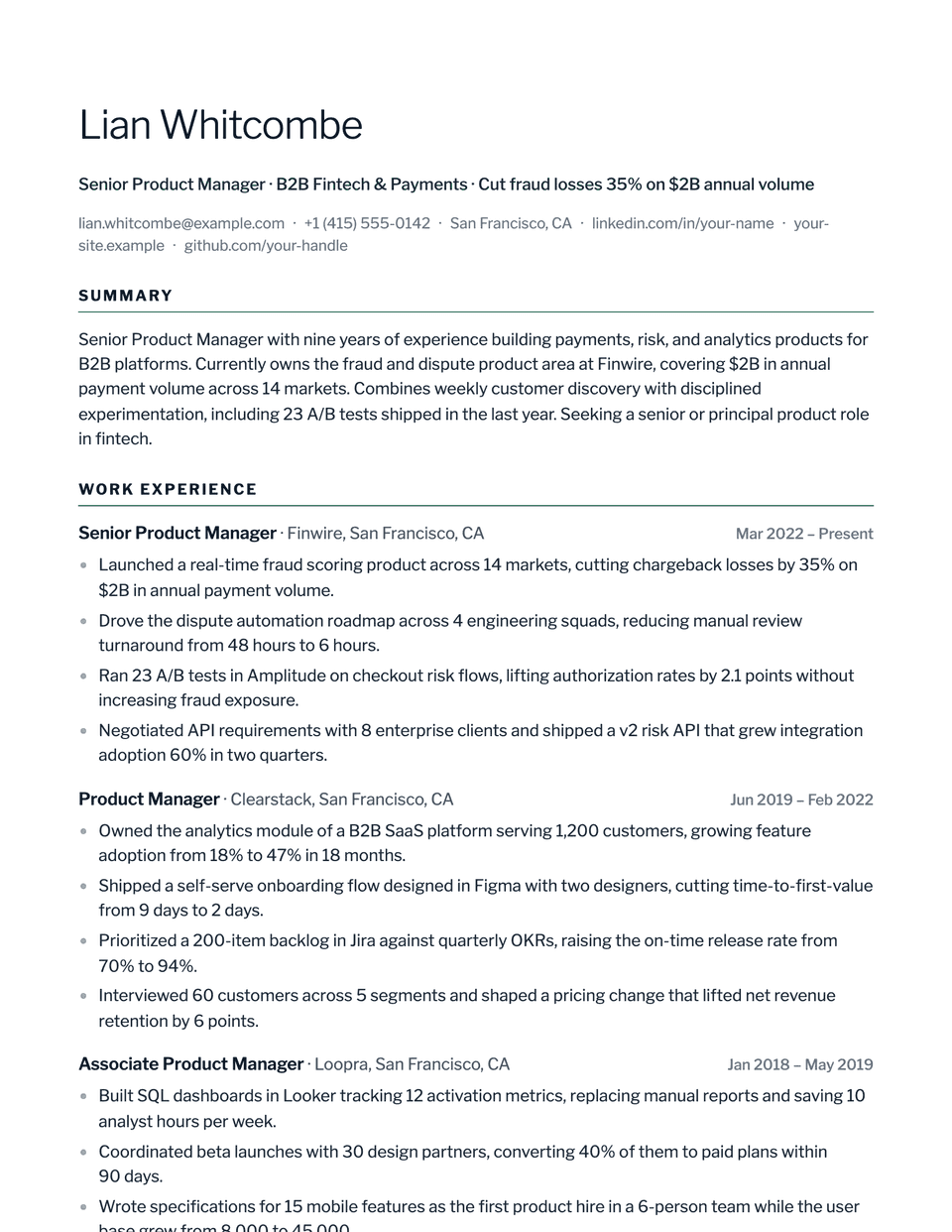
No sample resume is set in Meridian yet. These examples use a layout from the same style group, and any of them opens in Meridian with one click in the editor.
Similar templates
All resume templates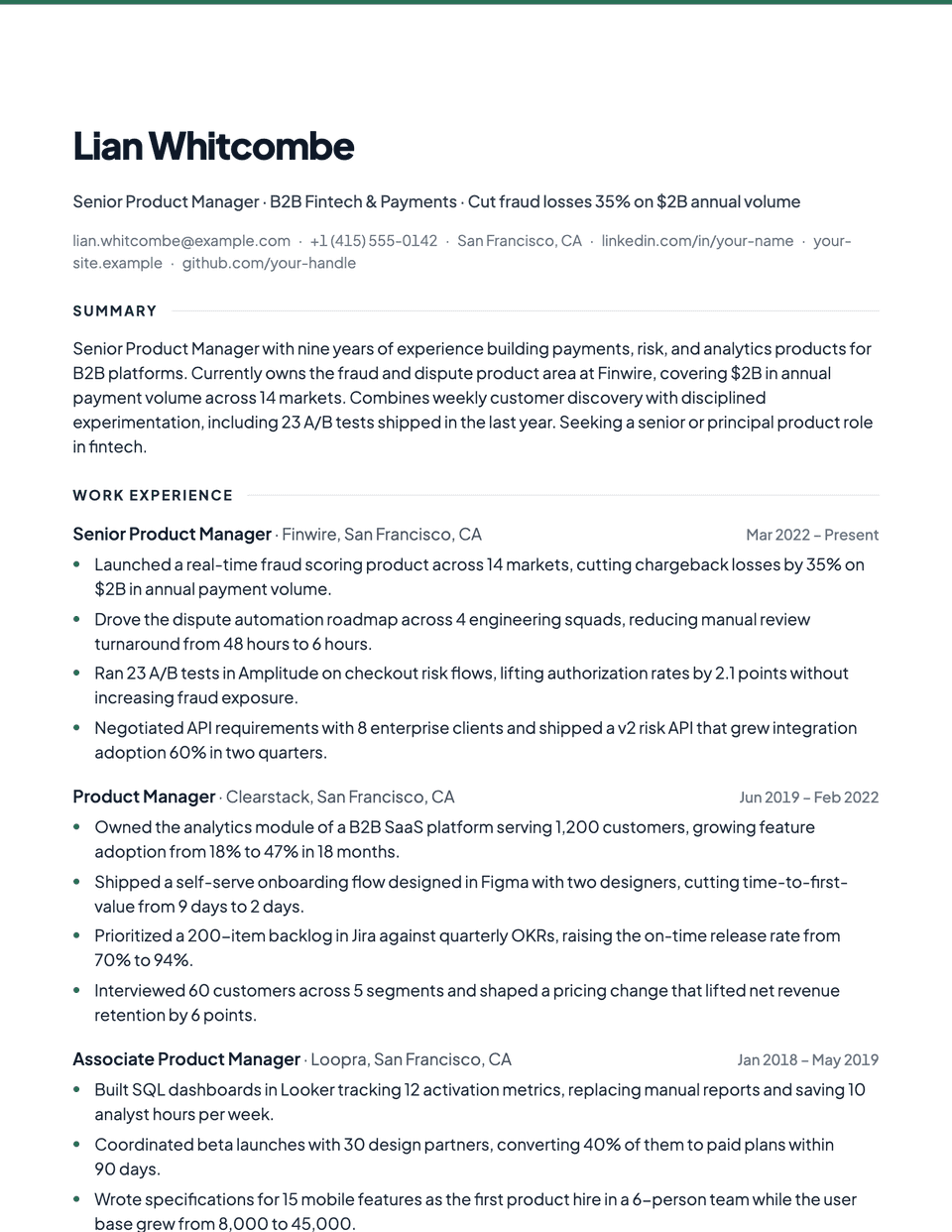
Meridian template questions
Is white text on a dark header ATS-safe?
Yes. It is real text with a background color, so a parser reads it like any other text. Check that the PDF text can be selected if you want to confirm.
Meridian or Prism?
Both have a dark masthead. Meridian ends it with a keyline along the bottom; Prism adds a thick accent bar on the left edge and has a slightly bolder feel.
Related pages
Give your resume the Meridian look
Open it in the editor with your details, or check the resume you already have first.