Video Interview Tips: Look and Sound Professional at Home
Master the art of video interviews with these essential tips to look and sound professional from the comfort of your home.
The Ruubu Team··5 min read
Video interviews have become a staple of the hiring process, especially in today's remote work environment. With the rise of virtual interviews, it is essential to look and sound professional during these meetings. A great first impression can set you apart from other candidates and significantly increase your chances of landing the job. Here are some essential video interview tips to help you present your best self and succeed in your remote job application.
Create a Professional Environment
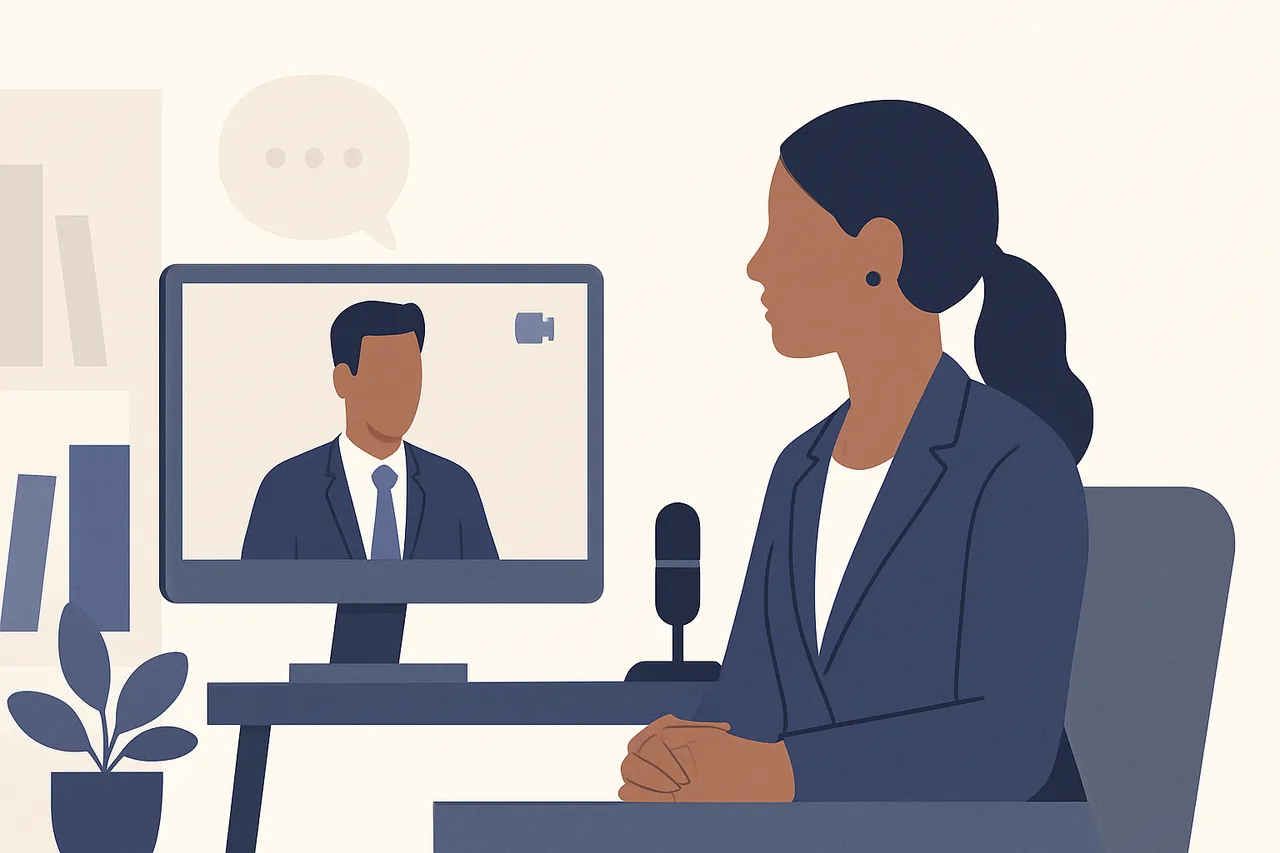
Your surroundings can significantly impact how you come across during a video interview. A cluttered or distracting background can divert attention away from you, while a clean and organized space can enhance your professionalism. Here are some specific tips to enhance your environment:
Select a tidy room with good lighting; natural light is often the most flattering.
Avoid busy backgrounds; a plain wall or a neatly arranged bookshelf works well.
Inform housemates or family members about your interview time to minimize interruptions.
In addition to the physical setup, consider your virtual background if the platform allows for it. Some video conferencing tools provide options to use a virtual background, which can help maintain a professional appearance. However, ensure that the virtual background is appropriate and does not distract from your presence.
Dress for Success, Even at Home
Just because you're interviewing from home doesn't mean you can skip the professional attire. Dressing appropriately shows respect for the interview process and helps you mentally prepare for the interview. Consider the following tips to ensure your attire is suitable:
Wear business-casual or formal clothing, depending on the company culture; research the company’s dress code if possible.
Avoid overly bright colors and distracting patterns that can take attention away from you.
Dress fully; it’s easy to forget about your lower half, but it helps you feel professional and ready.
Remember that your clothing choices can also affect your confidence. Wearing something that makes you feel good can boost your self-esteem and help you project a positive image during the interview.
Test Your Technology
Technical issues can disrupt the flow of an interview and detract from your professionalism. To avoid any hiccups, take the time to test your technology beforehand. Here's what to do to ensure a smooth experience:
Ensure your computer, camera, and microphone are functioning correctly; consider using headphones for clearer audio.
Test your internet connection speed; aim for at least 5 Mbps upload to maintain video quality.
Familiarize yourself with the video conferencing platform being used; practice navigating its features.
Additionally, consider having a backup plan in case of unforeseen technical difficulties. This could involve having a secondary device ready or knowing how to quickly switch to a phone interview if needed.
Master Body Language and Eye Contact
Non-verbal communication is key in interviews, even over video. Your body language can convey confidence and engagement, which are crucial for making a positive impression. Keep these tips in mind to enhance your non-verbal cues:
Sit up straight and maintain an open posture to project confidence.
Look at the camera when speaking to simulate eye contact; this helps build a connection with the interviewer.
Nod and smile to show engagement with the interviewer; these small gestures can convey enthusiasm.
Being aware of your facial expressions is also important. A genuine smile and an interested expression can create a welcoming atmosphere, making the interviewer feel more connected to you.
Be Mindful of Your Tone and Clarity
How you sound during a video interview is just as important as how you look. Pay attention to your tone and clarity to ensure effective communication. Consider these strategies to enhance your verbal delivery:
Speak clearly and at a moderate pace; avoid mumbling to ensure your message is understood.
Use a friendly yet professional tone to create a positive atmosphere.
Avoid filler words like 'um' or 'like' to maintain clarity and professionalism.
Practicing your responses aloud can help you become more comfortable with your delivery. This practice can also assist in identifying any areas where you might be prone to using filler words.
Practice Makes Perfect
Practicing for a video interview can help you feel more comfortable and confident. Consider conducting mock interviews with a friend or using online platforms that simulate the interview experience. This exercise will help you refine your responses and get used to speaking on camera, allowing you to present your best self during the actual interview.
Additionally, recording yourself during practice sessions can provide valuable insights into your body language and speaking style, allowing you to make necessary adjustments before the real interview.
Follow Up After the Interview
After your video interview, it's essential to follow up with a thank-you note. This not only shows your appreciation but also reinforces your interest in the position. Keep your message concise and professional, reiterating your enthusiasm for the role. A well-crafted follow-up can leave a lasting impression and set you apart from other candidates.
In your follow-up, consider mentioning a specific point discussed during the interview to personalize your message. This shows that you were engaged during the conversation and helps you stand out in the interviewer's mind.
Analyze Your Performance
After the interview, take some time to reflect on your performance. Consider what went well and what areas you can improve upon for future interviews. This self-analysis is crucial for your growth and can help you prepare better for the next opportunity. For a deeper dive into how to evaluate your interview performance, check out our guide on analyze.
Taking notes immediately after the interview can help you capture your thoughts while they are fresh. Reflecting on both your strengths and weaknesses can guide your preparation for future interviews.
Ready to ace your next interview? Explore more preparation resources!