How to Send a Resume: Tips for File Naming and Formats
Master the art of sending your resume with essential tips on file naming, formatting, and email etiquette to make a great impression.
The Ruubu Team··4 min read
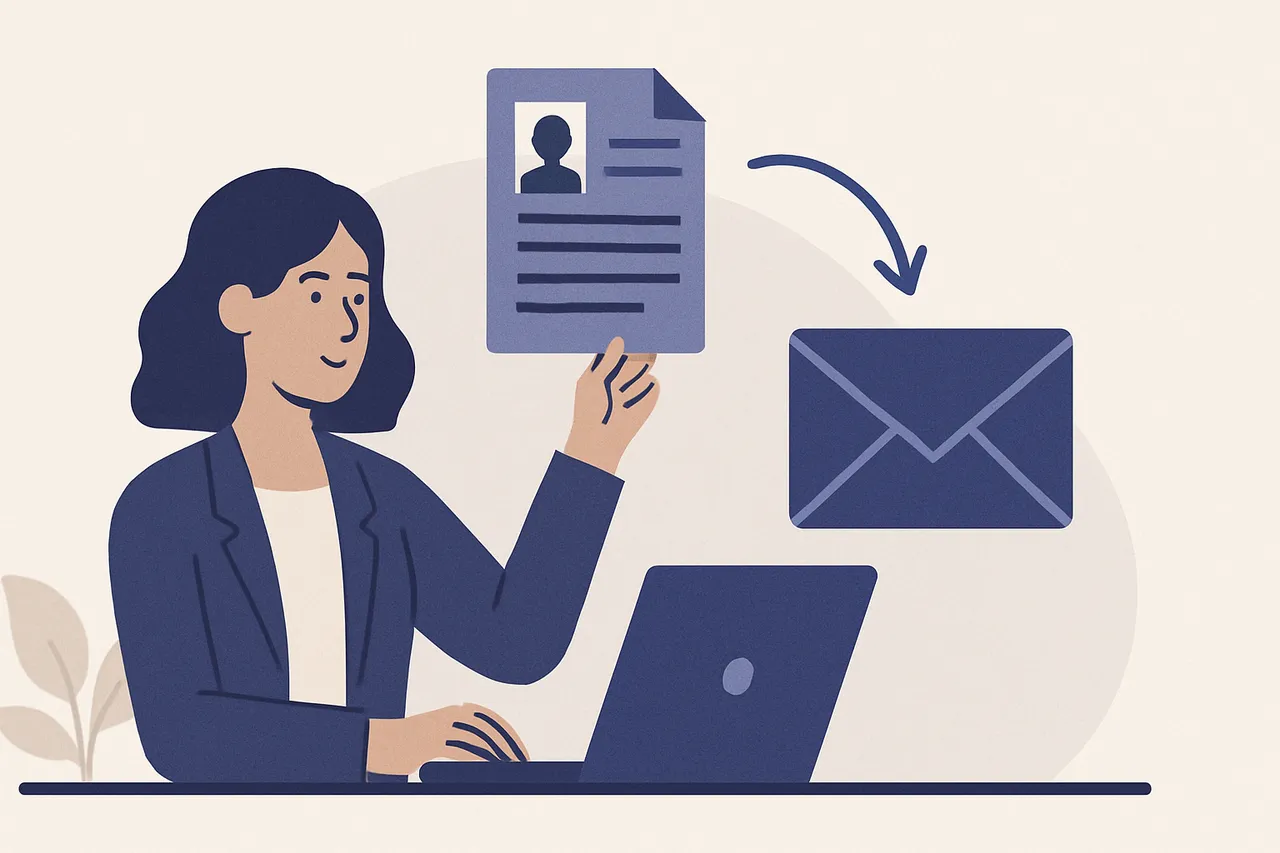
When it comes to job hunting, knowing how to send a resume can significantly impact your chances of landing that dream interview. A well-prepared resume isn't just about the content; it's also about how you present it. From the file format to the naming conventions and the email etiquette, every detail matters. Let’s explore best practices that will help you present your resume in the best possible light.
Choosing the Right File Format for Your Resume
When sending your resume, the file format is crucial. The most commonly accepted formats include PDF and Word documents. Here's why:
PDF: Preserves formatting across different devices and operating systems, ensuring that your resume looks the same for everyone.
Word Document (.doc or .docx): Often preferred by applicant tracking systems (ATS), which many companies use to filter resumes.
If you're unsure which format to use, PDF is generally a safe bet, as it prevents any accidental formatting changes. However, if the job application specifies a particular format, always adhere to those guidelines.
How to Name Your Resume File
The name of your resume file is the first impression you make on potential employers. A clear and professional file name can convey organization and attention to detail. Follow these guidelines:
Use your full name: Avoid generic names like 'Resume' or 'CV'. A name like 'John_Doe_Resume.pdf' is much more professional.
Include the job title: If applicable, add the job title for which you're applying, like 'John_Doe_Marketing_Manager_Resume.pdf'.
Keep it simple: Avoid special characters and spaces that can confuse file systems. Use underscores or dashes instead.
By naming your file thoughtfully, you make it easier for hiring managers to locate your resume in their files. You also demonstrate professionalism and attention to detail.
Crafting a Professional Email for Sending Your Resume
The email you send along with your resume is just as important as the resume itself. Here are some essential tips for writing an effective email:
Subject Line: Clearly state the purpose, such as 'Application for Marketing Manager – John Doe'.
Greeting: Address the recipient by their name if possible. If you don’t know it, a simple 'Dear Hiring Manager' works.
Body: Keep it concise. Introduce yourself, mention the position you're applying for, and briefly outline your qualifications.
A well-structured email can help your resume stand out. Remember, this is your first chance to impress.
Including a Cover Letter: Should You or Shouldn’t You?
Whether to include a cover letter can depend on the application instructions given by the employer. However, when in doubt, it’s often beneficial to include one. A cover letter allows you to expand on your qualifications and explain how your skills and experiences align with the job.
If required: Always follow the employer's instructions regarding cover letters.
If optional: Consider including one to enhance your application and provide context.
Following Up After Sending Your Resume
After sending your resume and cover letter, it’s a good practice to follow up. This shows your interest in the position and can demonstrate your proactive nature. Here’s how to do it effectively:
Wait at least a week after submitting your application before following up.
Send a polite email reiterating your interest in the position and inquiring about the status of your application.
A follow-up can keep you on the radar of hiring managers and shows your enthusiasm for the role.
Using Technology to Your Advantage
In today's digital age, leveraging technology can streamline your job application process. Tools like Ruubu’s free resume builder can help you create a polished resume quickly. This can save you time and ensure that your resume meets industry standards.
Additionally, consider using email tracking tools to know when your resume has been opened. This can give you insight into when to follow up, allowing you to time your communications effectively.
Enhancing Your Resume with Analysis Tools
To further improve your chances of landing an interview, consider utilizing resume analysis tools. These tools can evaluate your resume against job descriptions and provide feedback on how well your qualifications match the requirements. By using resources like this analysis tool, you can gain insights that may help you tailor your resume for specific positions, increasing your chances of catching the employer’s eye.
Final Thoughts: Sending Your Resume with Confidence
Understanding how to send a resume effectively is essential for any job seeker. By choosing the right file format, naming your resume properly, and crafting a professional email, you’ll enhance your chances of making a positive impression. Remember to follow up and utilize technology to your advantage. With these tips, you are well on your way to securing that next interview!
Ready to create a standout resume? Start by using our free resume builder to help you get started!