Choosing the Best Resume File Format: PDF vs. Word
Explore the pros and cons of PDF, Word, and Plain Text formats for your resume and learn which best suits different submission scenarios.
The Ruubu Team··5 min read
When sending out job applications, choosing the right resume file format is crucial. The debate often boils down to PDF vs. Word, with Plain Text sometimes entering the fray. Each format has distinct advantages and disadvantages, depending on the situation. Let's explore these formats to help you decide which one suits your needs best.
PDF: Consistency and Professionalism
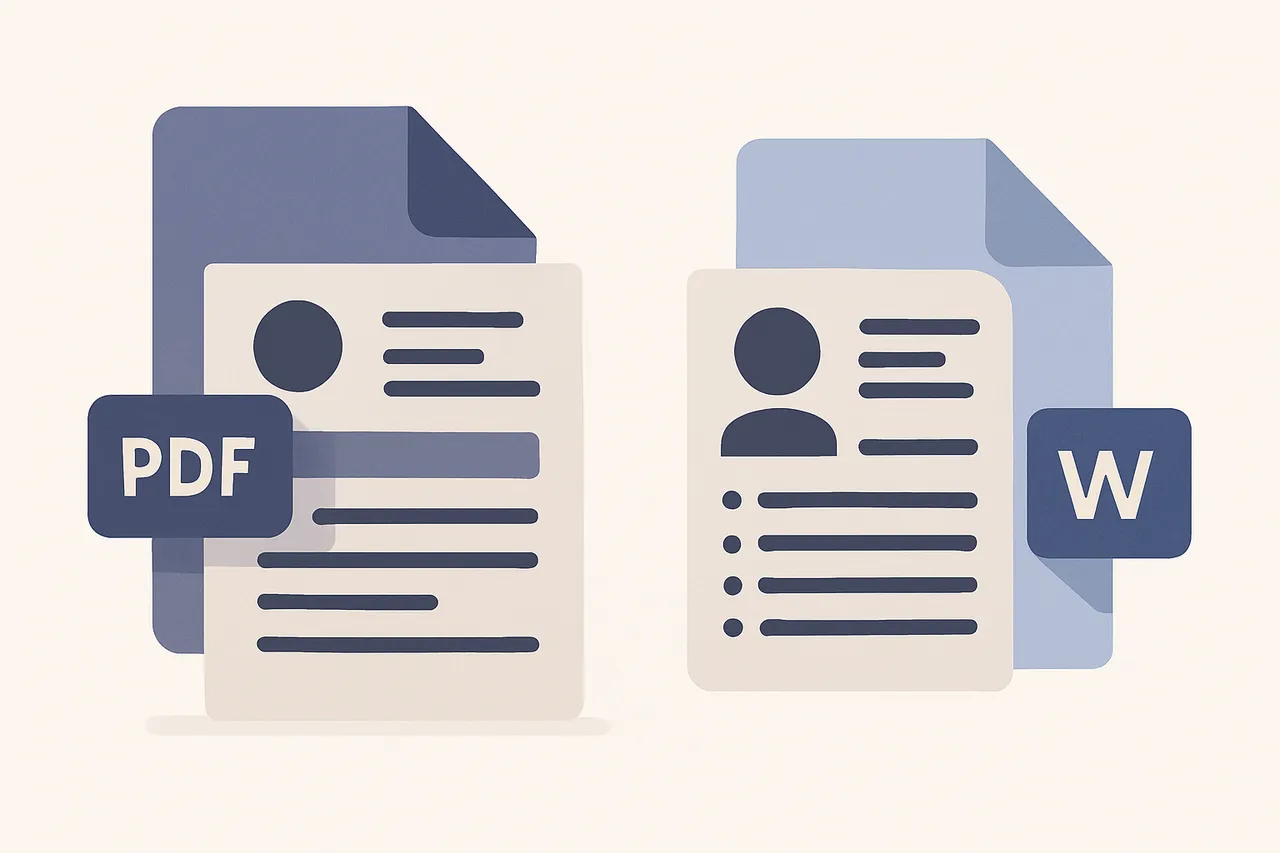
PDF is the go-to format for many job seekers. Its primary advantage is that it preserves the layout and design of your resume across all devices and operating systems. This ensures that what you see is what the employer sees—no unexpected formatting issues.
Keeps formatting intact
Universally accessible
Professional appearance
However, PDFs can be difficult to edit, which may be a disadvantage if you need to quickly tailor your resume to different job applications. Despite this, PDFs are often preferred in creative industries where visual layout is crucial. They are also ideal for roles that require attention to detail, as a well-formatted PDF can showcase your design skills.
Furthermore, PDFs can be password-protected, adding an extra layer of security to your personal information. This is particularly beneficial when applying to companies that handle sensitive data. The ability to lock a document ensures that your resume remains unaltered during the review process.
In addition, PDFs support interactive elements like hyperlinks and buttons, which can be useful if you want to include links to your portfolio or LinkedIn profile. This feature can make your resume more dynamic and engaging, providing potential employers with easy access to additional information about you.
Word: Flexibility and Editability
Microsoft Word is a widely accepted format that offers flexibility. Unlike PDFs, Word documents can be easily edited, making them ideal if you frequently update your resume or need to customize it for each job application.
However, Word files may not always display consistently across different versions or systems, which can lead to formatting issues. This is something to consider when deciding between a PDF or Word format for your resume. Despite this, Word remains popular due to its compatibility with most word processing software, making it easily accessible for both applicants and recruiters.
Moreover, Word files are often requested by recruiters and hiring managers who prefer to make notes or edits directly on the document. This format is also beneficial for roles that require collaboration, as the track changes and comment features facilitate feedback and revisions.
Word documents can also include advanced formatting options such as tables, charts, and graphics, which can be useful for resumes that require detailed information presentation. This makes Word a strong choice for technical positions where such elements might be necessary to convey complex data effectively.
Plain Text: ATS-Friendly but Limited
Plain Text is the simplest format and is often used for online applications where an applicant tracking system (ATS) is involved. This format strips away complex formatting, ensuring that your resume is easily readable by these systems.
ATS compatibility
No formatting issues
Universally readable
The downside is that Plain Text lacks the visual appeal of PDF and Word, which might make your resume less appealing in a competitive job market. However, it is essential when dealing with companies that use older ATS software, which may struggle with more complex formats. Plain Text is also a safe choice when you are unsure of the employer's technical capabilities.
Additionally, Plain Text can be a practical choice for entry-level positions or industries where content is prioritized over design. This format ensures that your skills and experiences are front and center, without the distraction of elaborate formatting.
Another advantage of Plain Text is its lightweight nature, which ensures quick and easy upload to job portals. This can be crucial when applying to multiple positions rapidly, as it reduces the likelihood of technical issues during submission.
When to Use Each Format
Choosing between PDF, Word, and Plain Text depends on the specific job application and employer preferences. Here are some general guidelines to follow:
Use PDF when submitting to a job posting that doesn't specify a format to ensure consistent presentation.
Opt for Word if the job description requests it or if you need to frequently update and customize your resume.
Choose Plain Text when uploading to an ATS or when specified by the employer.
Understanding these options can help you make an informed decision when using a free resume builder to craft your application documents. Consider the industry standards and specific job requirements to maximize your resume's effectiveness.
For international applications, it's important to consider local preferences. For instance, some European countries prefer CVs in Word format due to the ease of translation and editing, while others might favor PDFs for their professional presentation.
Conclusion: The Best Format for You
Ultimately, the best resume file format is the one that aligns with the job application requirements and your personal circumstances. Consider the nature of the job, the preference of the employer, and whether an ATS is involved. By doing so, you'll maximize your chances of making a strong first impression.
In conclusion, being adaptable and knowledgeable about different resume formats can significantly enhance your job application strategy. By tailoring your resume format to each opportunity, you demonstrate both attention to detail and a keen understanding of industry expectations. This adaptability can set you apart from other candidates and increase your chances of landing the job.
Remember, the goal is not just to get your resume read but to engage the reader and make a lasting impression. Whether you choose PDF, Word, or Plain Text, ensure that your resume reflects your professionalism and readiness for the position.
Create a professional resume tailored to your needs today.